



Question: For each activity listed below, select the appropriate tab in the Account and Settings area where the action is located. Update or change company
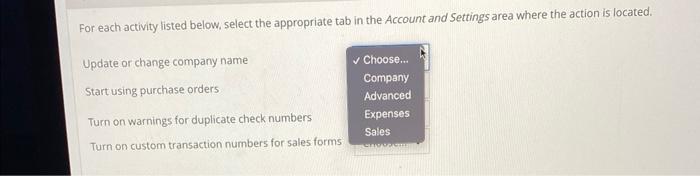
For each activity listed below, select the appropriate tab in the Account and Settings area where the action is located. Update or change company name Start using purchase orders Turn on warnings for duplicate check numbers Turn on custom transaction numbers for sales forms Choose... Company Advanced Expenses Sales
Step by Step Solution
There are 3 Steps involved in it
1 Expert Approved Answer
Step: 1 Unlock

Question Has Been Solved by an Expert!
Get step-by-step solutions from verified subject matter experts
Step: 2 Unlock
Step: 3 Unlock