







Question: Format the Call Sheet worksheet for printing. a . Change the print area to the range A 1 :F 6 5 . b . Set
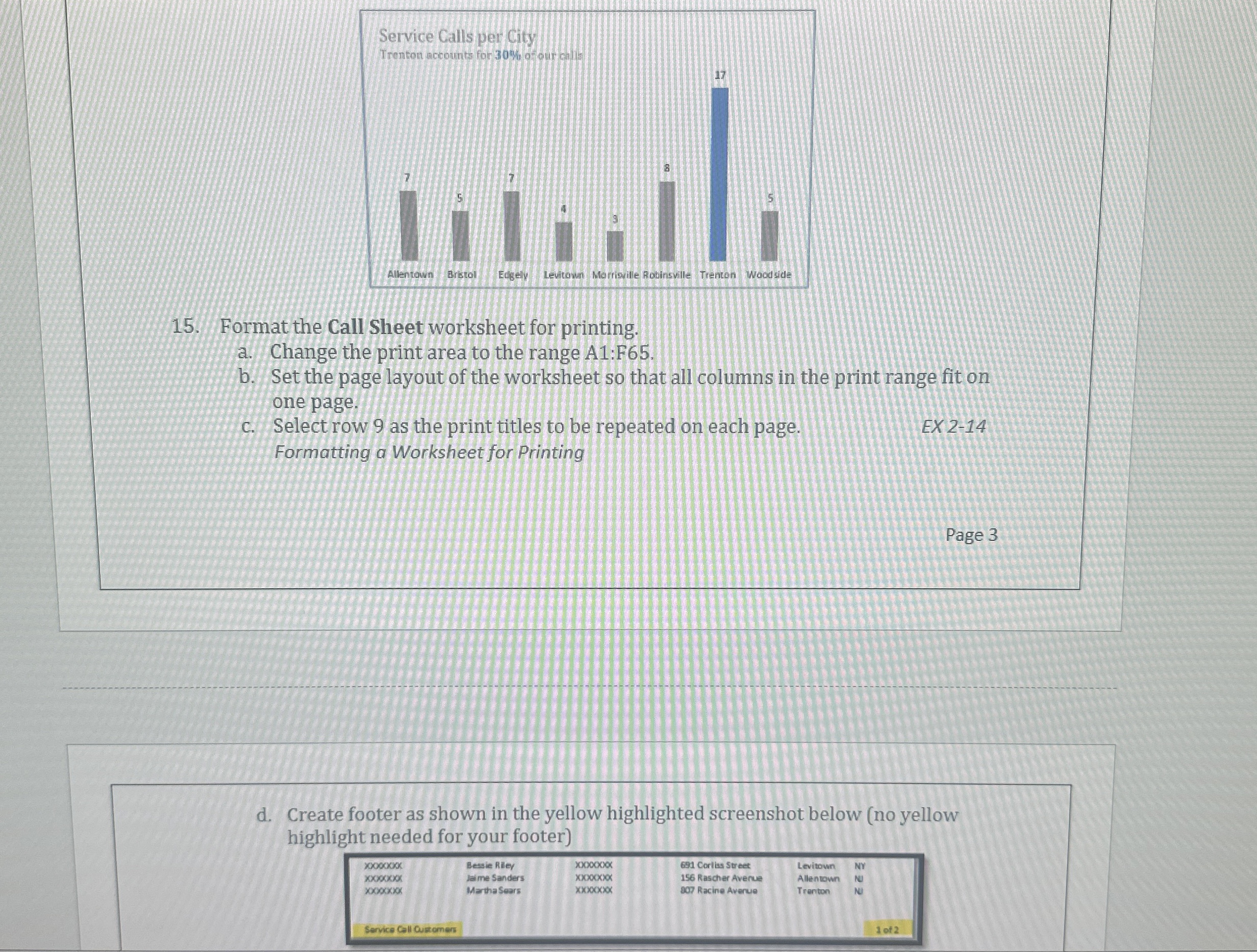
Format the Call Sheet worksheet for printing.
a Change the print area to the range A:F
b Set the page layout of the worksheet so that all columns in the print range fit on
one page.
c Select row as the print titles to be repeated on each page.
EX
Formatting a Worksheet for Printing
d Create footer as shown in the yellow highlighted screenshot below no yellow
highlight needed for your footer
Step by Step Solution
There are 3 Steps involved in it
1 Expert Approved Answer
Step: 1 Unlock

Question Has Been Solved by an Expert!
Get step-by-step solutions from verified subject matter experts
Step: 2 Unlock
Step: 3 Unlock
 Study Help