







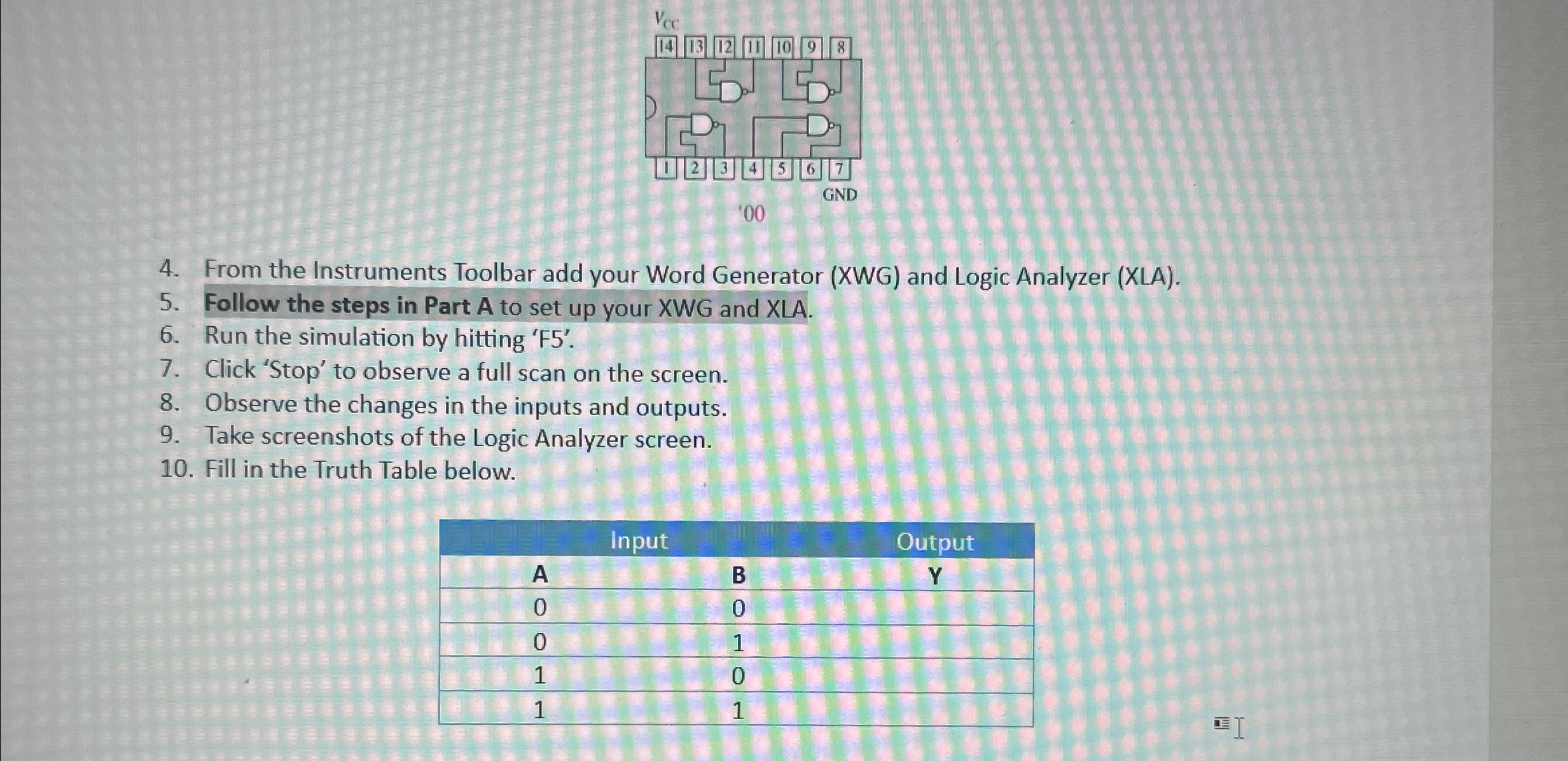
Question: From the Instruments Toolbar add your Word Generator ( XWG ) and Logic Analyzer ( XLA ) . Follow the steps in Part A to
From the Instruments Toolbar add your Word Generator XWG and Logic Analyzer XLA
Follow the steps in Part A to set up your XWG and XLA.
Run the simulation by hitting F
Click 'Stop' to observe a full scan on the screen.
Observe the changes in the inputs and outputs.
Take screenshots of the Logic Analyzer screen.
Fill in the Truth Table below.
tableInputOutputABY
Step by Step Solution
There are 3 Steps involved in it
1 Expert Approved Answer
Step: 1 Unlock

Question Has Been Solved by an Expert!
Get step-by-step solutions from verified subject matter experts
Step: 2 Unlock
Step: 3 Unlock
 Study Help