







Question: Get ready 1. Open a Web browser, and search for a Web site that provides mashups: For example, in Google: list of mashups-music (the-music removes
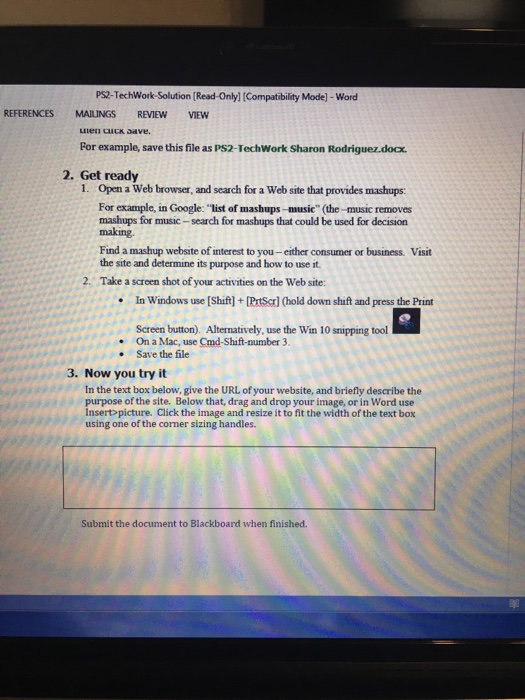
Get ready 1. Open a Web browser, and search for a Web site that provides mashups: For example, in Google: "list of mashups-music" (the-music removes mashups for music-search for mashups that could be used for decision making. Find a mashup website of interest to you-either consumer or business. Visit the site and determine its purpose and how to use it. 2. Take a screen shot of your activities on the Web site: In Windows use [Shift] +Prtscr](hold down shift and press the Print Screen button). Alternatively, use the Win 10 snipping tool On Mac, use Cmd-Shift-number 3. Save the file Now you try it In the text box below give the URL of your website, and briefly describe the purpose of the site. Below that, drag and drop your image, or in Word use Insert picture. Click the image and resize it to fit the width of the text box using one of the corner sizing handles
Step by Step Solution
There are 3 Steps involved in it

Get step-by-step solutions from verified subject matter experts
 Study Help