







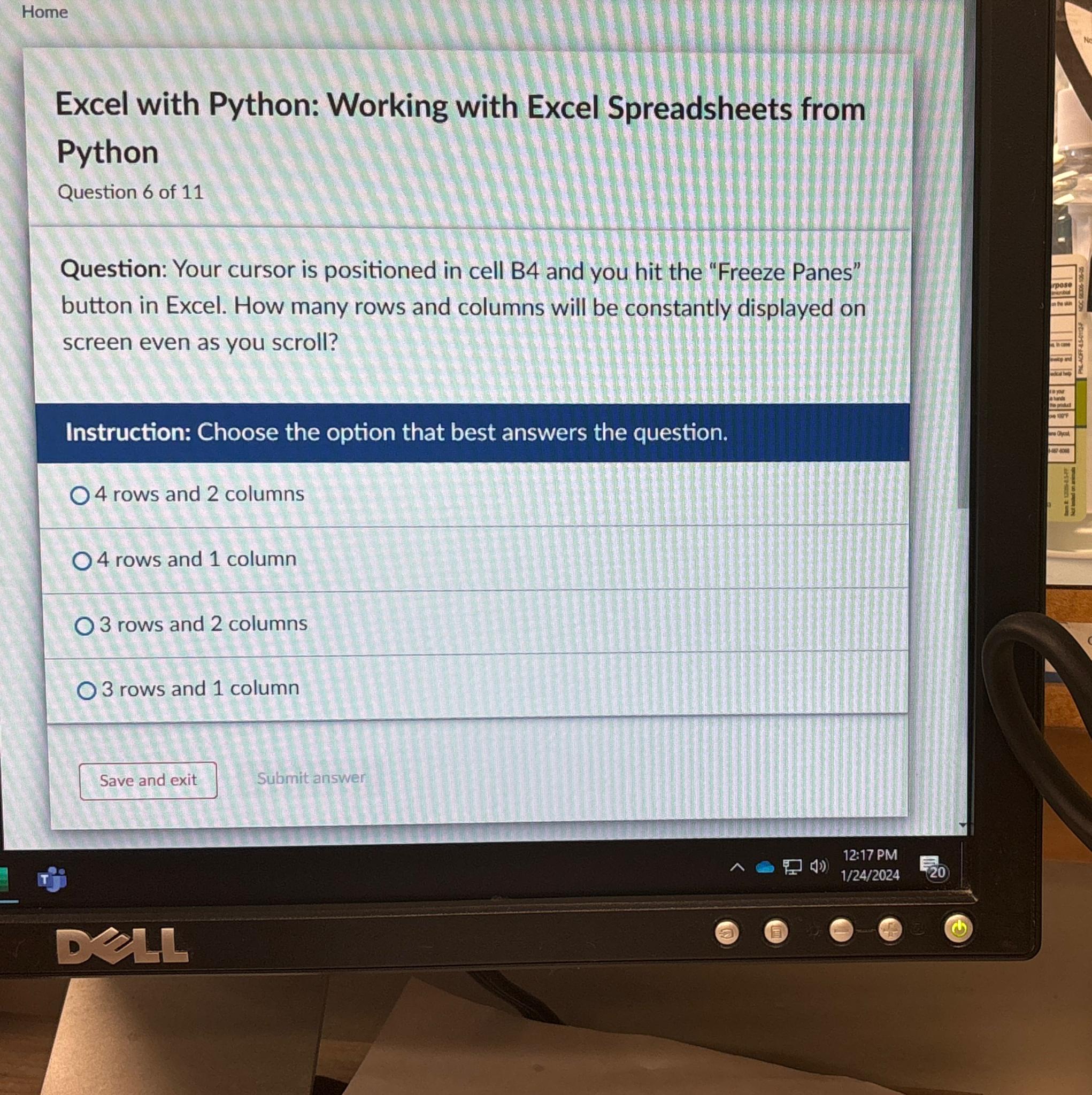
Question: Home Excel with Python: Working with Excel Spreadsheets from Python Question 6 of 1 1 Question: Your cursor is positioned in cell B 4 and
Home
Excel with Python: Working with Excel Spreadsheets from Python
Question of
Question: Your cursor is positioned in cell B and you hit the "Freeze Panes" button in Excel. How many rows and columns will be constantly displayed on screen even as you scroll?
Instruction: Choose the option that best answers the question.
rows and columns
rows and column
rows and columns
rows and column
Submit answer
Step by Step Solution
There are 3 Steps involved in it
1 Expert Approved Answer
Step: 1 Unlock

Question Has Been Solved by an Expert!
Get step-by-step solutions from verified subject matter experts
Step: 2 Unlock
Step: 3 Unlock
 Study Help