







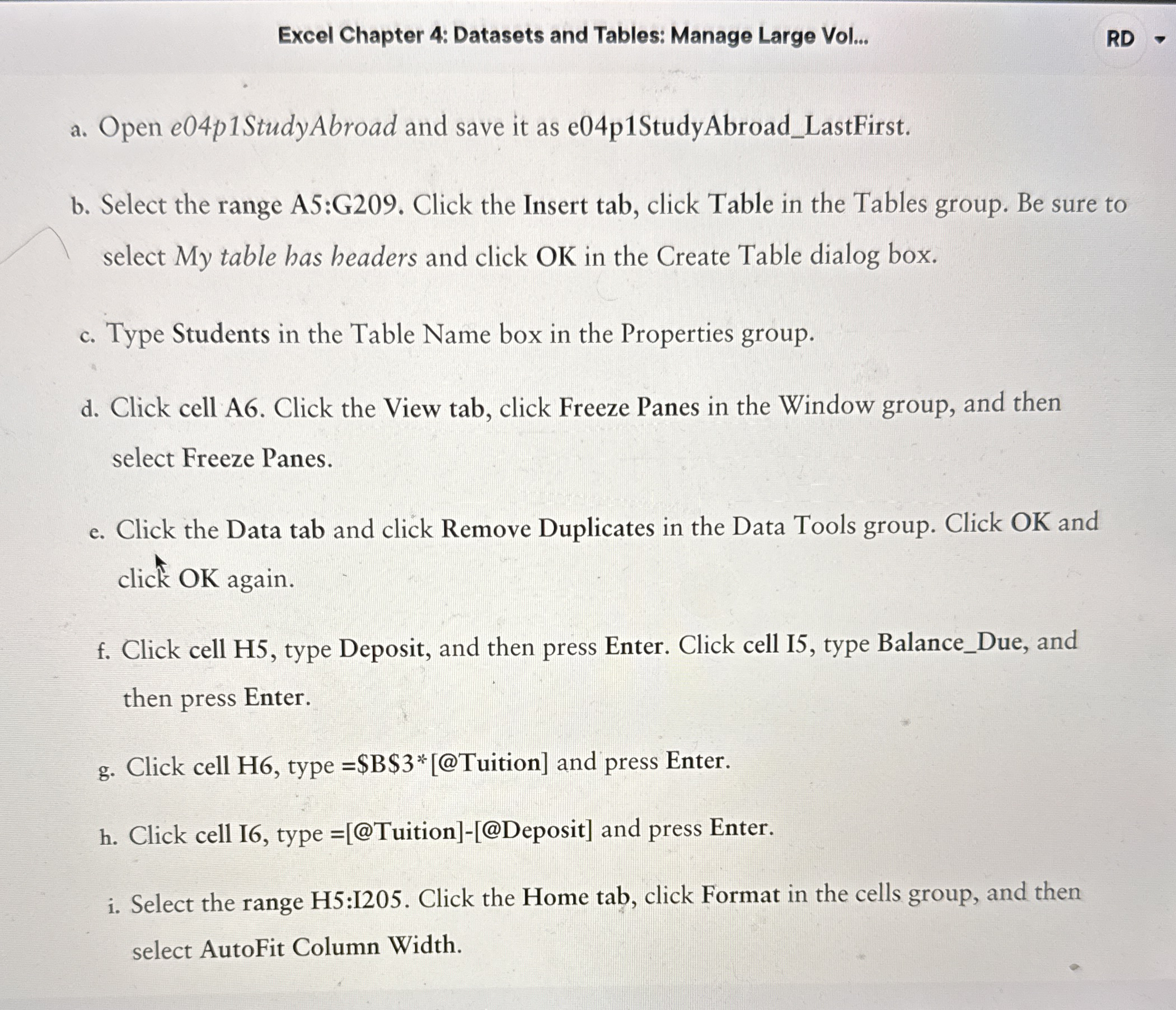
Question: How to solve a . Open e 0 4 p 1 StudyAbroad and save it as e 0 4 p 1 StudyAbroad _ LastFirst. b
How to solve
a Open StudyAbroad and save it as StudyAbroadLastFirst.
b Select the range A:G Click the Insert tab, click Table in the Tables group. Be sure to
select My table has headers and click OK in the Create Table dialog box.
c Type Students in the Table Name box in the Properties group.
d Click cell A Click the View tab, click Freeze Panes in the Window group, and then
select Freeze Panes.
e Click the Data tab and click Remove Duplicates in the Data Tools group. Click OK and
click OK again.
f Click cell H type Deposit, and then press Enter. Click cell I type BalanceDue, and
then press Enter.
g Click cell H type Tuition
Step by Step Solution
There are 3 Steps involved in it
1 Expert Approved Answer
Step: 1 Unlock

Question Has Been Solved by an Expert!
Get step-by-step solutions from verified subject matter experts
Step: 2 Unlock
Step: 3 Unlock
 Study Help