







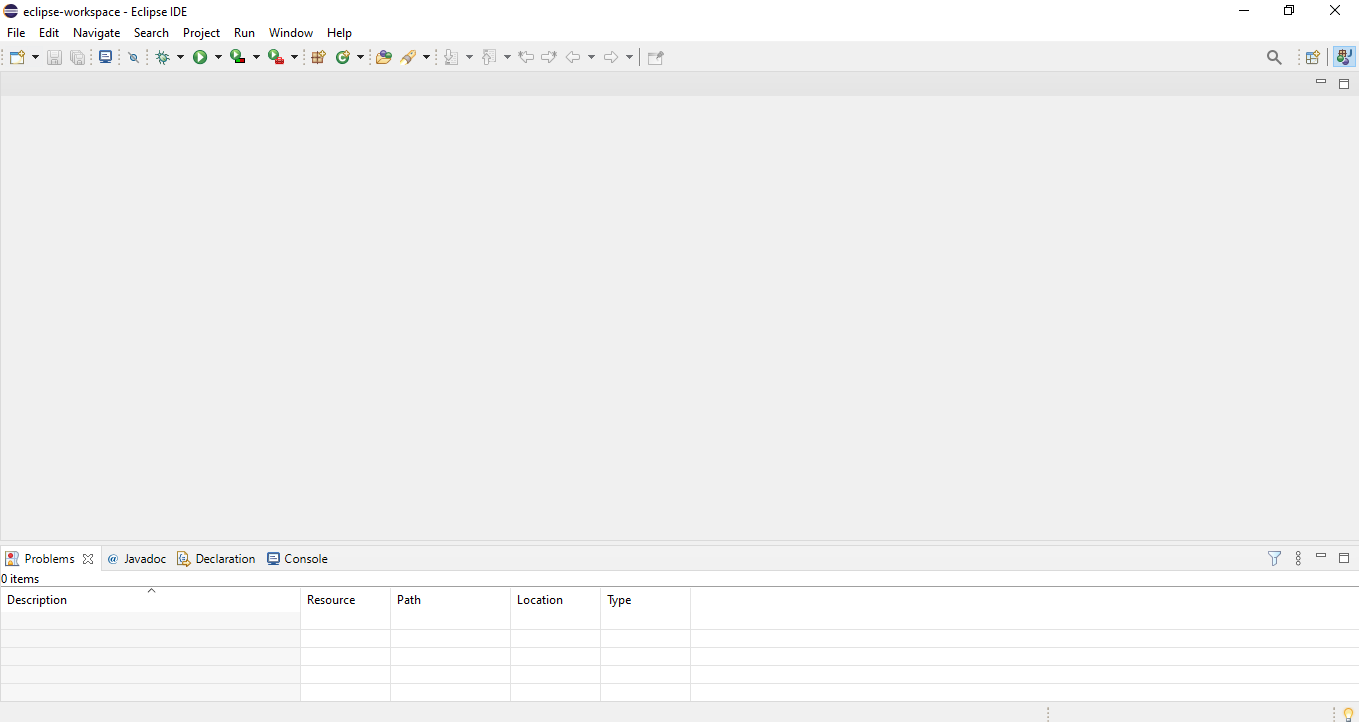
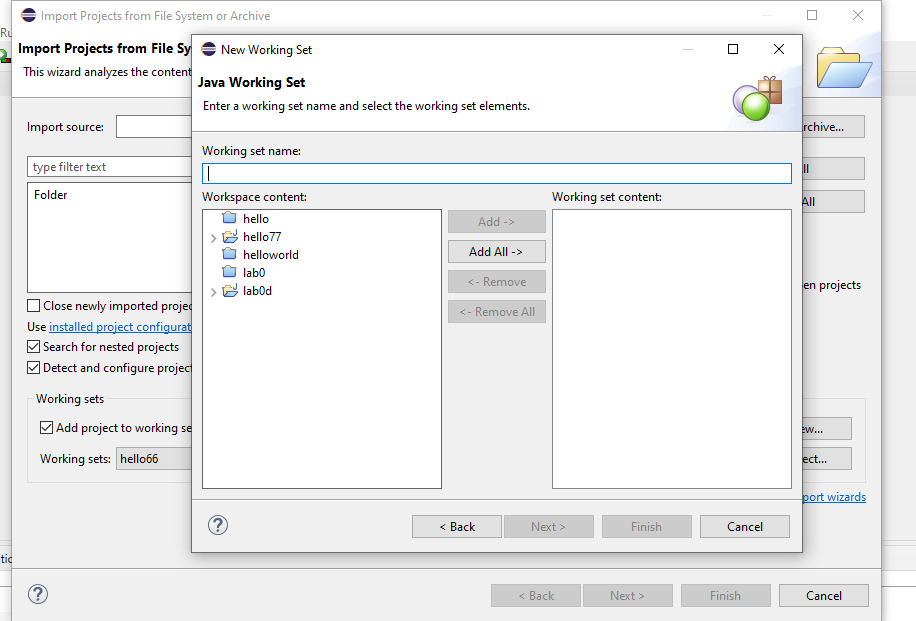
Question: How to solve this screen, I deleted all java projects from eclipse workspace folder but the java eclipse app is still blank and I can't
How to solve this screen, I deleted all java projects from eclipse workspace folder but the java eclipse app is still blank and I can't create a new project, how to fix this, the new project doesn't appear and how to delete those work sets?
eclipse-workspace - Eclipse IDE File Edit Navigate Search Project Run Window Help Q 29 @ Javadoc @ Declaration 2 Console A Problems X 0 items Description Resource Path Location Type X Ru IX rchive... Import Projects from File System or Archive Import Projects from File Sy New Working Set This wizard analyzes the content Java Working Set Enter a working set name and select the working set elements. Import source: Working set name type filter text I Folder Workspace content: hello Add -> hello 77 helloworld Add All -> labo Finish Cancel tic ? Finish Cancel
Step by Step Solution
There are 3 Steps involved in it

Get step-by-step solutions from verified subject matter experts
 Study Help