







Question: How would I add a tool tip to an OK button? Change the buttons tooltip property to true and type in the message you want
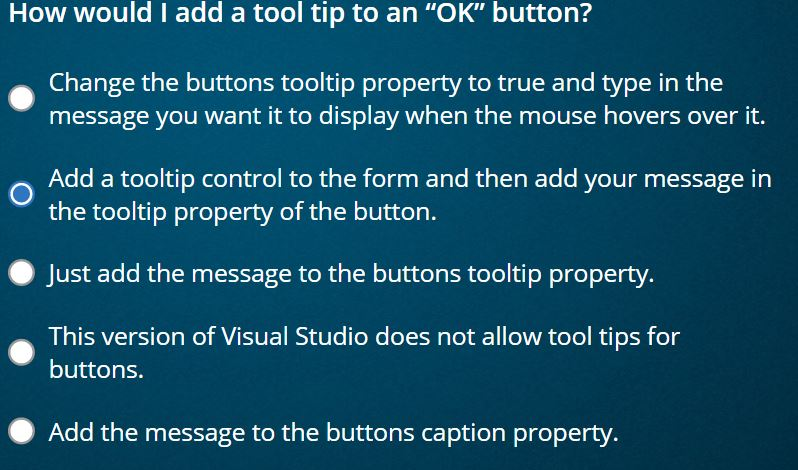
How would I add a tool tip to an "OK" button? Change the buttons tooltip property to true and type in the message you want it to display when the mouse hovers over it. Add a tooltip control to the form and then add your message in the tooltip property of the button. Just add the message to the buttons tooltip property This version of Visual Studio does not allow tool tips for buttons. Add the message to the buttons caption property
Step by Step Solution
There are 3 Steps involved in it
1 Expert Approved Answer
Step: 1 Unlock

Question Has Been Solved by an Expert!
Get step-by-step solutions from verified subject matter experts
Step: 2 Unlock
Step: 3 Unlock
 Study Help