







Question: I need help with homework. It uses Visual Studio Code/Ionic/Cordova/Node.js I need to create this mobile application. Requirements: 1. The app will open the home
I need help with homework. It uses Visual Studio Code/Ionic/Cordova/Node.js I need to create this mobile application.
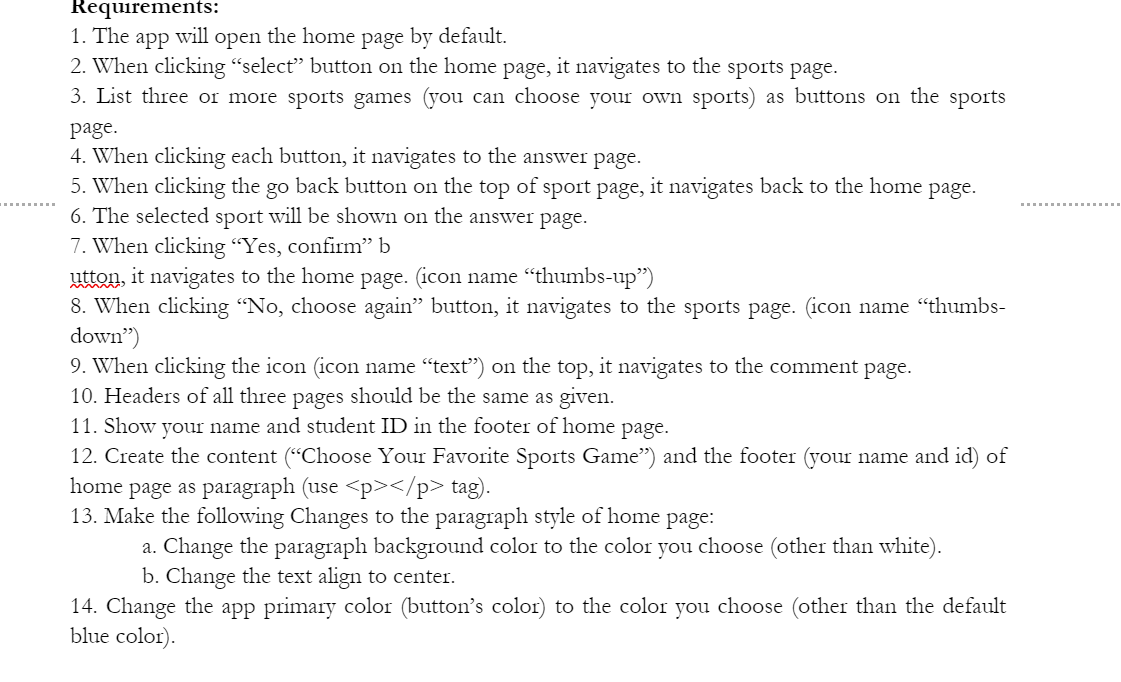
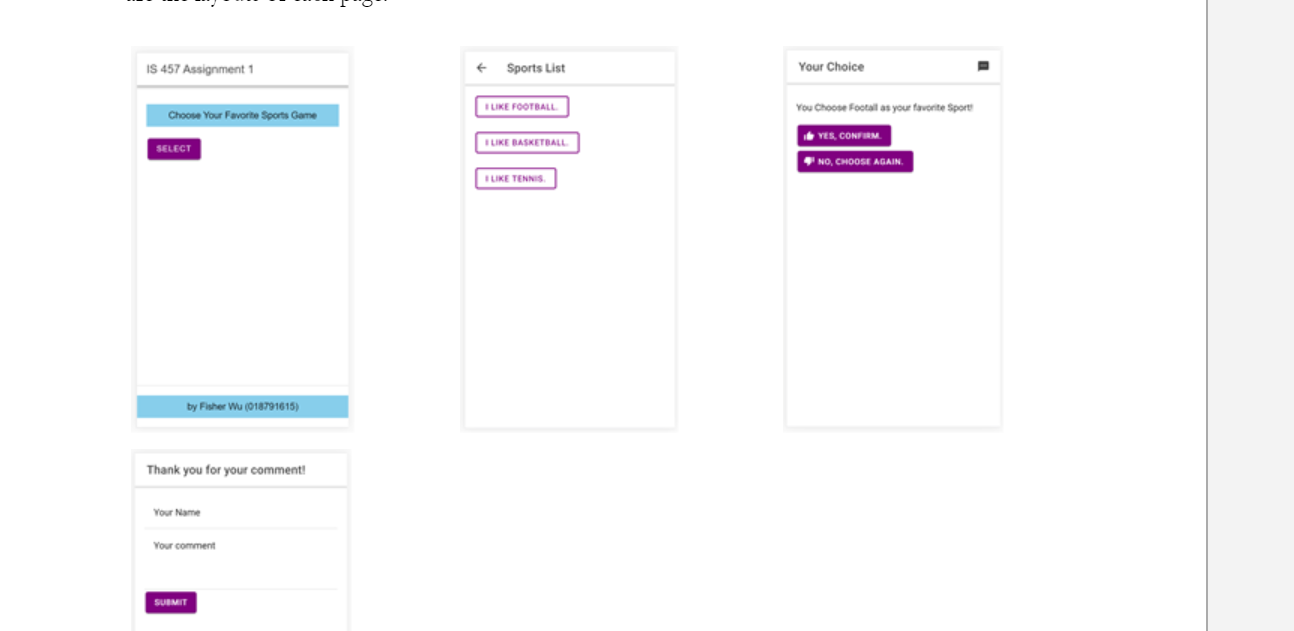
Requirements: 1. The app will open the home page by default. 2. When clicking "select" button on the home page, it navigates to the sports page. 3. List three or more sports games (you can choose your own sports) as buttons on the sports page. 4. When clicking each button, it navigates to the answer page 5. When clicking the go back button on the top of sport page, it navigates back to the home page. 6. The selected sport will be shown on the answer page. 7. When clicking "Yes, confirm b utton, it navigates to the home page. icon name "thumbs-up") 8. When clicking "No, choose again button, it navigates to the sports page. (icon name "thumbs- down) 9. When clicking the icon icon name "text) on the top, it navigates to the comment page. 10. Headers of all three pages should be the same as given. 11. Show your name and student ID in the footer of home page. 12. Create the content (Choose Your Favorite Sports Game") and the footer (your name and id) of home page as paragraph (use
tag). 13. Make the following Changes to the paragraph style of home page: a. Change the paragraph background color to the color you choose (other than white). b. Change the text align to center. 14. Change the app primary color (button's color) to the color you choose (other than the default blue color) " IS 457 Assignment 1 Sports List Your Choice LIKE FOOTBALL You Choose Footall as your favorite Sport Choose Your Favorite Sports Game YES, CONFIRM SELECT LIKE BASKETBALL NO. CHOOSE AGAIN. TUKE TENNIS by Fisher Wu (018791615) Thank you for your comment! Your Name Your comment SUBMIT Requirements: 1. The app will open the home page by default. 2. When clicking "select" button on the home page, it navigates to the sports page. 3. List three or more sports games (you can choose your own sports) as buttons on the sports page. 4. When clicking each button, it navigates to the answer page 5. When clicking the go back button on the top of sport page, it navigates back to the home page. 6. The selected sport will be shown on the answer page. 7. When clicking "Yes, confirm b utton, it navigates to the home page. icon name "thumbs-up") 8. When clicking "No, choose again button, it navigates to the sports page. (icon name "thumbs- down) 9. When clicking the icon icon name "text) on the top, it navigates to the comment page. 10. Headers of all three pages should be the same as given. 11. Show your name and student ID in the footer of home page. 12. Create the content (Choose Your Favorite Sports Game") and the footer (your name and id) of home page as paragraph (use
tag). 13. Make the following Changes to the paragraph style of home page: a. Change the paragraph background color to the color you choose (other than white). b. Change the text align to center. 14. Change the app primary color (button's color) to the color you choose (other than the default blue color) " IS 457 Assignment 1 Sports List Your Choice LIKE FOOTBALL You Choose Footall as your favorite Sport Choose Your Favorite Sports Game YES, CONFIRM SELECT LIKE BASKETBALL NO. CHOOSE AGAIN. TUKE TENNIS by Fisher Wu (018791615) Thank you for your comment! Your Name Your comment SUBMIT
Step by Step Solution
There are 3 Steps involved in it

Get step-by-step solutions from verified subject matter experts
 Study Help