







Question: Implementation guidelines Place Host and Client in two separate directories: Alice and Bob. Generate the Diffie-Hellman parameters (p, g), choose a password PW for Bob
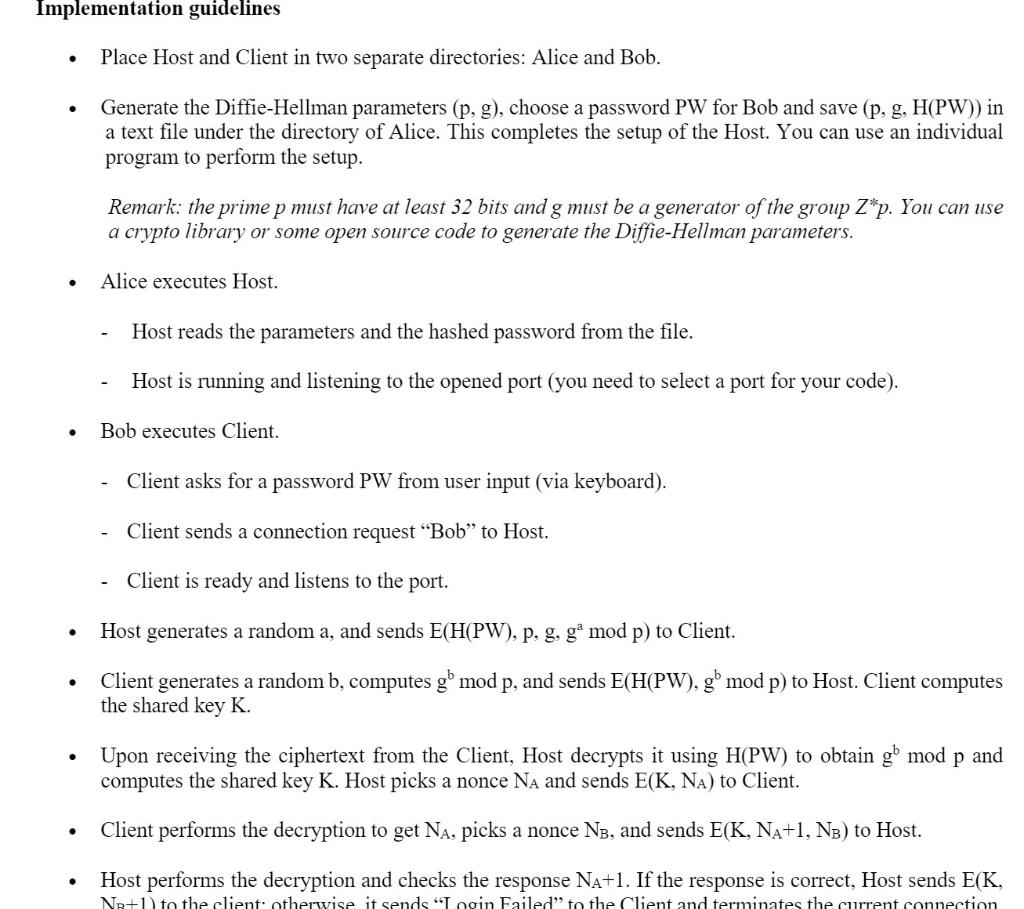
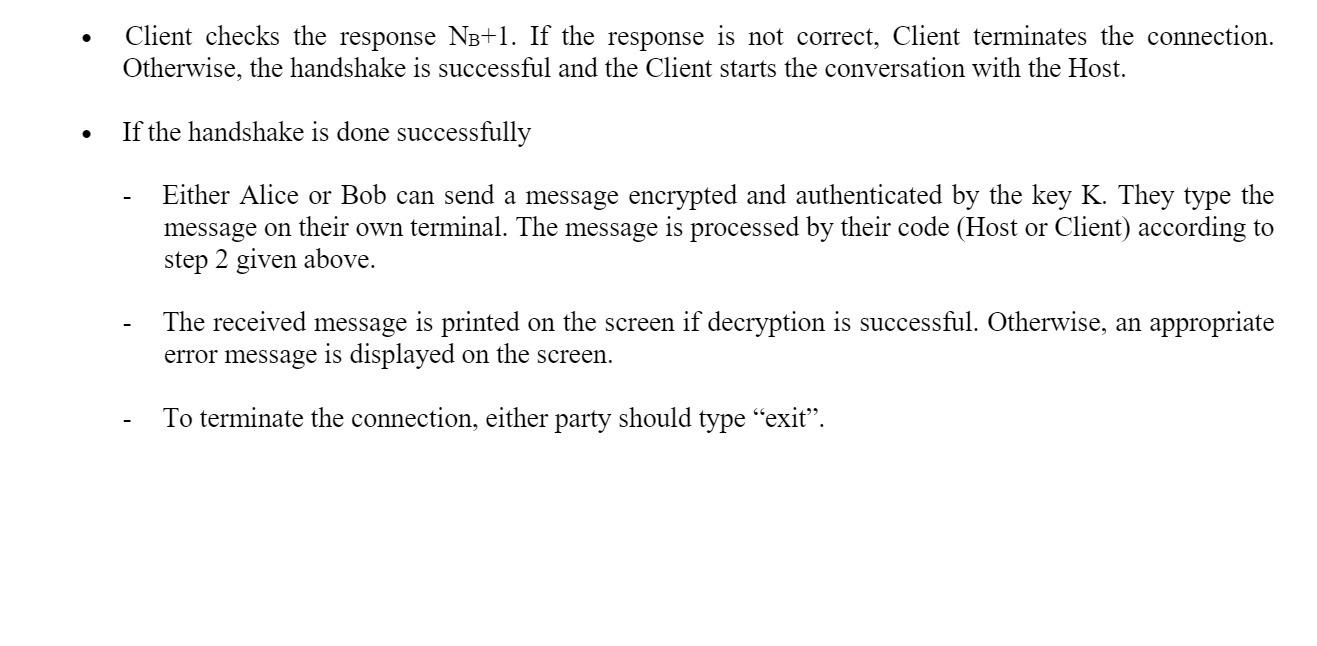
Implementation guidelines Place Host and Client in two separate directories: Alice and Bob. Generate the Diffie-Hellman parameters (p, g), choose a password PW for Bob and save (p, g, H(PW)) in a text file under the directory of Alice. This completes the setup of the Host. You can use an individual program to perform the setup. Remark: the prime p must have at least 32 bits and g must be a generator of the group Z*p. You can use a crypto library or some open source code to generate the Diffie-Hellman parameters. Alice executes Host. Host reads the parameters and the hashed password from the file. Host is running and listening to the opened port (you need to select a port for your code). Bob executes Client. - Client asks for a password PW from user input (via keyboard). Client sends a connection request "Bob" to Host. Client is ready and listens to the port. . Host generates a random a, and sends E(H(PW), p. g, ga mod p) to Client. Client generates a random b, computes g mod p, and sends E(H(PW), g' mod p) to Host. Client computes the shared key K. p Upon receiving the ciphertext from the Client, Host decrypts it using H(PW) to obtain gl mod p and computes the shared key K. Host picks a nonce NA and sends E(K, NA) to Client. . Client performs the decryption to get Na, picks a nonce N3, and sends E(K, NA+1, NB) to Host. Host performs the decryption and checks the response Na+1. If the response is correct, Host sends E(K, Ne+1to the client otherwise it sends Login Failed to the Client and terminates the current connection Client checks the response NB+1. If the response is not correct, Client terminates the connection. Otherwise, the handshake is successful and the Client starts the conversation with the Host. . If the handshake is done successfully Either Alice or Bob can send a message encrypted and authenticated by the key K. They type the message on their own terminal. The message is processed by their code (Host or Client) according to step 2 given above. The received message is printed on the screen if decryption is successful. Otherwise, an appropriate error message is displayed on the screen. To terminate the connection, either party should type exit
Step by Step Solution
There are 3 Steps involved in it

Get step-by-step solutions from verified subject matter experts
 Study Help