







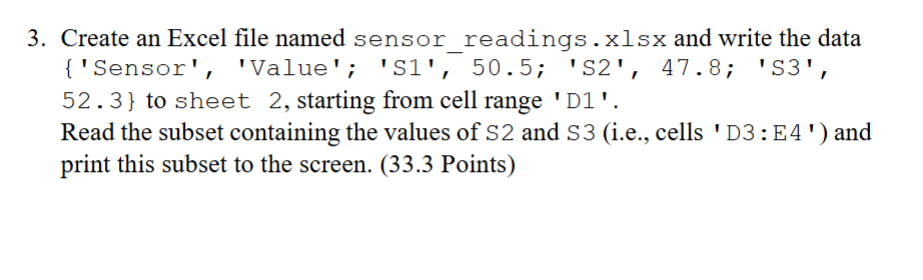
Question: IN MATLAB. 3 . Create an Excel file named sensor _ readings.xlsx and write the data { ' Sensor ' , 'Value'; ' S
IN MATLAB. Create an Excel file named sensorreadings.xlsx and write the data Sensor 'Value'; S; S; S to sheet starting from cell range D Read the subset containing the values of S and Sie cells D:E and print this subset to the screen. Points
Step by Step Solution
There are 3 Steps involved in it
1 Expert Approved Answer
Step: 1 Unlock

Question Has Been Solved by an Expert!
Get step-by-step solutions from verified subject matter experts
Step: 2 Unlock
Step: 3 Unlock
 Study Help