







Question: In the given spreadsheet, columns A though E represent a data table. However, there are missing values in columns C through E . In cell
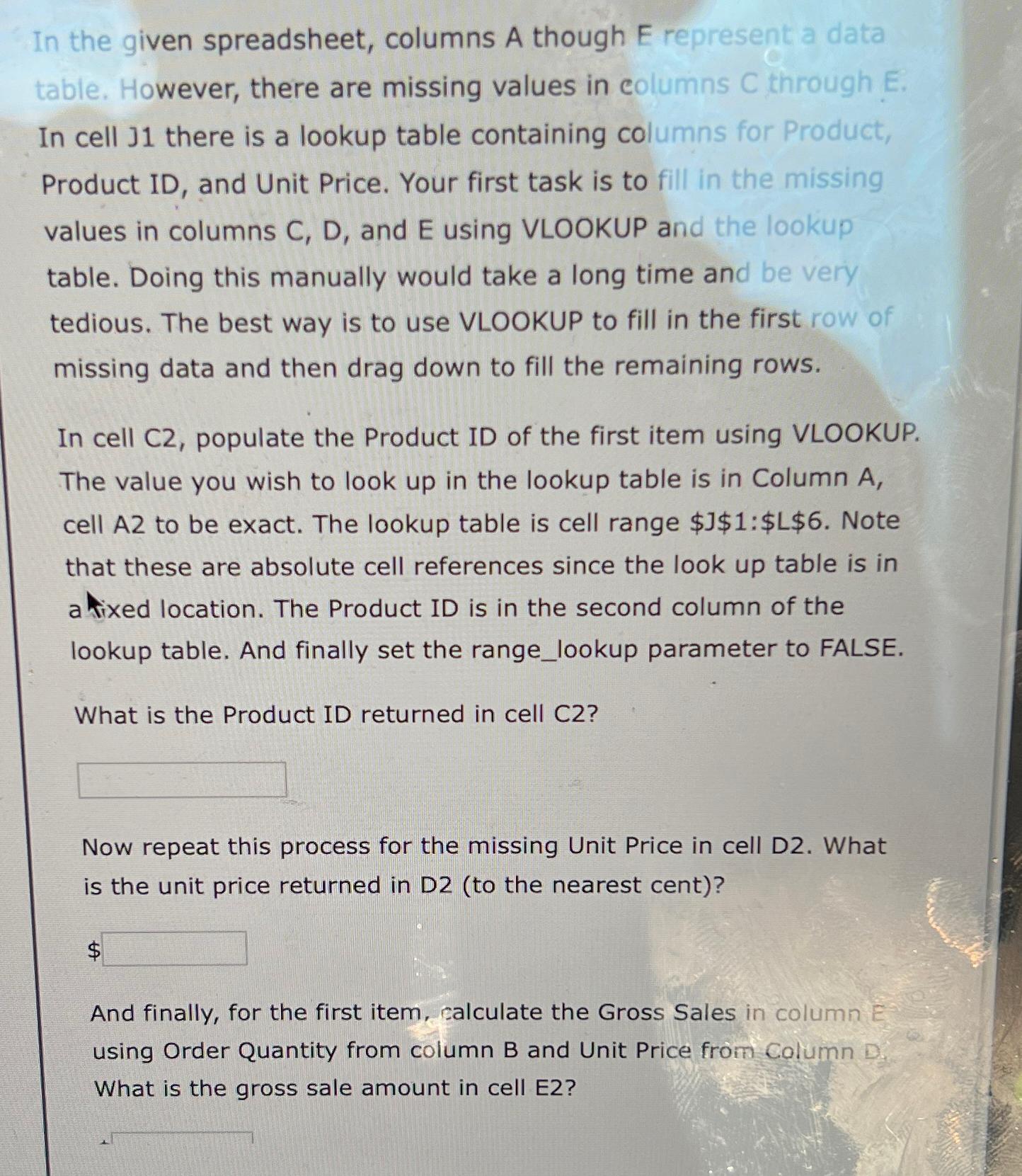
In the given spreadsheet, columns A though represent a data table. However, there are missing values in columns through In cell there is a lookup table containing columns for Product, Product ID and Unit Price. Your first task is to fill in the missing values in columns C D and E using VLOOKUP and the lookup table. Doing this manually would take a long time and be very tedious. The best way is to use VLOOKUP to fill in the first row of missing data and then drag down to fill the remaining rows.
In cell populate the Product ID of the first item using VLOOKUP. The value you wish to look up in the lookup table is in Column A cell to be exact. The lookup table is cell range $$:$$ Note that these are absolute cell references since the look up table is in a tocation. The Product ID is in the second column of the lookup table. And finally set the rangelookup parameter to FALSE.
What is the Product ID returned in cell C
Now repeat this process for the missing Unit Price in cell D What is the unit price returned in Dto the nearest cent
$
And finally, for the first item, calculate the Gross Sales in column E using Order Quantity from column B and Unit Price from Column D What is the gross sale amount in cell E
Step by Step Solution
There are 3 Steps involved in it
1 Expert Approved Answer
Step: 1 Unlock

Question Has Been Solved by an Expert!
Get step-by-step solutions from verified subject matter experts
Step: 2 Unlock
Step: 3 Unlock
 Study Help