







Question: ings OS Lab Part 4) Unless explicitly instructed to do so, nmap will NOT scan EVERY port of a device. Therefore, the results in
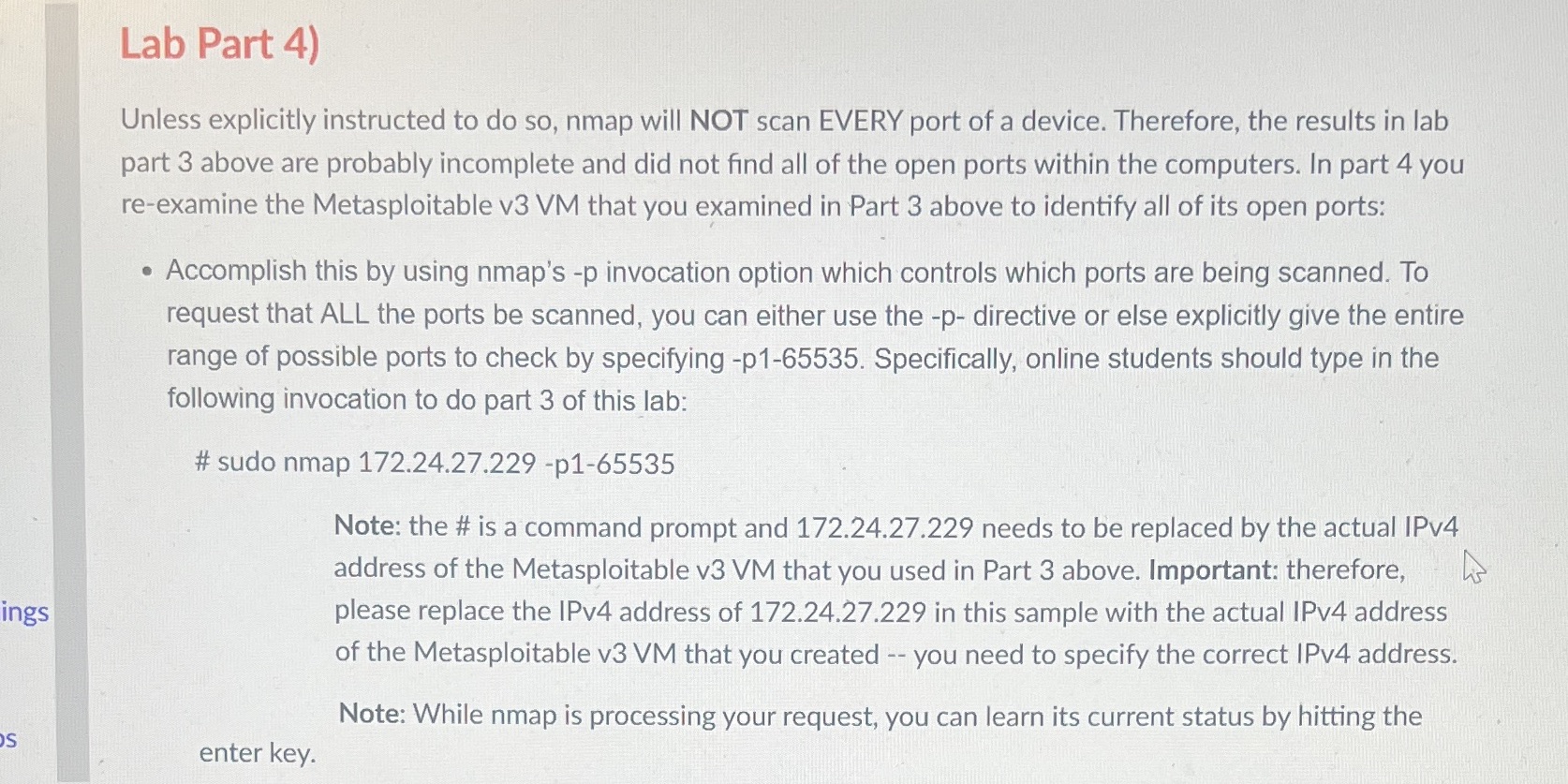
ings OS Lab Part 4) Unless explicitly instructed to do so, nmap will NOT scan EVERY port of a device. Therefore, the results in lab part 3 above are probably incomplete and did not find all of the open ports within the computers. In part 4 you re-examine the Metasploitable v3 VM that you examined in Part 3 above to identify all of its open ports: Accomplish this by using nmap's -p invocation option which controls which ports are being scanned. To request that ALL the ports be scanned, you can either use the -p- directive or else explicitly give the entire range of possible ports to check by specifying -p1-65535. Specifically, online students should type in the following invocation to do part 3 of this lab: #sudo nmap 172.24.27.229 -p1-65535 enter key. Note: the # is a command prompt and 172.24.27.229 needs to be replaced by the actual IPv4 address of the Metasploitable v3 VM that you used in Part 3 above. Important: therefore, A please replace the IPv4 address of 172.24.27.229 in this sample with the actual IPv4 address of the Metasploitable v3 VM that you created -- you need to specify the correct IPv4 address. Note: While nmap is processing your request, you can learn its current status by hitting the
Step by Step Solution
There are 3 Steps involved in it
In Part 4 of the lab you are required to reexamine the Metasploitable v3 VM to identify all of its o... View full answer

Get step-by-step solutions from verified subject matter experts
 Study Help