







Question: INSTRUCTION: Construct 2 routers with 1PC each, then screenshot the Ping Command Status, proving that there is a connectivity. Use the following codes in this
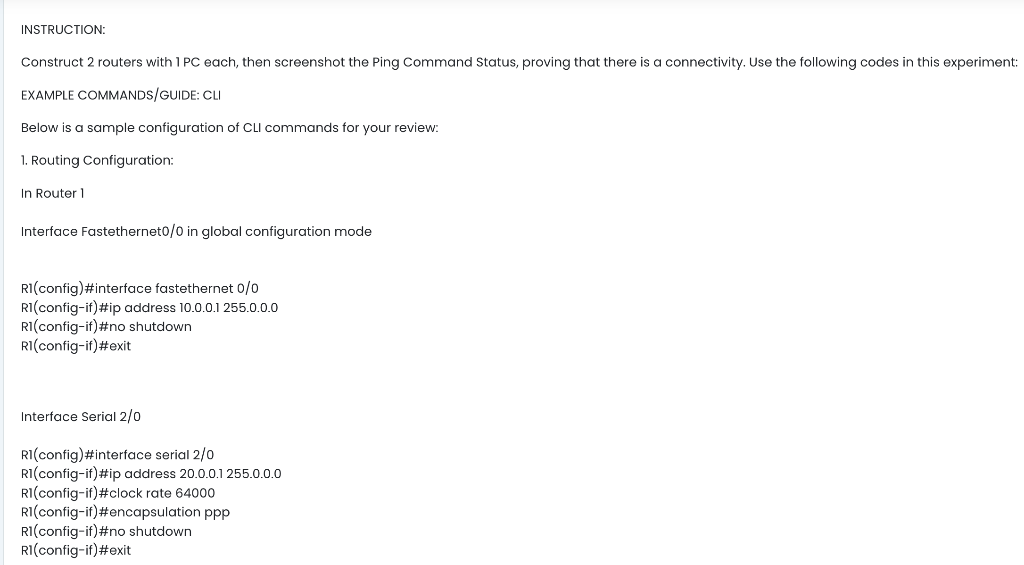
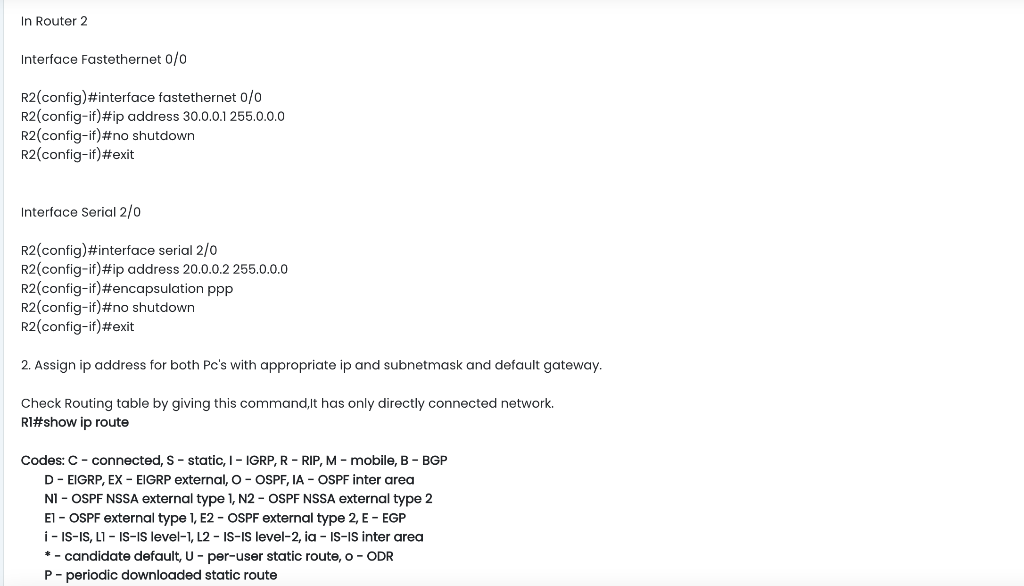
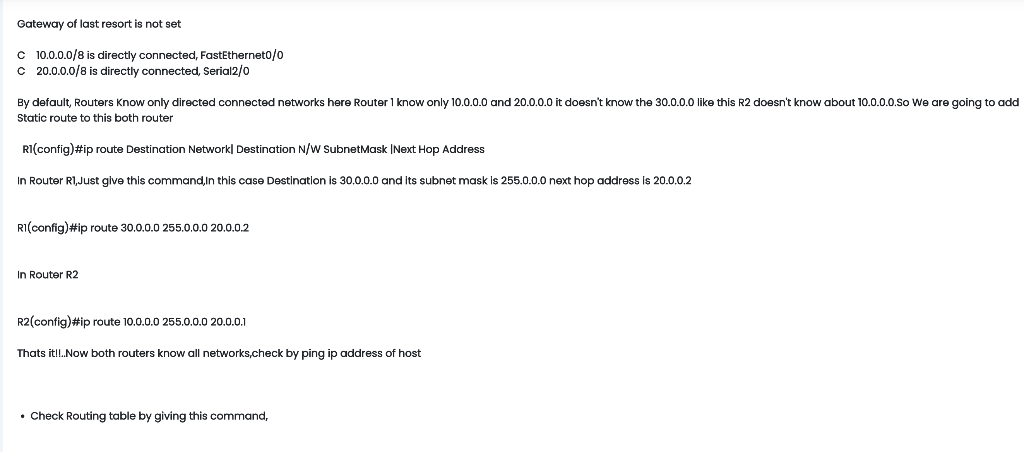
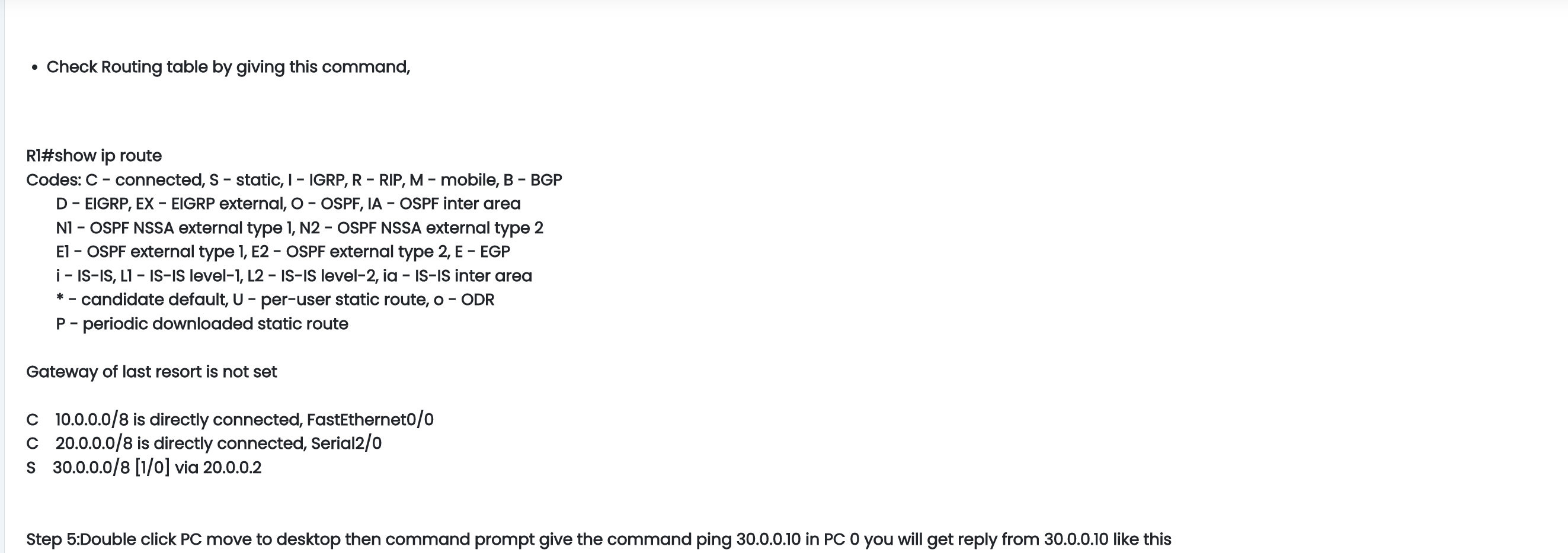
INSTRUCTION: Construct 2 routers with 1PC each, then screenshot the Ping Command Status, proving that there is a connectivity. Use the following codes in this experiment: EXAMPLE COMMANDS/GUIDE: CLI Below is a sample configuration of CLI commands for your review: 1. Routing Configuration: In Router 1 Interface Fastethernet 0/0 in global configuration mode R1 (config)\#interface fastethernet 0/0 R1 (config-if)\#ip address 10.0.0.1255.0.0.0 R1 (config-if)\#no shutdown R1 (config-if)\#exit Interface Serial 2/0 Rl (config)\#interface serial 2/0 R1 (config-if)\#ip address 20.0.0.1 255.0.0.0 RI (config-if)\#clock rate 64000 RI (config-if)\#encapsulation ppp Rl (config-if)\#no shutdown R (config-if)\#exit In Router 2 Interface Fastethernet 0/0 R2(config)\#interface fastethernet 0/0 R2(config-if)\#ip address 30.0.0.1 255.0.0.0 R2(config-if)\#no shutdown R2(config-if)\#exit Interface Serial 2/0 R2(config)\#interface serial 2/0 R2(config-if)\#ip address 20.0.0.2 255.0.0.0 R2(config-if)\#encapsulation ppp R2(config-if)\#no shutdown R2(config-if)\#exit 2. Assign ip address for both Pc's with appropriate ip and subnetmask and default gateway. Check Routing table by giving this command,It has only directly connected network. RI\#show ip route Codes: C - connected, S - static, I - IGRP, R - RIP, M - mobile, B - BGP D - EIGRP, EX - EIGRP external, O - OSPF, IA - OSPF inter area NI - OSPF NSSA external type 1, N2 - OSPF NSSA external type 2 E1 - OSPF external type 1, E2 - OSPF external type 2, E - EGP i - IS-IS, L1 - IS-IS level-1, L2 - IS-IS level-2, ia - IS-IS inter area * - candidate default, U - per-user static route, o-ODR P - periodic downloaded static route Gateway of last resort is not set C 10.0.0.0/8 is directly connected, FastEtherneto/0 C 20.0.0.0/8 is directly connected, Serial 2/0 Static route to this both router Rl(config)\#ip route Destination Network| Destination N/W SubnetMask |Next Hop Address In Router R1,Just glve this command,In this case Destination is 30.0.0.0 and its subnet mask is 255.0.0.0 next hop address is 20.0.0.2 R1 (config)\#ip route 30.0.0.0 255.0.0.0 20.0.0.2 In Router R2 R2(config)\#ip route 10.0.0.0 255.0.0.0 20.0.0.1 Thats it!l.Now both routers know all networks,check by ping ip address of host - Check Routing table by giving this command, - Check Routing table by giving this command, RI\#show ip route Codes: C - connected, S - static, I - IGRP, R - RIP, M - mobile, B - BGP D - EIGRP, EX - EIGRP external, O - OSPF, IA - OSPF inter area N1 - OSPF NSSA external type 1, N2 - OSPF NSSA external type 2 E1 - OSPF external type 1, E2 - OSPF external type 2, E - EGP i - IS-IS, L1 - IS-IS level-1, L2 - IS-IS level-2, ia - IS-IS inter area * - candidate default, U - per-user static route, 0 - ODR P - periodic downloaded static route Gateway of last resort is not set C 10.0.0.0/8 is directly connected, FastEthernet0/0 C 20.0.0.0/8 is directly connected, Serial 2/0 S 30.0.0.0/8[1/0] via 20.0.0.2
Step by Step Solution
There are 3 Steps involved in it

Get step-by-step solutions from verified subject matter experts
 Study Help