







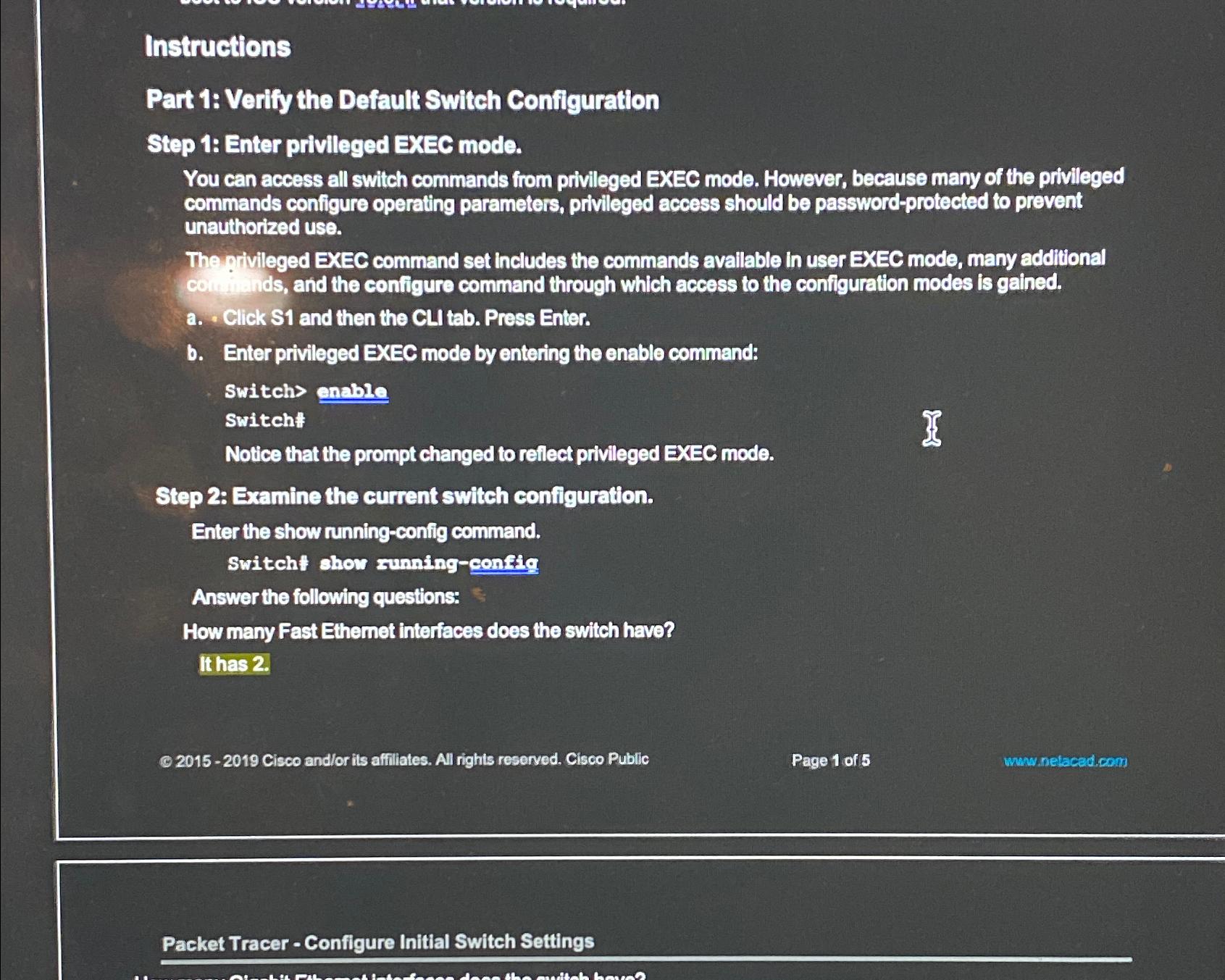
Question: Instructions Part 1 : Verify the Default Switch Configuration Step 1 : Enter privileged EXEC mode. You can access all switch commands from privileged EXEC
Instructions
Part : Verify the Default Switch Configuration
Step : Enter privileged EXEC mode.
You can access all switch commands from privileged EXEC mode. However, because many of the privileged commands configure operating parameters, privileged access should be passwordprotected to prevent unauthorized use.
The pivileged EXEC command set includes the commands avaliable in user EXEC mode, many additional co inds, and the configure command through which access to the configuration modes is gained.
a Click and then the CLI tab. Press Enter.
b Enter privileged EXEC mode by entering the enable command:
Switch enable
Switch:
Notice that the prompt changed to reflect privileged EXEC mode.
Step : Examine the current switch configuration.
Enter the show runningconfig command.
Switcht ohow zunningconfig
Answer the following questions:
How many Fast Ethemet interfaces does the switch have?
Ithas
Q Cisco andor its affiliates. All rights reserved. Cisco Public
Page of
whwnetacad.com
Packet Tracer Configure Initial Switch Settings
Step by Step Solution
There are 3 Steps involved in it
1 Expert Approved Answer
Step: 1 Unlock

Question Has Been Solved by an Expert!
Get step-by-step solutions from verified subject matter experts
Step: 2 Unlock
Step: 3 Unlock
 Study Help