







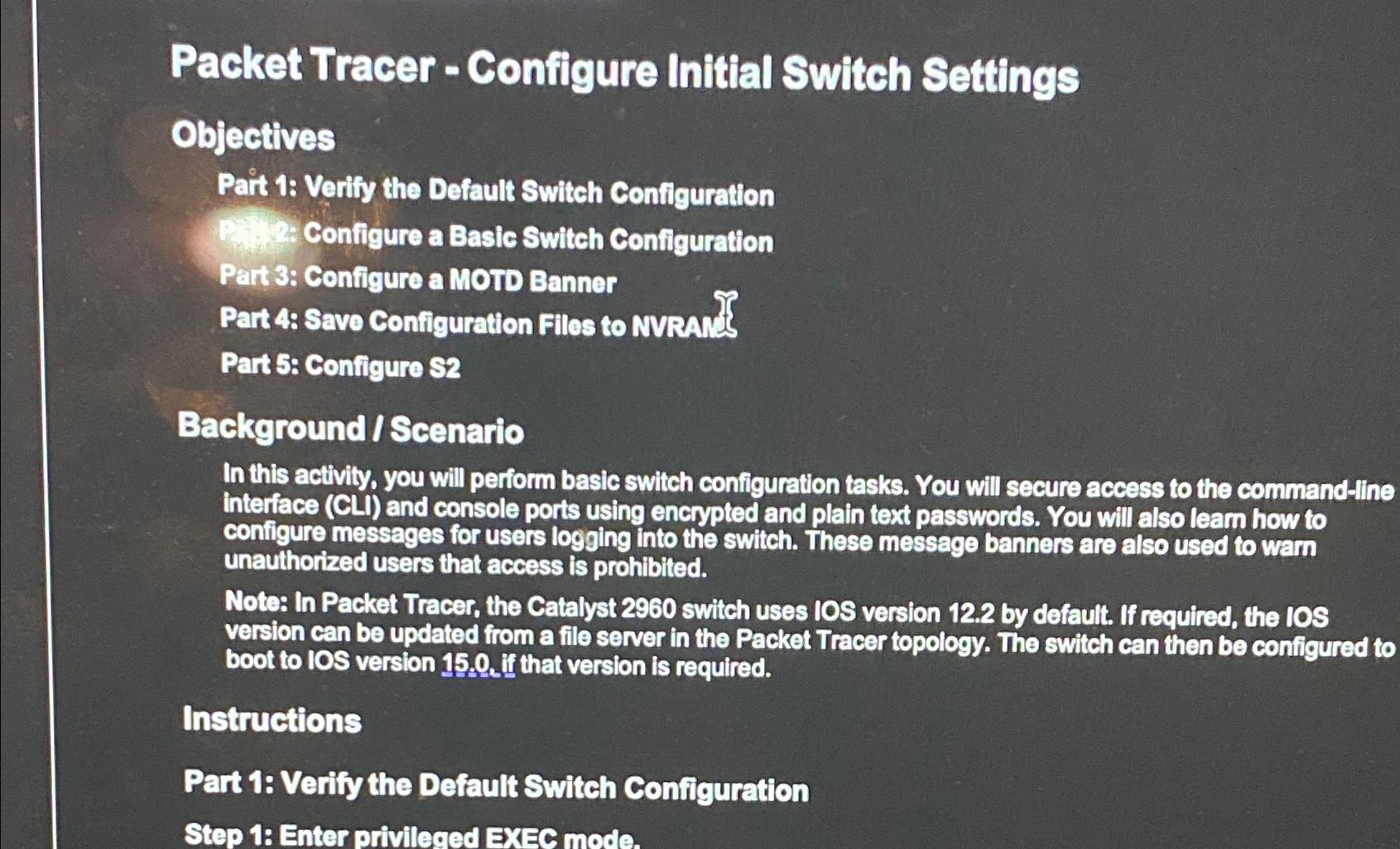
Question: Packet Tracer - Configure Initial Switch Settings Objectives Pait 1 : Verify the Default Switch Configuration Configure a Basic Switch Configuration Part 3 : Configure
Packet Tracer Configure Initial Switch Settings
Objectives
Pait : Verify the Default Switch Configuration
Configure a Basic Switch Configuration
Part : Configure a MOTD Banner
Part : Save Configuration Files to NVRAn's
Part : Configure
BackgroundScenario
In this activity, you will perform basic switch configuration tasks. You will secure access to the commandline interface CLi and console ports using encrypted and plain text passwords. You will also learn how to configure messages for users logging into the switch. These message banners are also used to warn unauthorized users that access is prohibited.
Note: In Packet Tracer, the Catalyst switch uses version by default. If required, the version can be updated from a file server in the Packet Tracer topology. The switch can then be configured to boot to version If that version is required.
Instructions
Part : Verify the Default Switch Configuration
Step : Enter privileged EXEC mode.
Step by Step Solution
There are 3 Steps involved in it
1 Expert Approved Answer
Step: 1 Unlock

Question Has Been Solved by an Expert!
Get step-by-step solutions from verified subject matter experts
Step: 2 Unlock
Step: 3 Unlock
 Study Help