







Question: INT 1450- Chapter 5 Homework Lab Using the Packet Tracer that you have been working on for homework, complete the following 1. Topology: Label each
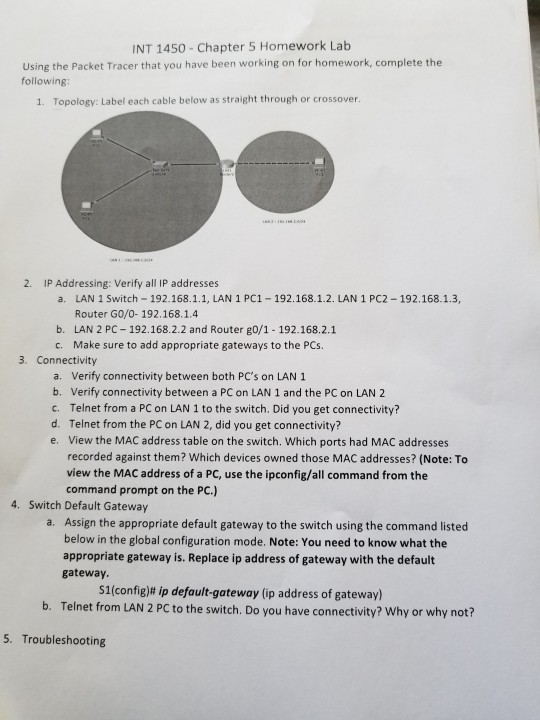
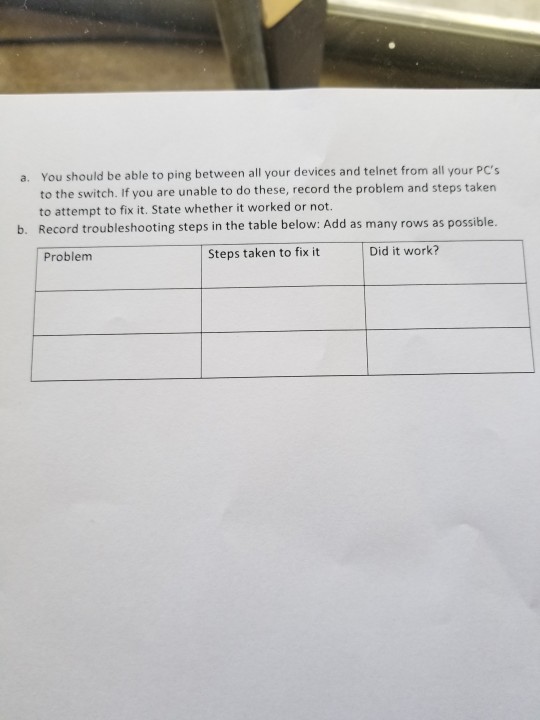
INT 1450- Chapter 5 Homework Lab Using the Packet Tracer that you have been working on for homework, complete the following 1. Topology: Label each cable below as straight through or crossover. 2. IP Addressing: Verify all IP addresses a. LAN 1 Switch 192.168.1.1, LAN 1 PC1- 192.168.1.2. LAN 1 PC2 192.168.1.3, Router GO/0- 192.168.1.4 b. LAN 2 PC 192.168.2.2 and Router go/1 192.168.2.1 c. Make sure to add appropriate gateways to the PCs. 3. Connectivity a. Verify connectivity between both PC's on LAN 1 b. Verify connectivity between a PC on LAN 1 and the PC on LAN 2 c. Telnet from a PC on LAN 1 to the switch. Did you get connectivity? d. Telnet from the PC on LAN 2, did you get connectivity? e. View the MAC address table on the switch. Which ports had MAC addresses recorded against them? Which devices owned those MAC addresses? (Note: To view the MAC address of a PC, use the ipconfig/all command from the command prompt on the PC.) 4. Switch Default Gateway Assign the appropriate default gateway to the switch using the command listed below in the global configuration mode. Note: You need to know what the appropriate gateway is. Replace ip address of gateway with the default gateway a. S1(config)# ip default-gateway (ip address of gateway) b. Telnet from LAN 2 PC to the switch. Do you have connectivity? Why or why not? 5. Troubleshooting
Step by Step Solution
There are 3 Steps involved in it

Get step-by-step solutions from verified subject matter experts
 Study Help