







Question: Keep a cell reference constant when copying a formula or function. Values in cells that you can change to determine new values for formulas Shows
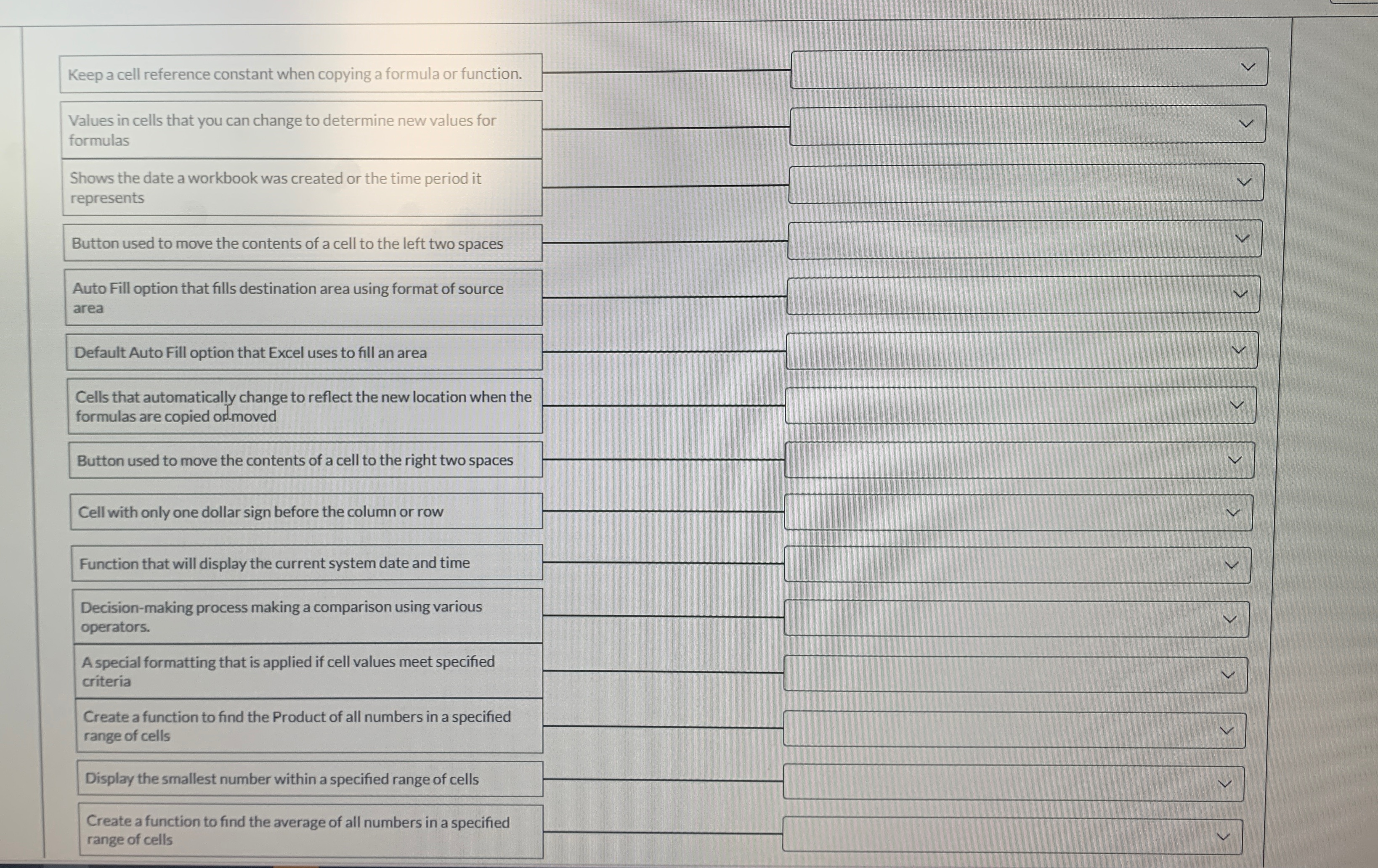
Keep a cell reference constant when copying a formula or function.
Values in cells that you can change to determine new values for formulas
Shows the date a workbook was created or the time period it represents
Button used to move the contents of a cell to the left two spaces
Auto Fill option that fills destination area using format of source area
Default Auto Fill option that Excel uses to fill an area
Cells that automatically change to reflect the new location when the formulas are copied ormoved
Button used to move the contents of a cell to the right two spaces
Cell with only one dollar sign before the column or row
Function that will display the current system date and time
tableDecisionmaking process making a comparison using variousoperatorsA special formatting that is applied if cell values meet specifiedcriteriaCreate a function to find the Product of all numbers in a specifiedrange of cellsDisplay the smallest number within a specified range of cellstableCreate a function to find the average of all numbers in a specifiedrange of cells
Step by Step Solution
There are 3 Steps involved in it
1 Expert Approved Answer
Step: 1 Unlock

Question Has Been Solved by an Expert!
Get step-by-step solutions from verified subject matter experts
Step: 2 Unlock
Step: 3 Unlock
 Study Help