







Question: Learning Goals use a dictionary to store items / options use a function to print formatted options use a while loop to create an interactive
Learning Goals
use a dictionary to store itemsoptions
use a function to print formatted options
use a while loop to create an interactive program
check the user input using if branches
check that an option is correct verify that a dictionary key exists
use break to interrupt the program execution
Introduction
In this lab, we will be building an application that uses an interactive set of options.
Let's say our highlevel options are as follows:
dots: 'List orders',
: 'Order a ticket',
: 'Compute statistics',
: 'Quit this program'
These keyoption mappings will be stored in a dictionary in the main program.
printoptions function
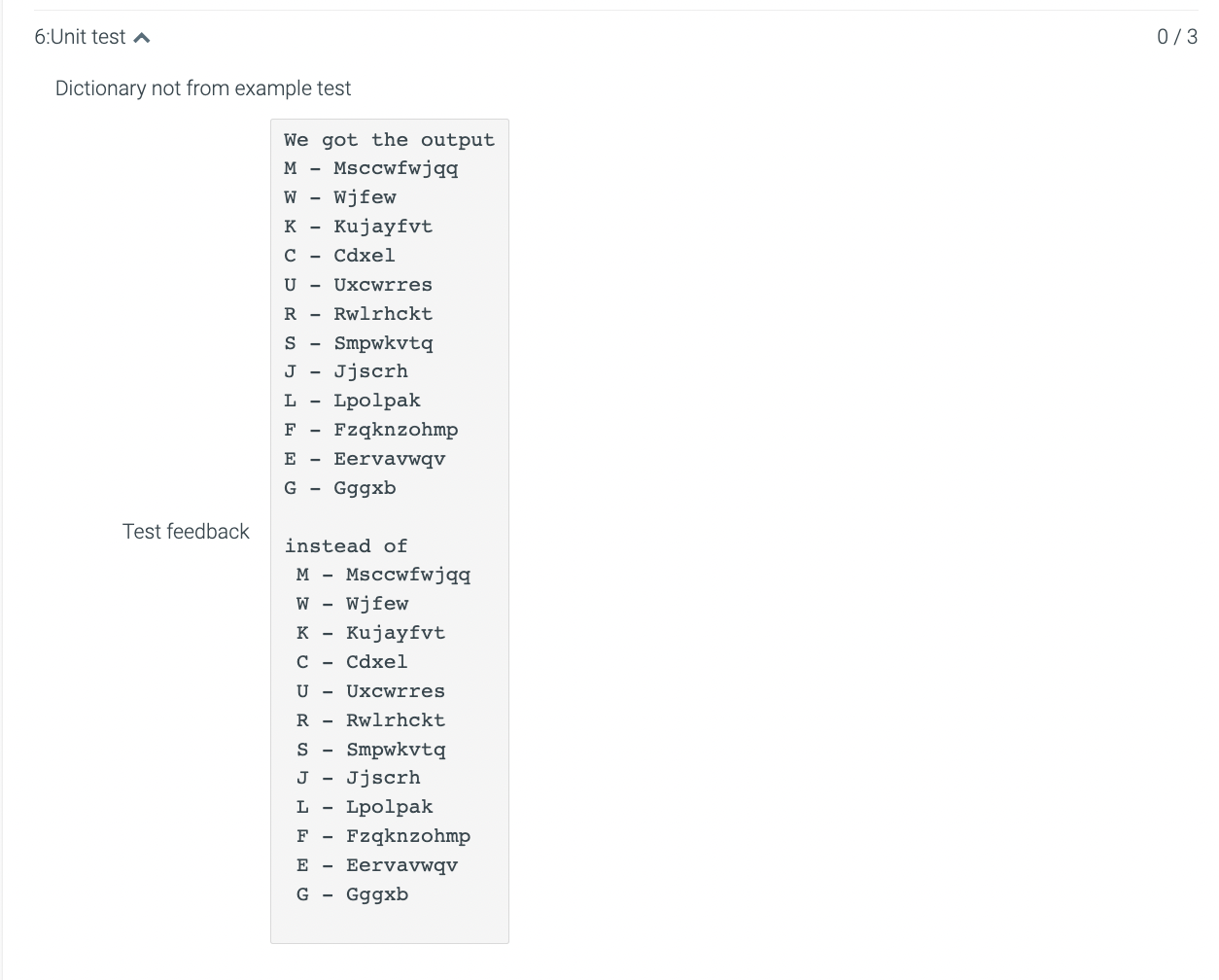
Write the printoptions that accepts a dictionary of keysoptions like the one shown above and prints the options stored in that
dictionary in an easytoread format.
Do not hardcode this dictionary in your function use the provided parameter instead.Example
Given the following options as shown above, the call to the printoptions will output note the space before the option key:
L List orders
o order a ticket
C Compute statistics
Q Quit this program
Program flow
The expected program flow is:
The main program starts with the options given above
Loop indefinitely while the user didn't choose to exit:
Print the options to the user
Get the user's choice from input
Check if the user's choice is a valid option is it one of the dictionary keys?
If the input is a valid option, print the option that user selected
If not, simply continue from the top of the loop
If the user entered Q break the while loopFix the TODOs in the following template:
def printoptions:
Given a dictionary, print the keys
and values as the formatted options:
key
Step by Step Solution
There are 3 Steps involved in it
1 Expert Approved Answer
Step: 1 Unlock

Question Has Been Solved by an Expert!
Get step-by-step solutions from verified subject matter experts
Step: 2 Unlock
Step: 3 Unlock
 Study Help