







Question: Log into NDG, using the Workstation machine to answer the following questions. 1. Type the command to give the system manual page for the tar
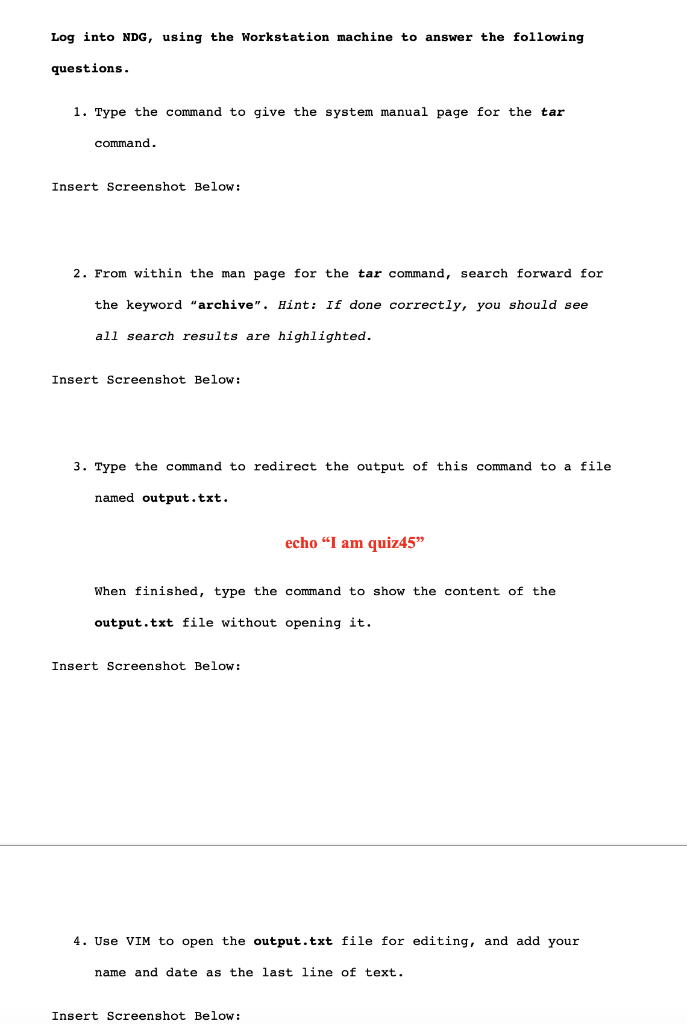
Log into NDG, using the Workstation machine to answer the following questions. 1. Type the command to give the system manual page for the tar command. Insert Screenshot Below: 2. From within the man page for the tar command, search forward for the keyword "archive". Hint: If done correctly, you should see all search results are highlighted. Insert Screenshot Below: 3. Type the command to redirect the output of this command to a file named output,txt. echo "I am quiz45" When finished, type the command to show the content of the output.txt file without opening it. Insert Screenshot Below: 4. Use VIM to open the output.txt file for editing, and add your name and date as the last line of text. Insert Screenshot Below
Step by Step Solution
There are 3 Steps involved in it

Get step-by-step solutions from verified subject matter experts
 Study Help