







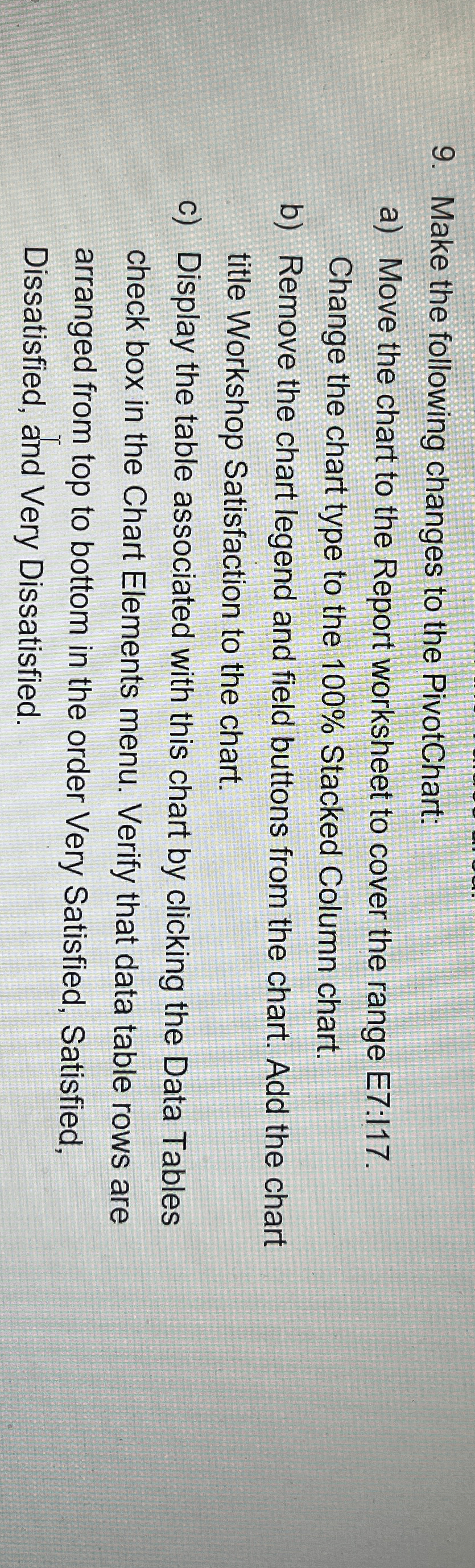
Question: Make the following changes to the PivotChart: a ) Move the chart to the Report worksheet to cover the range E 7 : 1 1
Make the following changes to the PivotChart:
a Move the chart to the Report worksheet to cover the range E: Change the chart type to the Stacked Column chart.
b Remove the chart legend and field buttons from the chart. Add the chart title Workshop Satisfaction to the chart.
c Display the table associated with this chart by clicking the Data Tables check box in the Chart Elements menu. Verify that data table rows are arranged from top to bottom in the order Very Satisfied, Satisfied, Dissatisfied, and Very Dissatisfied.
Step by Step Solution
There are 3 Steps involved in it
1 Expert Approved Answer
Step: 1 Unlock

Question Has Been Solved by an Expert!
Get step-by-step solutions from verified subject matter experts
Step: 2 Unlock
Step: 3 Unlock
 Study Help