







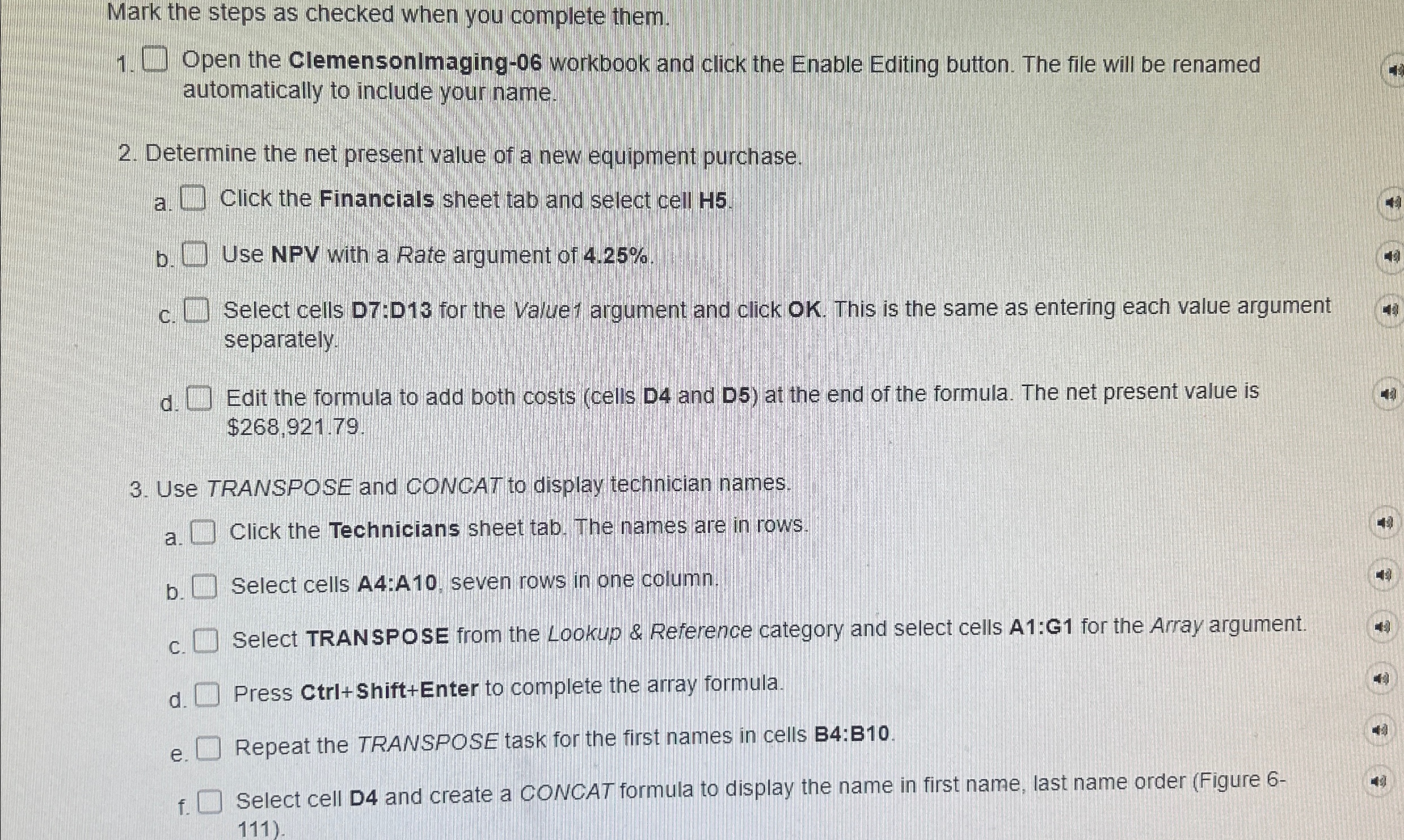
Question: Mark the steps as checked when you complete them. Open the ClemensonImaging - 0 6 workbook and click the Enable Editing button. The file will
Mark the steps as checked when you complete them.
Open the ClemensonImaging workbook and click the Enable Editing button. The file will be renamed
automatically to include your name.
Determine the net present value of a new equipment purchase.
a
Click the Financials sheet tab and select cell H
b
Use NPV with a Rate argument of
C
Select cells D:D for the Valuet argument and click OK This is the same as entering each value argument
separately.
d
Edit the formula to add both costs cells D and D at the end of the formula. The net present value is
$
Use TRANSPOSE and CONCAT to display technician names.
a
Click the Technicians sheet tab. The names are in rows.
b
Select cells A:A seven rows in one column.
c
Select TRANSPOSE from the Lookup & Reference category and select cells A:G for the Array argument.
Press CtrlShiftEnter to complete the array formula.
e
Repeat the TRANSPOSE task for the first names in cells B:B
Select cell D and create a CONCAT formula to display the name in first name, last name order Figure
Step by Step Solution
There are 3 Steps involved in it
1 Expert Approved Answer
Step: 1 Unlock

Question Has Been Solved by an Expert!
Get step-by-step solutions from verified subject matter experts
Step: 2 Unlock
Step: 3 Unlock
 Study Help