







Question: Matlab Fix this code Code: food = imread('Food.jpg'); range = [70 150]; [I, tf] = Scaling(food, range); figure(1), subplot(1,2,1), imshow(food), title('Original'); subplot(1,2,2), imshow(I), title('Scaled'); function[scaledIm,transFunc]=Scaling(inputIm,range)
Matlab Fix this code
Code:
food = imread('Food.jpg'); range = [70 150]; [I, tf] = Scaling(food, range);
figure(1), subplot(1,2,1), imshow(food), title('Original'); subplot(1,2,2), imshow(I), title('Scaled');
function[scaledIm,transFunc]=Scaling(inputIm,range) % please write your code here
%check if image is level 1 [row,col,color_channel]=size(inputIm); if color_channel>1 error('Invalid Image!'); end if size(range)~=2 error('Invalid Image!'); end inputMin=min(inputIm(:)); inputMax=max(inputIm(:)); new_min=range(1); new_max=range(2); if new_min255 || new_max
m = double(new_max-new_min)/double(inputMax - inputMin); b = range(1) - (m * double(inputMin)); scaledIm = double(inputIm) .*m + b; scaledIm = uint8(scaledIm);
origFunc = double(inputMin:inputMax); transFunc = origFunc .* m; transFunc = uint8(transFunc + b); end
My output:
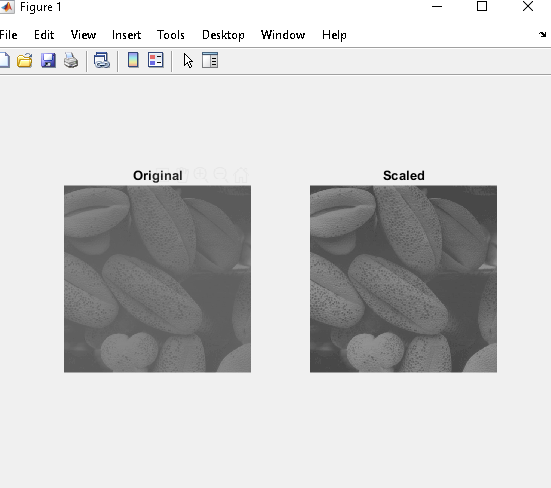
Expected Output:
Figure 1 File Edit View Insert Tools Desktop Window Help Original ScaledStep by Step Solution
There are 3 Steps involved in it

Get step-by-step solutions from verified subject matter experts
 Study Help