







Question: matlab Part 1: Convert from a 256 gray-level color image (*_to a lbit binary image (black:0 or white:255). For this, you use the gray-level images
matlab
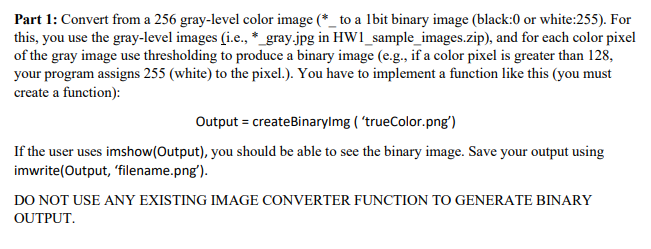
Part 1: Convert from a 256 gray-level color image (*_to a lbit binary image (black:0 or white:255). For this, you use the gray-level images (i.e., *_gray.jpg in HW1_sample_images.zip), and for each color pixel of the gray image use thresholding to produce a binary image (e.g., if a color pixel is greater than 128, your program assigns 255 (white) to the pixel.). You have to implement a function like this (you must create a function): Output = createBinarylmg ("trueColor.png') If the user uses imshow(Output), you should be able to see the binary image. Save your output using imwrite(Output, 'filename.png'). DO NOT USE ANY EXISTING IMAGE CONVERTER FUNCTION TO GENERATE BINARY OUTPUT
Step by Step Solution
There are 3 Steps involved in it

Get step-by-step solutions from verified subject matter experts
 Study Help