







Question: Mobile Programing - Android Studio USE Kotlin In code create an onClick event for the textbox that increases everytime the textBox has been clicked, do
Mobile Programing - Android Studio
USE Kotlin
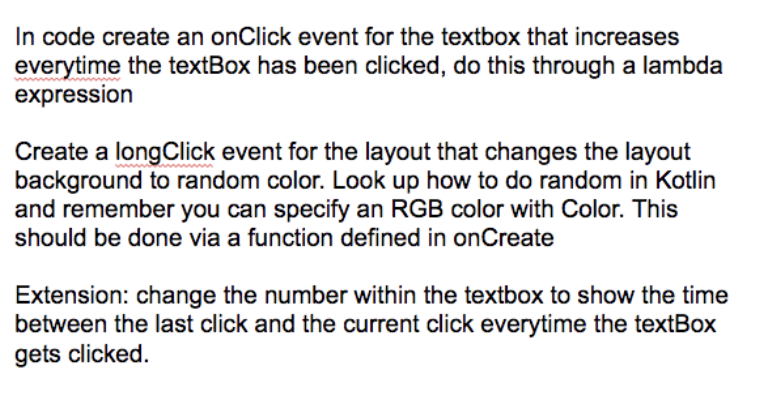
In code create an onClick event for the textbox that increases everytime the textBox has been clicked, do this through a lambda expression Create a long Click event for the layout that changes the layout background to random color. Look up how to do random in Kotlin and remember you can specify an RGB color with Color. This should be done via a function defined in onCreate Extension: change the number within the textbox to show the time between the last click and the current click everytime the textBox gets clicked. In code create an onClick event for the textbox that increases everytime the textBox has been clicked, do this through a lambda expression Create a long Click event for the layout that changes the layout background to random color. Look up how to do random in Kotlin and remember you can specify an RGB color with Color. This should be done via a function defined in onCreate Extension: change the number within the textbox to show the time between the last click and the current click everytime the textBox gets clicked
Step by Step Solution
There are 3 Steps involved in it

Get step-by-step solutions from verified subject matter experts
 Study Help