







Question: Next run the Wave Interference simulation. Start with the Waves window. The default screen should show a faucet and a sink filled with water.
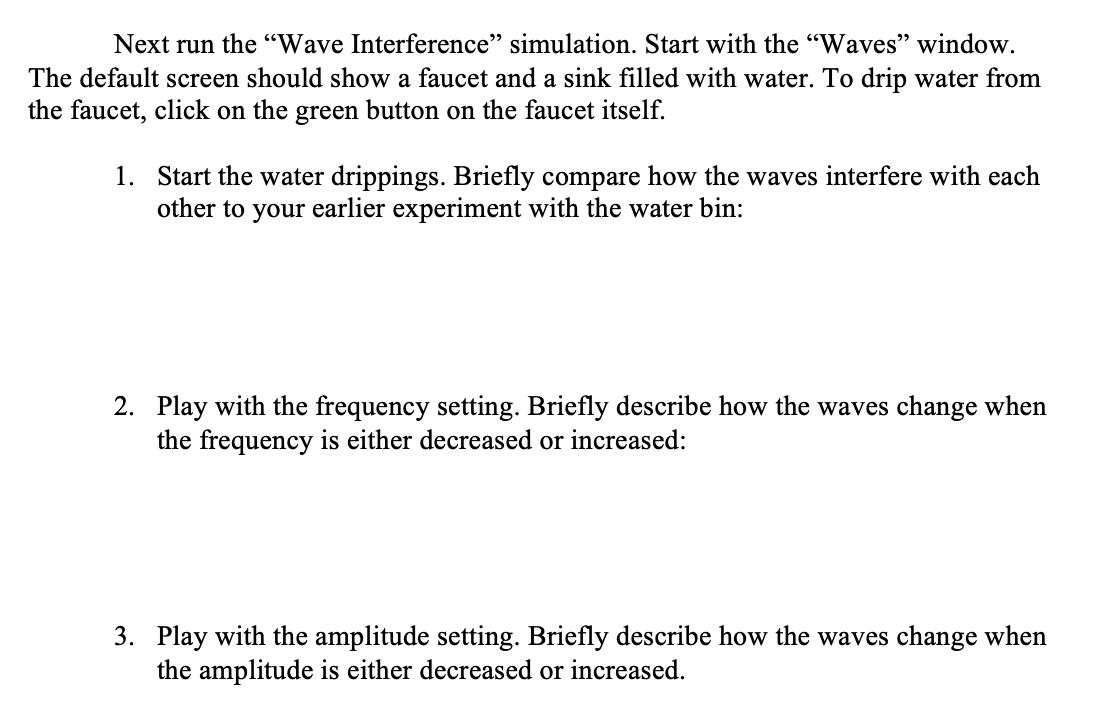
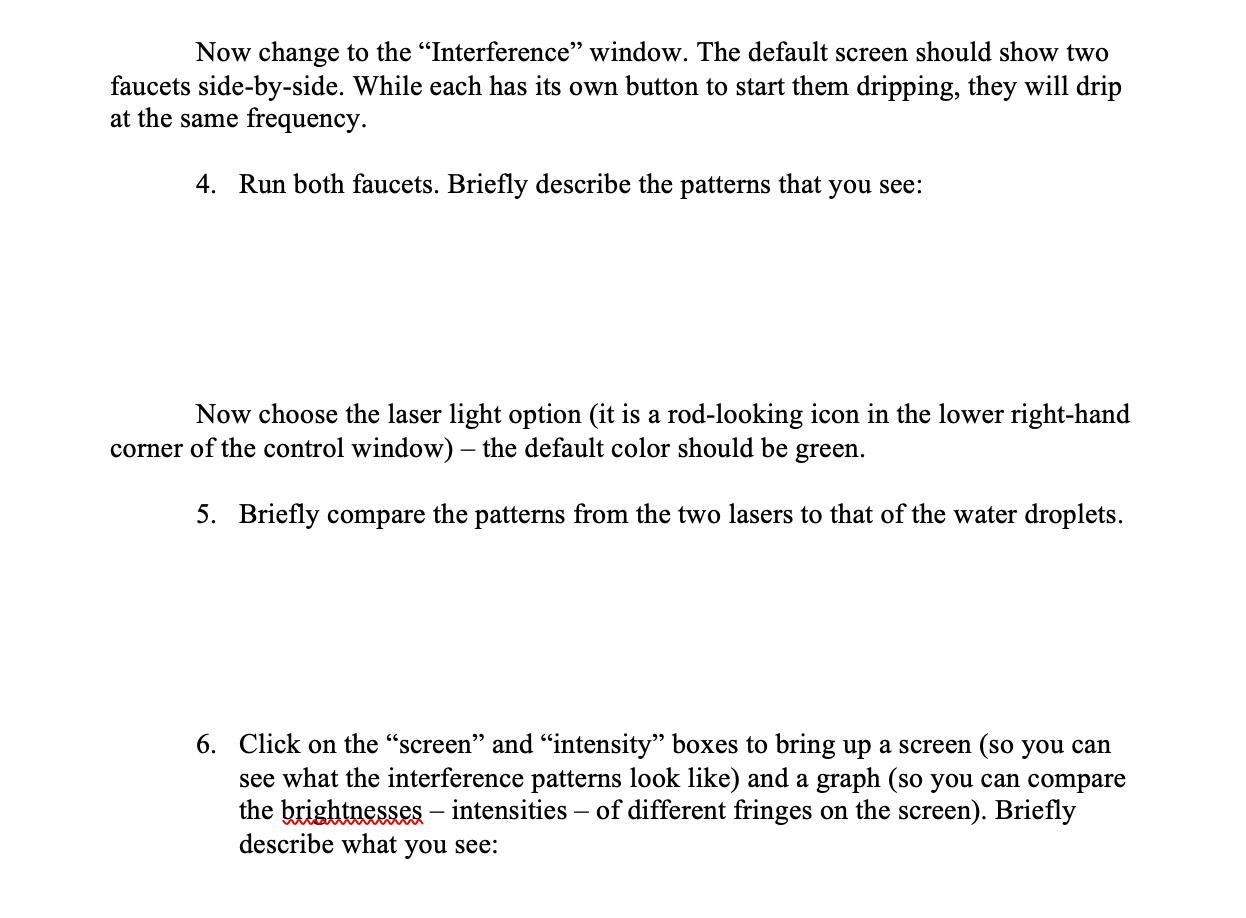
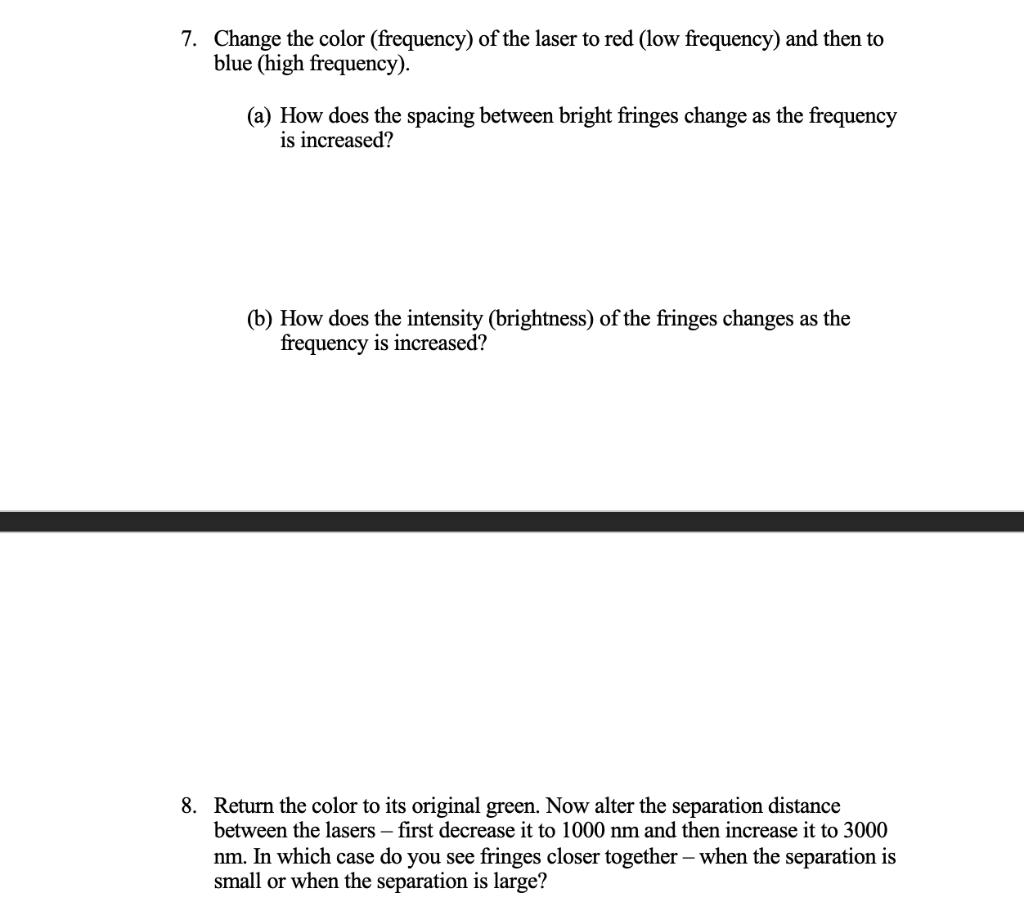
Next run the "Wave Interference" simulation. Start with the "Waves" window. The default screen should show a faucet and a sink filled with water. To drip water from the faucet, click on the green button on the faucet itself. 1. Start the water drippings. Briefly compare how the waves interfere with each other to your earlier experiment with the water bin: 2. Play with the frequency setting. Briefly describe how the waves change when the frequency is either decreased or increased: 3. Play with the amplitude setting. Briefly describe how the waves change when the amplitude is either decreased or increased. Now change to the "Interference" window. The default screen should show two faucets side-by-side. While each has its own button to start them dripping, they will drip at the same frequency. 4. Run both faucets. Briefly describe the patterns that you see: Now choose the laser light option (it is a rod-looking icon in the lower right-hand corner of the control window) the default color should be green. 5. Briefly compare the patterns from the two lasers to that of the water droplets. 6. Click on the "screen" and "intensity" boxes to bring up a screen (so you can see what the interference patterns look like) and a graph (so you can compare the brightnesses - intensities - of different fringes on the screen). Briefly describe what you see: 7. Change the color (frequency) of the laser to red (low frequency) and then to blue (high frequency). (a) How does the spacing between bright fringes change as the frequency is increased? (b) How does the intensity (brightness) of the fringes changes as the frequency is increased? 8. Return the color to its original green. Now alter the separation distance between the lasers - first decrease it to 1000 nm and then increase it to 3000 nm. In which case do you see fringes closer together - when the separation is small or when the separation is large?
Step by Step Solution
There are 3 Steps involved in it

Get step-by-step solutions from verified subject matter experts
 Study Help