







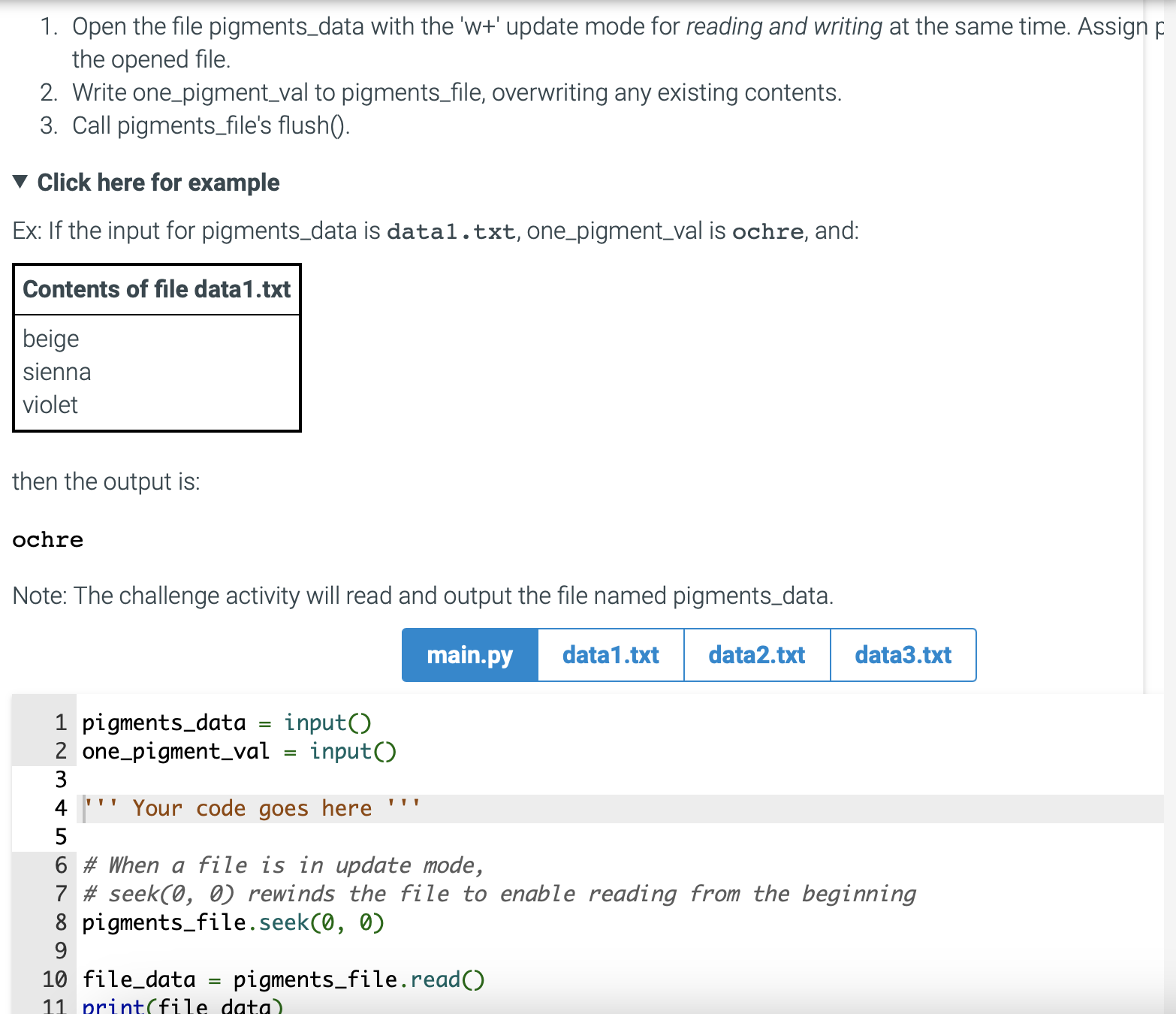
Question: Open the file pigments _ data with the ' w + ' update mode for reading and writing at the same time. Assign F the
Open the file pigmentsdata with the update mode for reading and writing at the same time. Assign
the opened file.
Write onepigmentval to pigmentsfile, overwriting any existing contents.
Call pigmentsfile's flush
Click here for example
Ex: If the input for pigmentsdata is data txt onepigmentval is ochre, and:
Contents of file datatxt
beige
sienna
violet
then the output is:
ochre
Note: The challenge activity will read and output the file named pigmentsdata.
pigmentsdata input
onepigmentval input
I Your code goes here
# When a file is in update mode,
# seek rewinds the file to enable reading from the beginning
pigmentsfile. seek
filedata pigmentsfile.read
Step by Step Solution
There are 3 Steps involved in it
1 Expert Approved Answer
Step: 1 Unlock

Question Has Been Solved by an Expert!
Get step-by-step solutions from verified subject matter experts
Step: 2 Unlock
Step: 3 Unlock
 Study Help