







Question: Open the provided file: AutoCAD: Path Creation Assignment.dwg . Draw a multiple section line and create a path array using the car provided in Part
Open the provided file: AutoCAD: Path Creation Assignment.dwg
Draw a multiple section line and create a path array using the car provided in Part
Use the provided Airplane provided in Part to create a rectangular array.
Use the provided center lines in Part to offset to both sides of each line a distance of
feet.
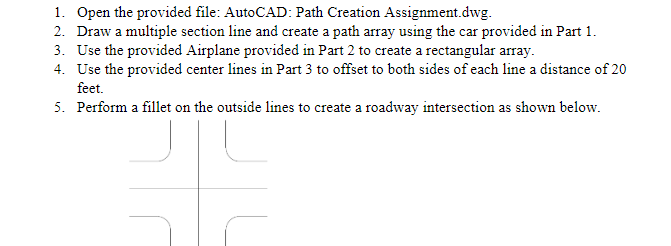
Perform a fillet on the outside lines to create a roadway intersection as shown below.
Step by Step Solution
There are 3 Steps involved in it
1 Expert Approved Answer
Step: 1 Unlock

Question Has Been Solved by an Expert!
Get step-by-step solutions from verified subject matter experts
Step: 2 Unlock
Step: 3 Unlock
 Study Help