







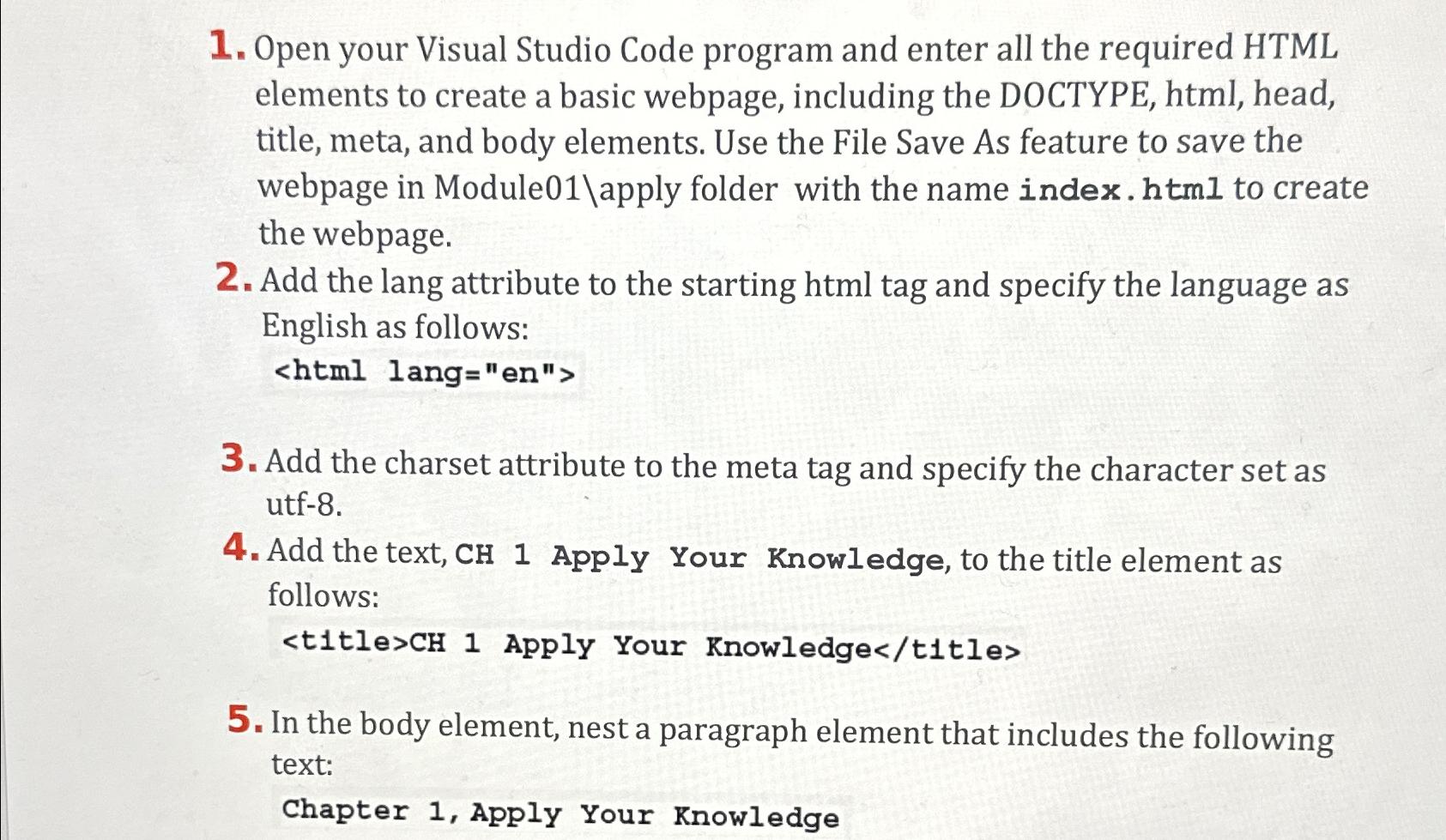
Question: Open your Visual Studio Code program and enter all the required HTML elements to create a basic webpage, including the DOCTYPE, html , head, title,
Open your Visual Studio Code program and enter all the required HTML elements to create a basic webpage, including the DOCTYPE, html head, title, meta, and body elements. Use the File Save As feature to save the webpage in Moduleapply folder with the name index. html to create the webpage.
Add the lang attribute to the starting html tag and specify the language as English as follows:
Add the charset attribute to the meta tag and specify the character set as utf
Add the text, Apply Your Knowledge, to the title element as follows:
In the body element, nest a paragraph element that includes the following text:
Chapter Apply Your Knowledge
Step by Step Solution
There are 3 Steps involved in it
1 Expert Approved Answer
Step: 1 Unlock

Question Has Been Solved by an Expert!
Get step-by-step solutions from verified subject matter experts
Step: 2 Unlock
Step: 3 Unlock
 Study Help