



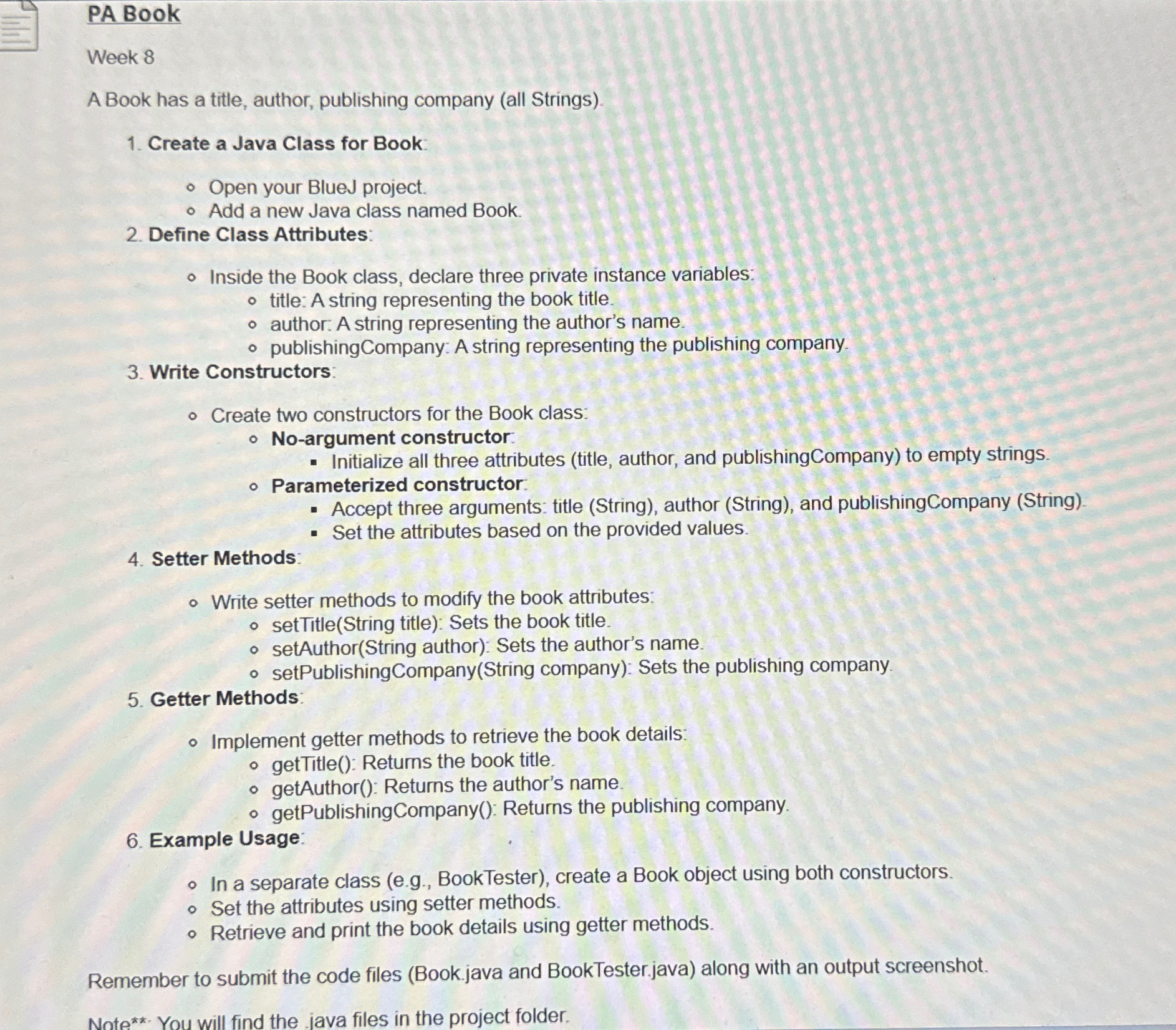
Question: PA Book Week 8 A Book has a title, author, publishing company ( all Strings ) . Create a Java Class for Book: Open your
PA Book
Week
A Book has a title, author, publishing company all Strings
Create a Java Class for Book:
Open your BlueJ project.
Add a new Java class named Book.
Define Class Attributes:
Inside the Book class, declare three private instance variables:
title:A string representing the book title.
author: A string representing the author's name.
publishingCompany: A string representing the publishing company.
Write Constructors:
Create two constructors for the Book class:
Noargument constructor:
Initialize all three attributes title author, and publishingCompany to empty strings.
Parameterized constructor.
Accept three arguments: title String author String and publishingCompany String
Set the attributes based on the provided values.
Setter Methods:
Write setter methods to modify the book attributes:
setTitleString title: Sets the book title.
setAuthorString author: Sets the author's name.
setPublishingCompanyString company: Sets the publishing company.
Getter Methods:
Implement getter methods to retrieve the book details:
getTitle: Returns the book title.
getAuthor: Returns the author's name.
getPublishingCompany: Returns the publishing company.
Example Usage:
In a separate class eg BookTester create a Book object using both constructors.
Set the attributes using setter methods.
Retrieve and print the book details using getter methods.
Remember to submit the code files Bookjava and BookTester.java along with an output screenshot.
Note You will find the java files in the project folder.
Step by Step Solution
There are 3 Steps involved in it
1 Expert Approved Answer
Step: 1 Unlock

Question Has Been Solved by an Expert!
Get step-by-step solutions from verified subject matter experts
Step: 2 Unlock
Step: 3 Unlock