



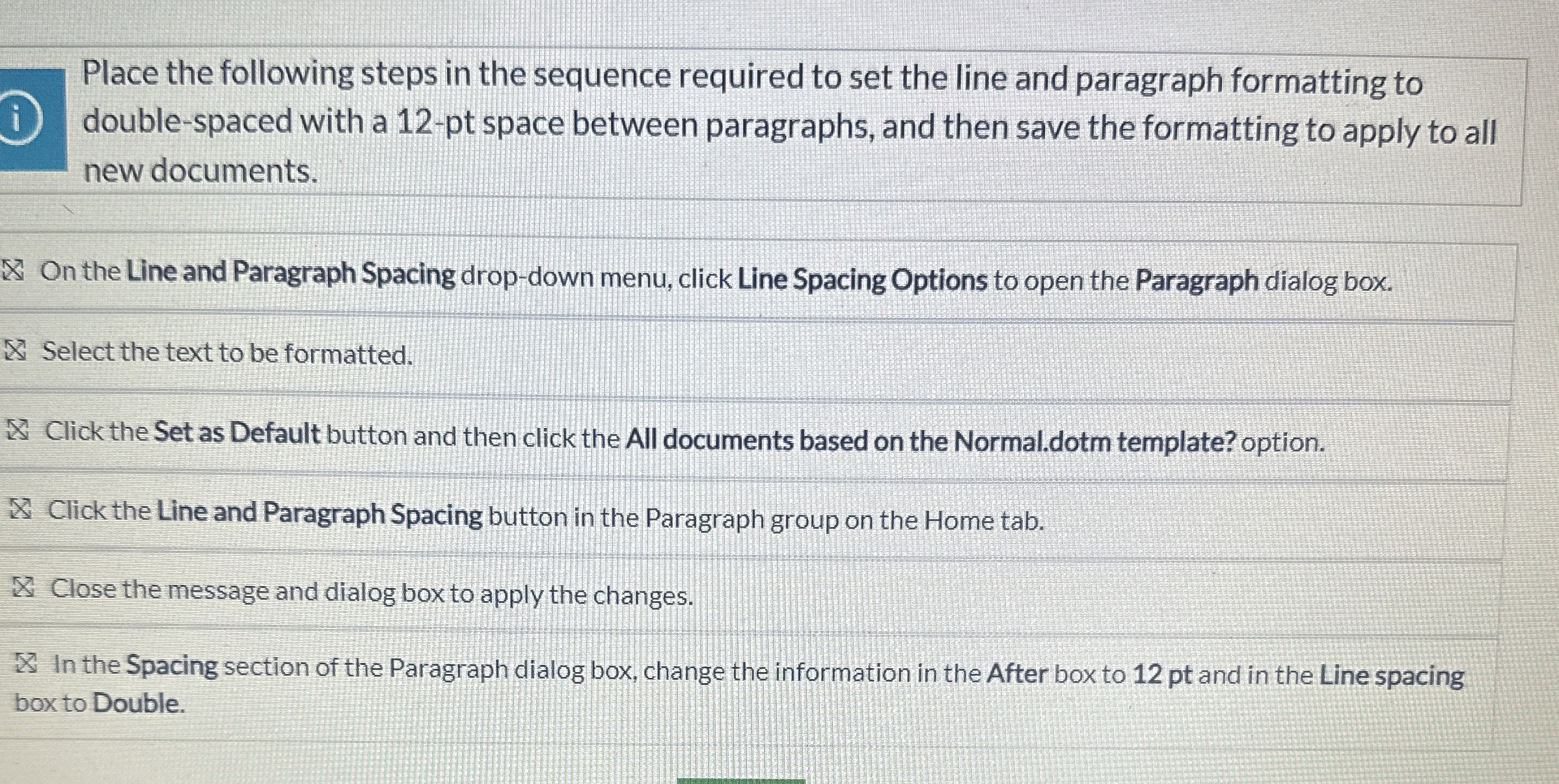
Question: Place the following steps in the sequence required to set the line and paragraph formatting to double - spaced with a 1 2 - pt
Place the following steps in the sequence required to set the line and paragraph formatting to
doublespaced with a pt space between paragraphs, and then save the formatting to apply to all
new documents.
On the Line and Paragraph Spacing dropdown menu, click Line Spacing Options to open the Paragraph dialog box.
Select the text to be formatted.
W Click the Set as Default button and then click the All documents based on the Normal. dotm template? option.
Click the Line and Paragraph Spacing button in the Paragraph group on the Home tab.
Close the message and dialog box to apply the changes.
In the Spacing section of the Paragraph dialog box, change the information in the After box to pt and in the Line spacing
boxto Double.
Step by Step Solution
There are 3 Steps involved in it
1 Expert Approved Answer
Step: 1 Unlock

Question Has Been Solved by an Expert!
Get step-by-step solutions from verified subject matter experts
Step: 2 Unlock
Step: 3 Unlock