



Question: Please answer all multiple-choice questions. You want to use a function that returns the current system date and time. Which DATE & TIME function should
Please answer all multiple-choice questions.
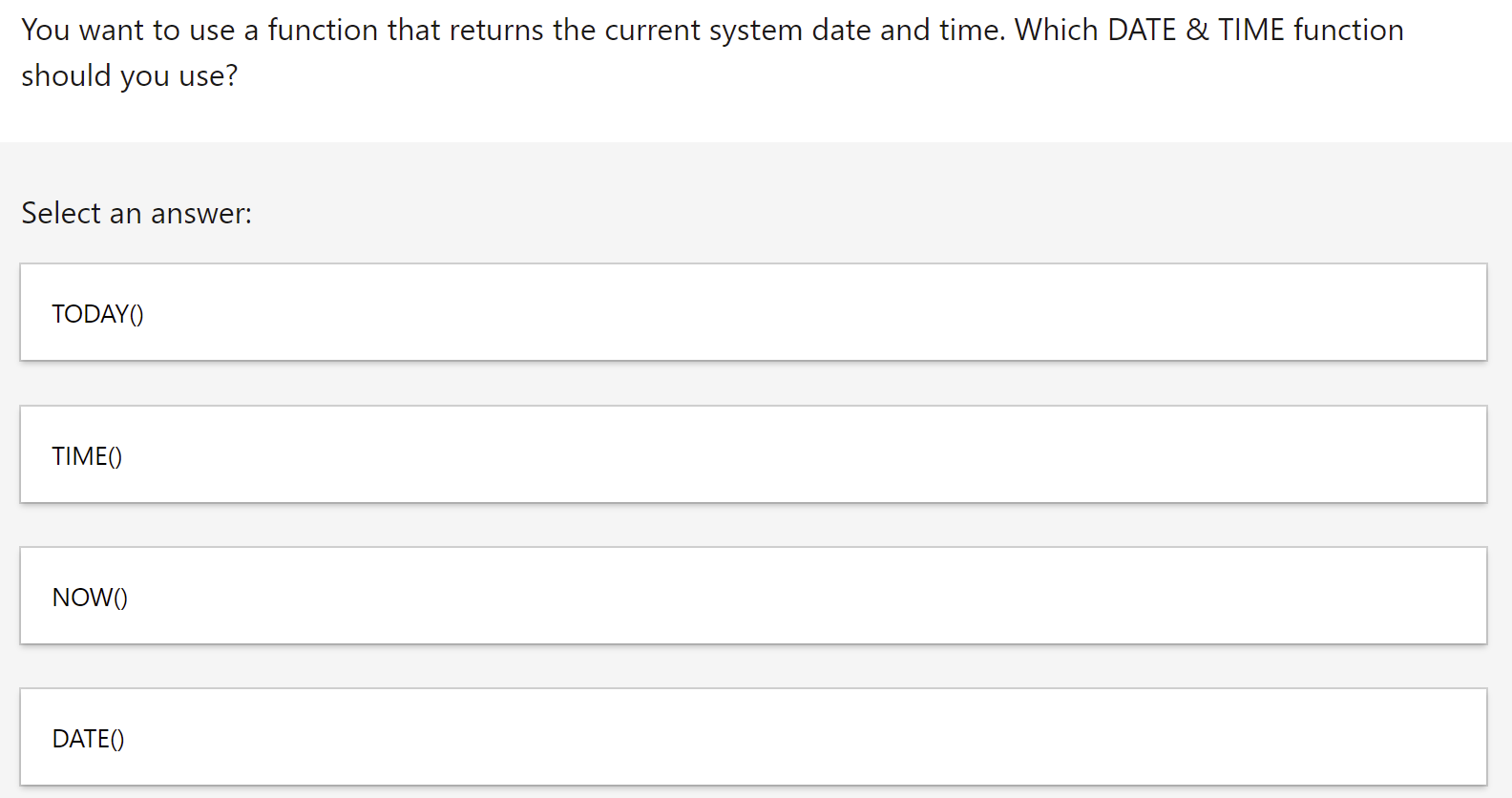
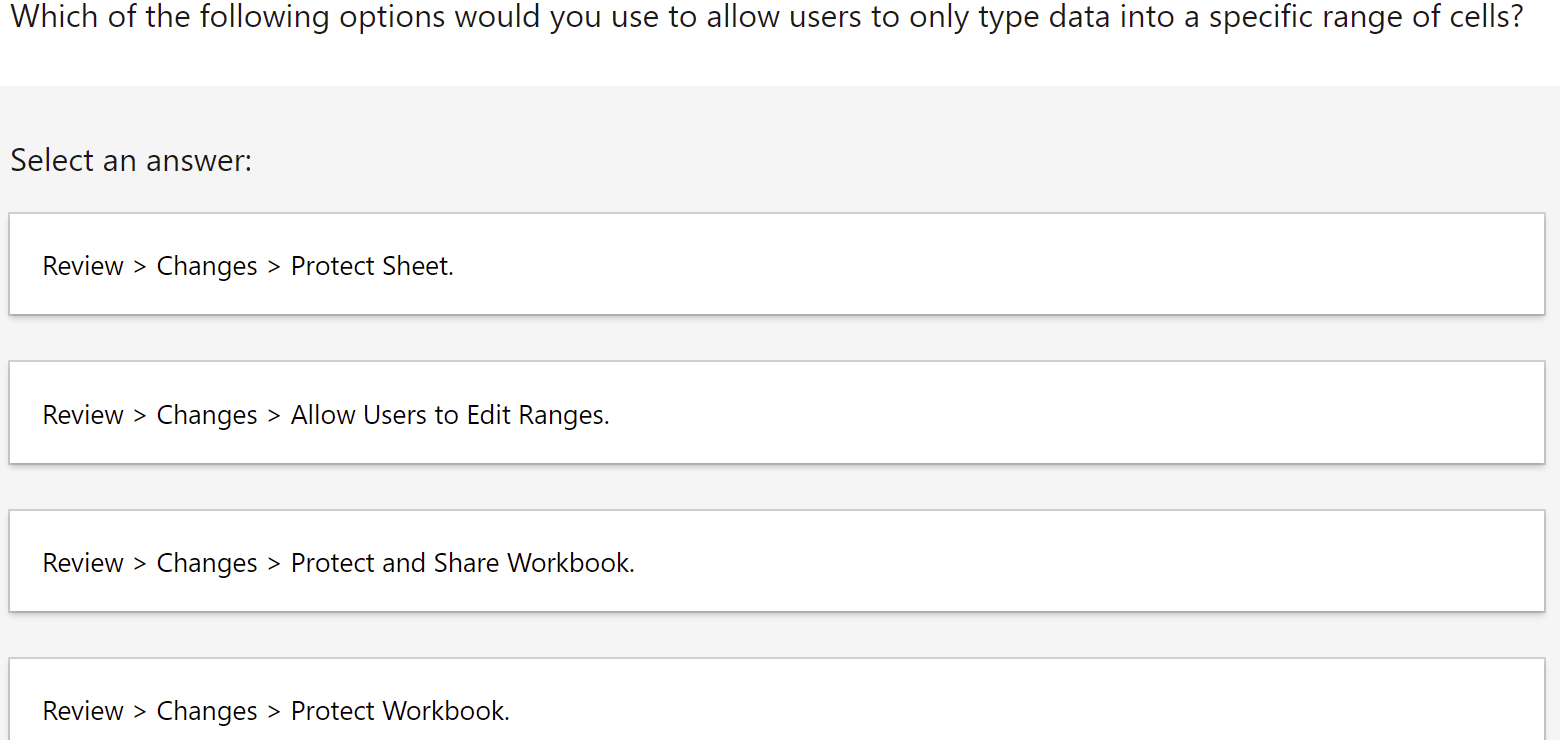
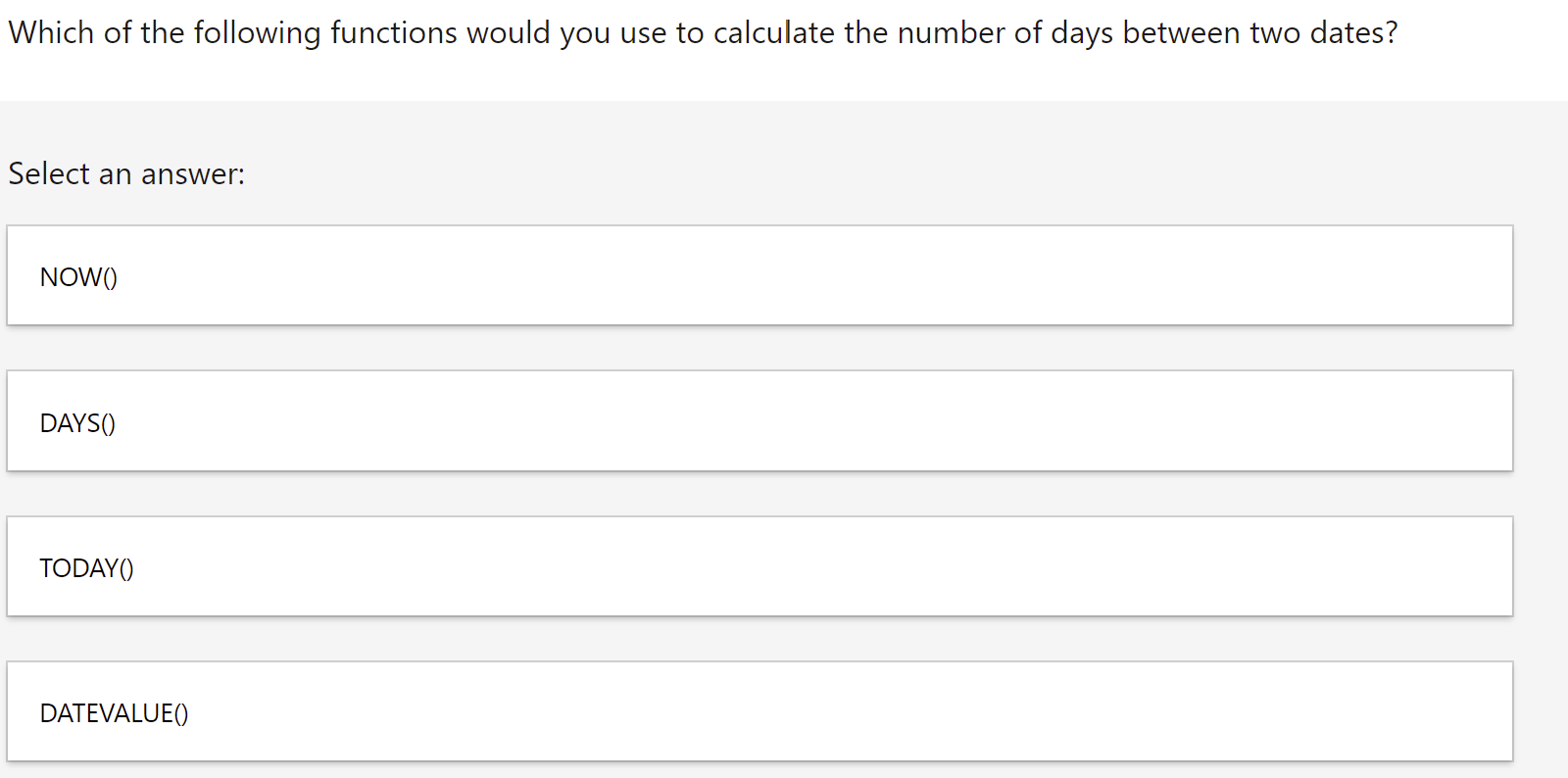
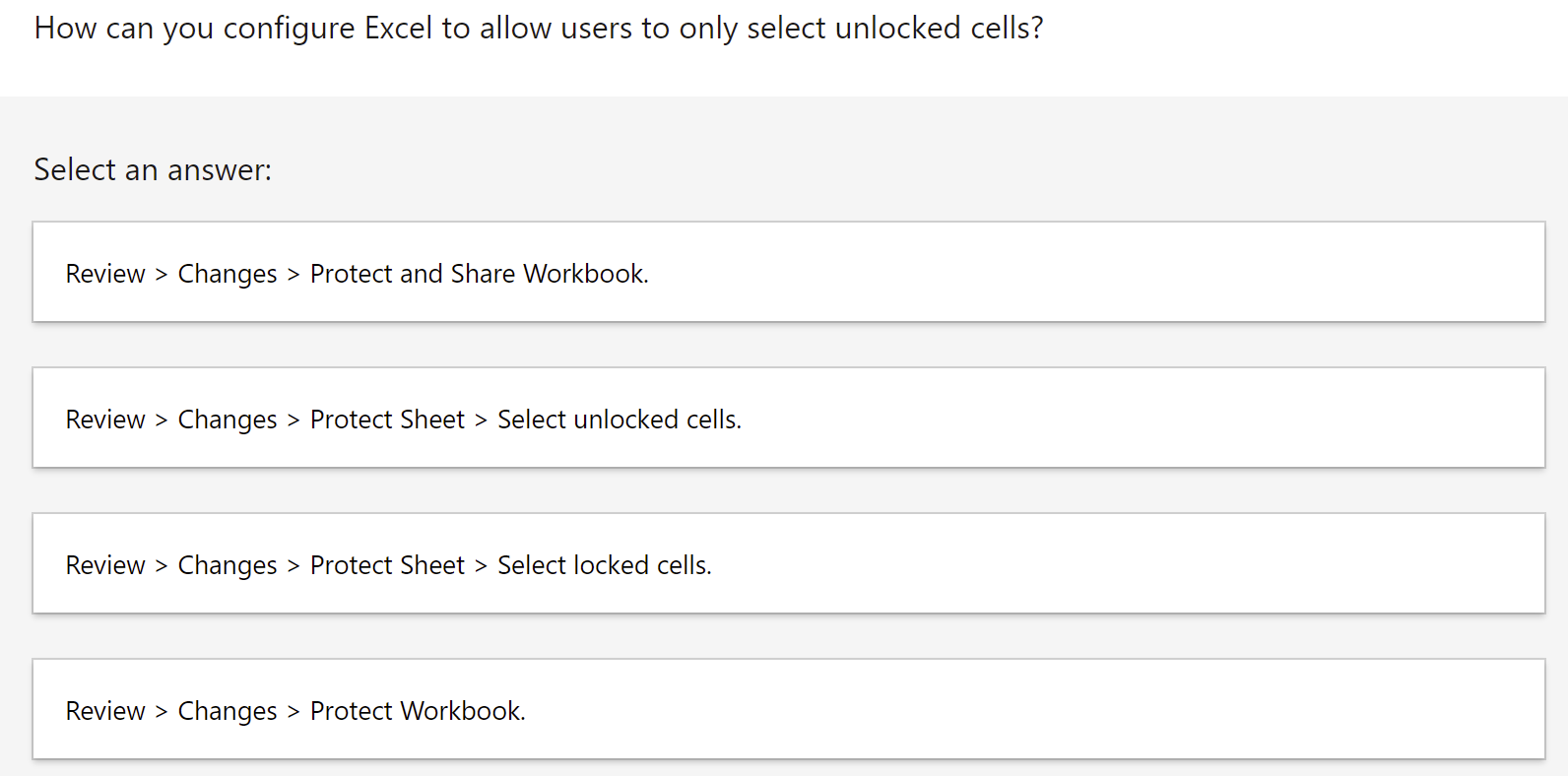
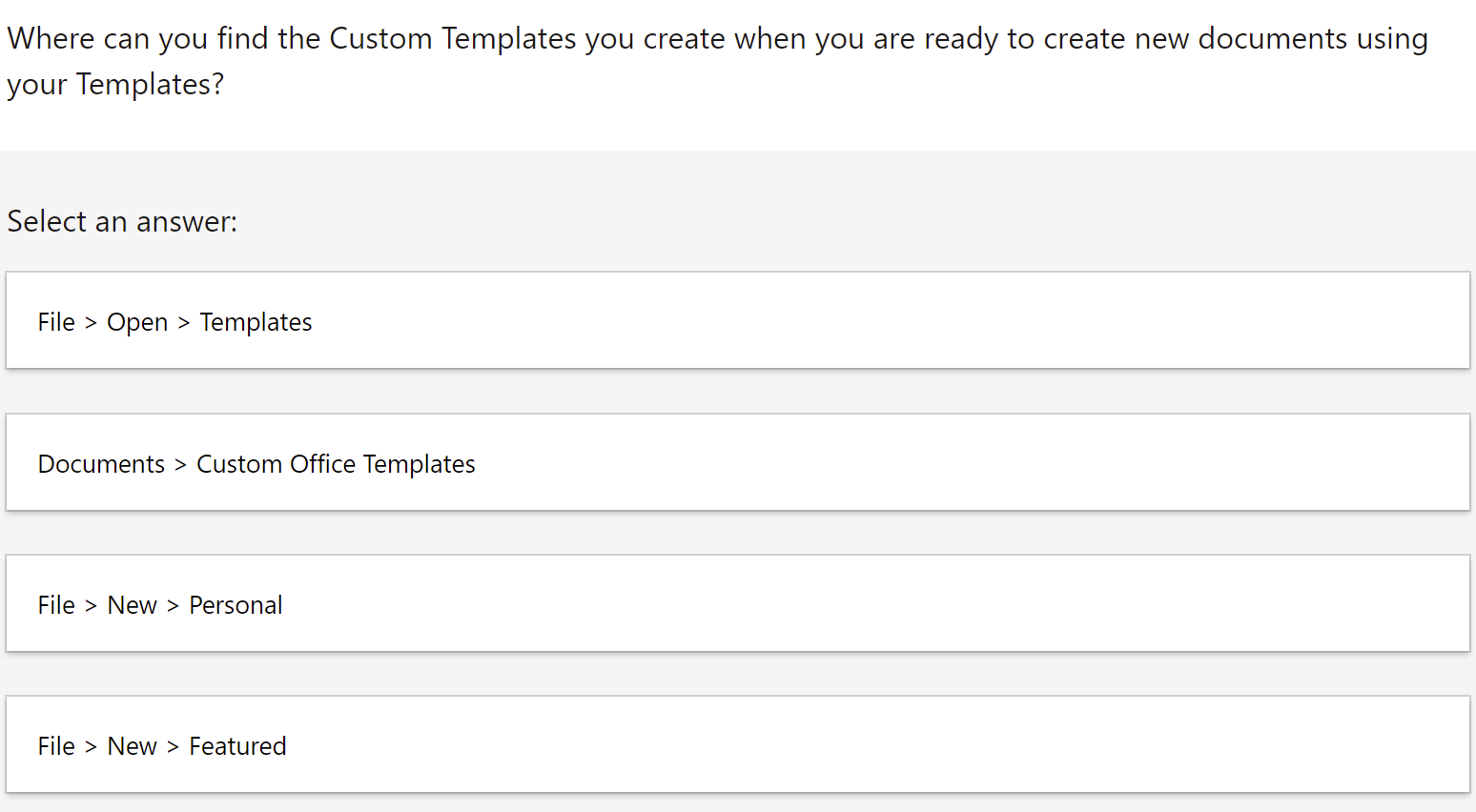
You want to use a function that returns the current system date and time. Which DATE & TIME function should you use? Select an answer: TODAY() TIME() NOW() DATE() Which of the following options would you use to allow users to only type data into a specific range of cells? Select an answer: Review > Changes > Protect Sheet. Review > Changes > Allow Users to Edit Ranges. Review > Changes > Protect and Share Workbook. Review > Changes > Protect Workbook. Which of the following functions would you use to calculate the number of days between two dates? Select an answer: NOW() DAYS() TODAY() DATEVALUE() How can you configure Excel to allow users to only select unlocked cells? Select an answer: Review > Changes > Protect and Share Workbook. Review > Changes > Protect Sheet > Select unlocked cells. Review > Changes > Protect Sheet > Select locked cells. Review > Changes > Protect Workbook. Where can you find the Custom Templates you create when you are ready to create new documents using your Templates? Select an answer: File > Open > Templates Documents > Custom Office Templates File > New > Personal File > New > Featured You want to use a function that returns the current system date and time. Which DATE & TIME function should you use? Select an answer: TODAY() TIME() NOW() DATE() Which of the following options would you use to allow users to only type data into a specific range of cells? Select an answer: Review > Changes > Protect Sheet. Review > Changes > Allow Users to Edit Ranges. Review > Changes > Protect and Share Workbook. Review > Changes > Protect Workbook. Which of the following functions would you use to calculate the number of days between two dates? Select an answer: NOW() DAYS() TODAY() DATEVALUE() How can you configure Excel to allow users to only select unlocked cells? Select an answer: Review > Changes > Protect and Share Workbook. Review > Changes > Protect Sheet > Select unlocked cells. Review > Changes > Protect Sheet > Select locked cells. Review > Changes > Protect Workbook. Where can you find the Custom Templates you create when you are ready to create new documents using your Templates? Select an answer: File > Open > Templates Documents > Custom Office Templates File > New > Personal File > New > Featured
Step by Step Solution
There are 3 Steps involved in it
1 Expert Approved Answer
Step: 1 Unlock

Question Has Been Solved by an Expert!
Get step-by-step solutions from verified subject matter experts
Step: 2 Unlock
Step: 3 Unlock