







Question: Please complete the following steps to complete the network chat lab: Configure your RPi to use DHCP and get an address automatically. Use the ifconfig
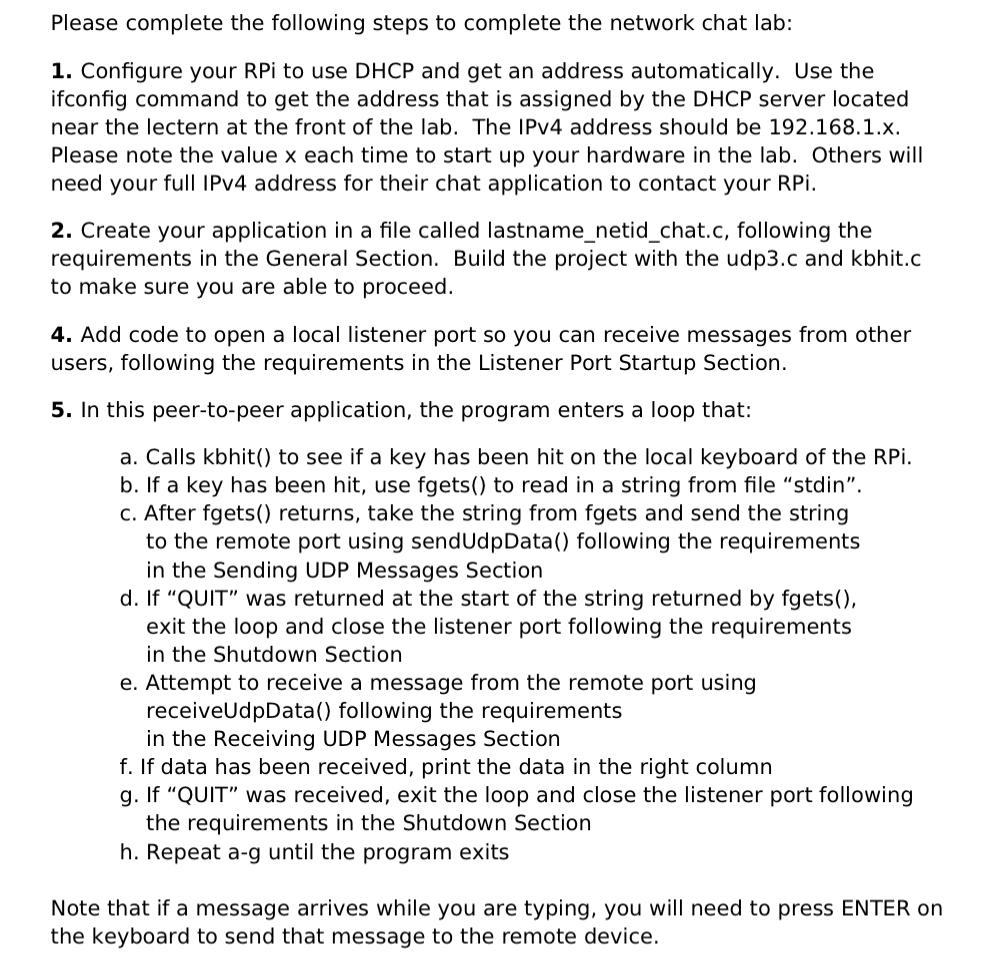
Please complete the following steps to complete the network chat lab:
Configure your RPi to use DHCP and get an address automatically. Use the ifconfig command to get the address that is assigned by the DHCP server located near the lectern at the front of the lab. The IPv address should be x Please note the value each time to start up your hardware in the lab. Others will need your full IPv address for their chat application to contact your RPi.
Create your application in a file called lastnamenetidchat.c following the requirements in the General Section. Build the project with the udpc and kbhit.c to make sure you are able to proceed.
Add code to open a local listener port so you can receive messages from other users, following the requirements in the Listener Port Startup Section.
In this peertopeer application, the program enters a loop that:
a Calls kbhit to see if a key has been hit on the local keyboard of the RPi.
b If a key has been hit, use fgets to read in a string from file "stdin".
c After fgets returns, take the string from fgets and send the string to the remote port using sendUdpData following the requirements in the Sending UDP Messages Section
d If "QUIT" was returned at the start of the string returned by fgets exit the loop and close the listener port following the requirements in the Shutdown Section
e Attempt to receive a message from the remote port using receiveUdpData following the requirements in the Receiving UDP Messages Section
f If data has been received, print the data in the right column
g If "QUIT" was received, exit the loop and close the listener port following the requirements in the Shutdown Section
h Repeat ag until the program exits
Note that if a message arrives while you are typing, you will need to press ENTER on the keyboard to send that message to the remote device.
Step by Step Solution
There are 3 Steps involved in it
1 Expert Approved Answer
Step: 1 Unlock

Question Has Been Solved by an Expert!
Get step-by-step solutions from verified subject matter experts
Step: 2 Unlock
Step: 3 Unlock
 Study Help