







Question: please help 1. Create a directory in PowerShell New-item -itemType Directory -Path C:Vuserslusemame -Name student 2- Rename student folder school folder Rename-tem -Path path -
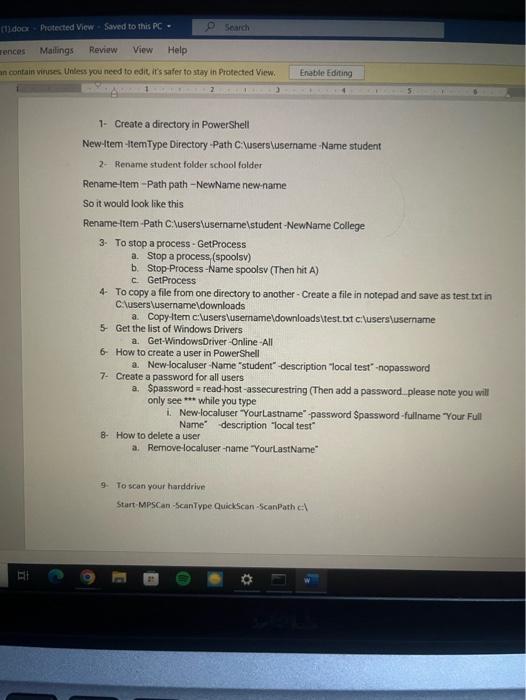
1. Create a directory in PowerShell New-item -itemType Directory -Path C:Vuserslusemame -Name student 2- Rename student folder school folder Rename-tem -Path path - NewName new-name So it would look like this Rename-tem-Path C:luserslusemamelstudent NewName College 3. To stop a process - GetProcess a. Stop a process.(spoolsv) b. Stop-Process -Name spoolsv (Then hit A) c. GetProcess 4. To copy a file from one directory to another - Create a file in notepad and save as test txt in C.iuserslusernameldownloads a. Copy-ttem ciluserslusemameldownloadsitest.txt c:luserslusername 5. Get the list of Windows Drivers a. Get-WindowsDriver-Online-All 6. How to create a user in PowerShell a. New-localuser -Name "student"-description "local test"-nopassword 7. Create a password for all users a. Spassword = read host-assecurestring (Then add a password please note you will only see ** while you type i. New-localuser "YourLastname" password Spassword -fullname "Your Full Name" -description "local test" 8. How to delete a user a. Remove-localuser -name YourLastName 9. To scan your harddrive. Start-MPSCan -ScanType QuickScan-ScanPath cl
Step by Step Solution
There are 3 Steps involved in it

Get step-by-step solutions from verified subject matter experts
 Study Help