







Question: Please help? 1. Create a local clone of your assignment repository. Run the command git remote and verify that there is a remote called origin.
Please help?
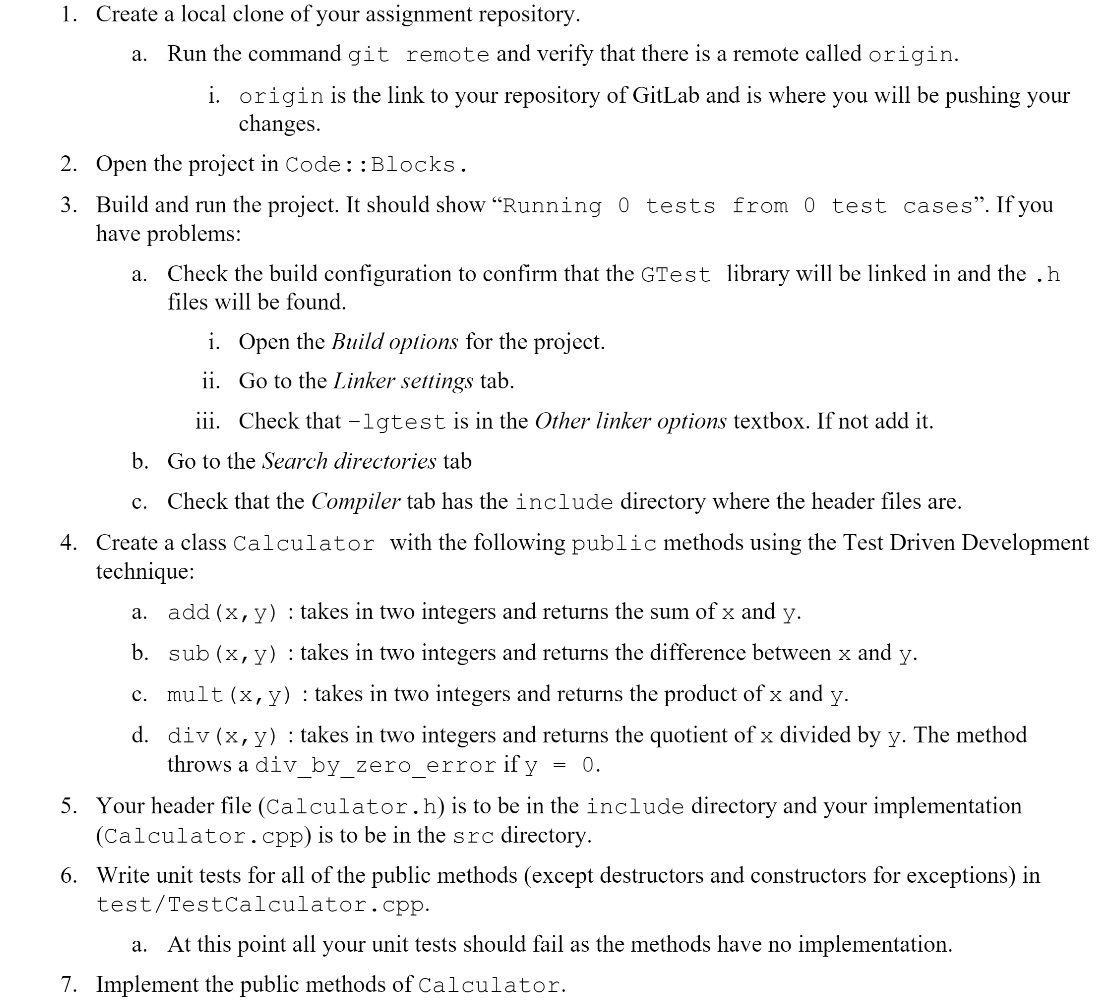
1. Create a local clone of your assignment repository. Run the command git remote and verify that there is a remote called origin. a. i. origin is the link to your repository of GitLab and is where you will be pushing your changes. Open the project in Code : :Blocks. 2. 3. Build and run the project. It should show "Running 0 tests from 0 test cases". If you have problems: Check the build configuration to confirm that the GTest library will be linked in and the .h a. files will be found. i. Open the Build options for the project. ii. Go to the Linker settings tab. iii. Check that -lgtest is in the Other linker options textbox. If not add it. b. Go to the Search directories tab c. Check that the Compiler tab has the include directory where the header files are. 4. Create a class Calculator with the following public methods using the Test Driven Development technique: add (x,y) : takes in two integers and returns the sum of x and y. a. sub (x, y) : takes in two integers and returns the difference between x and b. y. c. mult (x, y) : takes in two integers and returns the product of x and y. d. div (x,y) : takes in two integers and returns the quotient of x divided by y. The method throws a div by zero error if y = 0. 5. Your header file (Calculator.h)is to be in the include directory and your implementation (Calculator.cpp)is to be in the src directory. structors and constructors for exceptions) in the public methods (except Write unit tests for all 6. test/TestCalculator. cpp. At this point all your unit tests should fail as the methods have no implementation. a. 7. Implement the public methods of Calculator
Step by Step Solution
There are 3 Steps involved in it

Get step-by-step solutions from verified subject matter experts
 Study Help