







Question: Please help! I am having trouble on the finding the appropriate method for the 3rd bullet. - Now use the Rectangle class to complete the
Please help! I am having trouble on the finding the appropriate method for the 3rd bullet.
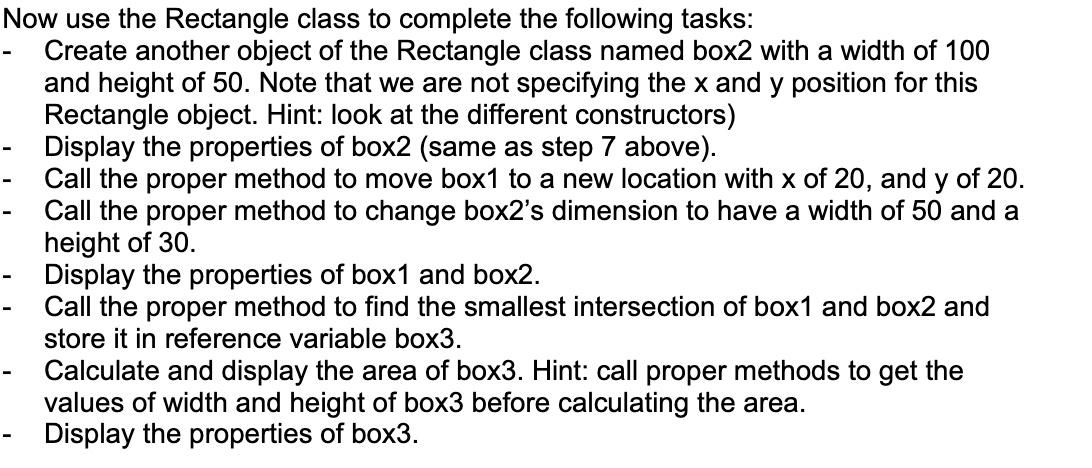
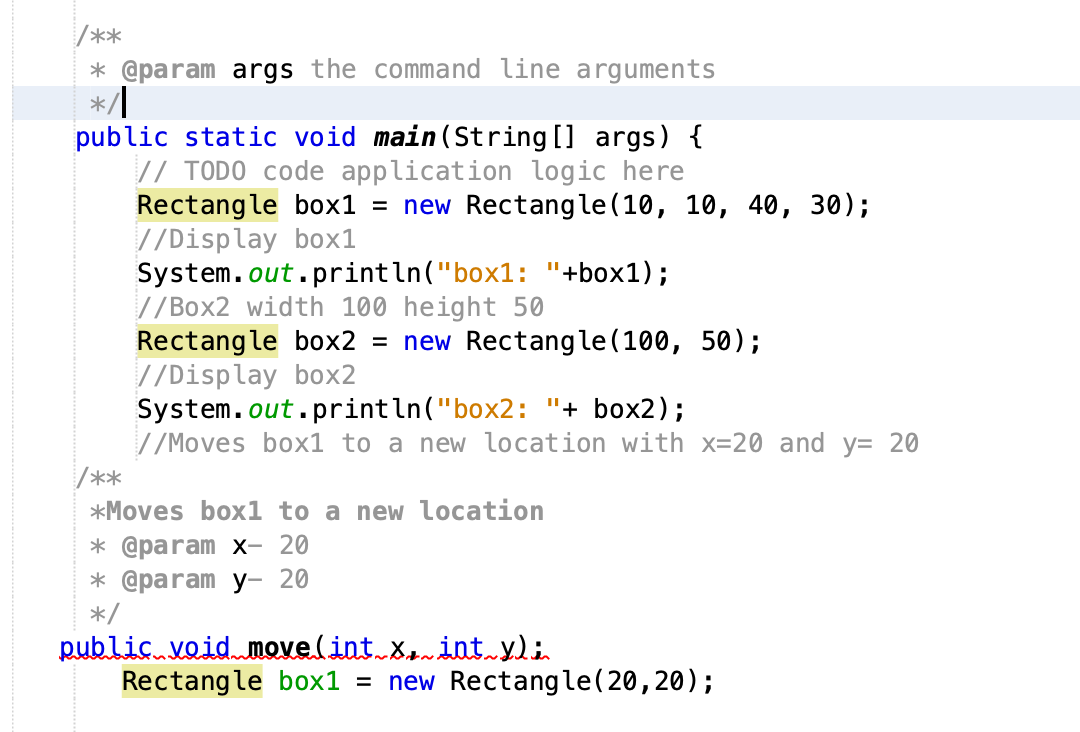
- Now use the Rectangle class to complete the following tasks: Create another object of the Rectangle class named box2 with a width of 100 and height of 50. Note that we are not specifying the x and y position for this Rectangle object. Hint: look at the different constructors) Display the properties of box2 (same as step 7 above). Call the proper method to move box1 to a new location with x of 20, and y of 20. Call the proper method to change box2's dimension to have a width of 50 and a height of 30. Display the properties of box1 and box2. Call the proper method to find the smallest intersection of box1 and box2 and store it in reference variable box3. Calculate and display the area of box3. Hint: call proper methods to get the values of width and height of box3 before calculating the area. Display the properties of box3. - 1 /** * @param args the command line arguments */ public static void main(String[] args) { // TODO code application logic here Rectangle box1 = new Rectangle(10, 10, 40, 30); //Display box1 System.out.println("box1: "+box1); //Box2 width 100 height 50 Rectangle box2 = new Rectangle (100, 50); //Display box2 System.out.println("box2: "+ box2); //Moves box1 to a new location with x=20 and y= 20 /** *Moves box1 to a new location * @param X- 20 * @param y- 20 */ publiculeidmmove(intrintulin Rectangle box1 = new Rectangle(20,20)
Step by Step Solution
There are 3 Steps involved in it

Get step-by-step solutions from verified subject matter experts
 Study Help