







Question: Please help me code the following in: JAVA Please use many COMMENTS and read the task THOROUGHLY Full points will be awarded, thanks in advance!
Please help me code the following in: JAVA
Please use many COMMENTS and read the task THOROUGHLY
Full points will be awarded, thanks in advance! 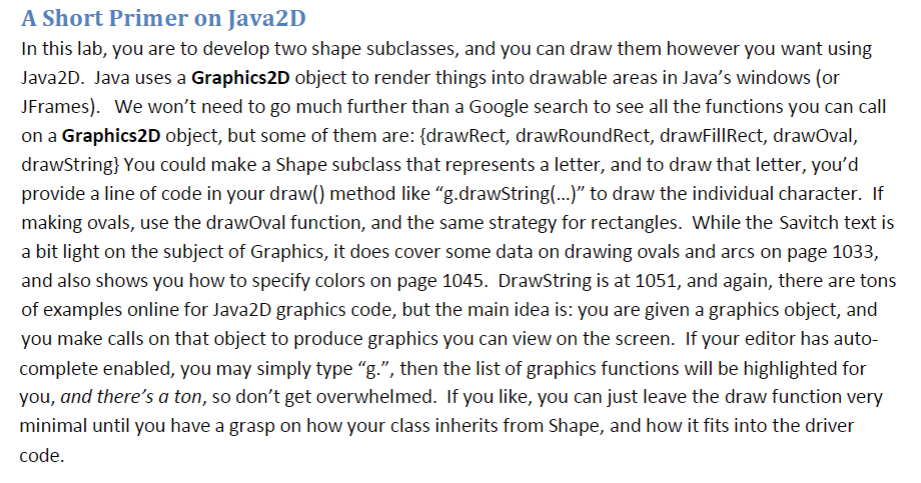 Shape class:
import java.awt.*;
/* Class Shape
* This is the superclass in a hierarchy of shapes that you have to construct
*/
//the superclass in our inheritance hierarchy
//all "common" features, functions and data should go here
//for example, all shapes in Java2D have a x,y that declares their position
//and many of the shapes exposed have a width and a height (but not all, so we didn't put width and height here)
/ote that this class is mostly empty, as there is no algorithm generic enough to guess an arbitrary shape's area (future subclasses must override getArea() to provide something reasonable)
//also, the draw method is empty too, as we don't know what shape to draw here! (again, our subclasses will need to replace this method with one that actually draws things)
class Shape extends Object {
private int x = 0;
private int y = 0;
public Shape( int a, int b ) {
x=a;
y=b;
}
public double getArea(){ return -1; }
public void draw( Graphics g ){}
public int getX() { return x; }
public int getY() { return y; }
}
A Short Primer on lava2D In this lab, you are to develop two shape subclasses, and you can draw them however you want using Java2D. Java uses a Graphics2D object to render things into drawable areas in Java's windows (or JFrames). We won't need to go much further than a Google search to see all the functions you can call on a Graphics2D object, but some of them are: [drawRect, drawRoundRect, drawFillRect, drawOval, drawString! You could make a Shape subclass that represents a letter, and to draw that letter, you'd provide a line of code in your draw() method like "g.drawString(...)" to draw the individual character. If making ovals, use the drawOval function, and the same strategy for rectangles. While the Savitch text is a bit light on the subject of Graphics, it does cover some data on drawing ovals and arcs on page 1033, and also shows you how to specify colors on page 1045. DrawString is at 1051, and again, there are tons of examples online for Java2D graphics code, but the main idea is: you are given a graphics object, and you make calls on that object to produce graphics you can view on the screen. If your editor has auto- complete enabled, you may simply type "g.", then the list of graphics functions will be highlighted for you, and there's a ton, so don't get overwhelmed. If you like, you can just leave the draw function very minimal until you have a grasp on how your class inherits from Shape, and how it fits into the driver code
Step by Step Solution
There are 3 Steps involved in it

Get step-by-step solutions from verified subject matter experts
 Study Help