







Question: PowerShell Lab12, I need help! Please write down commands and screenshots for working commands. Thank you! Remember that Where - Obj ect isn't the only
PowerShell Lab12, I need help! Please write down commands and screenshots for working commands. Thank you!
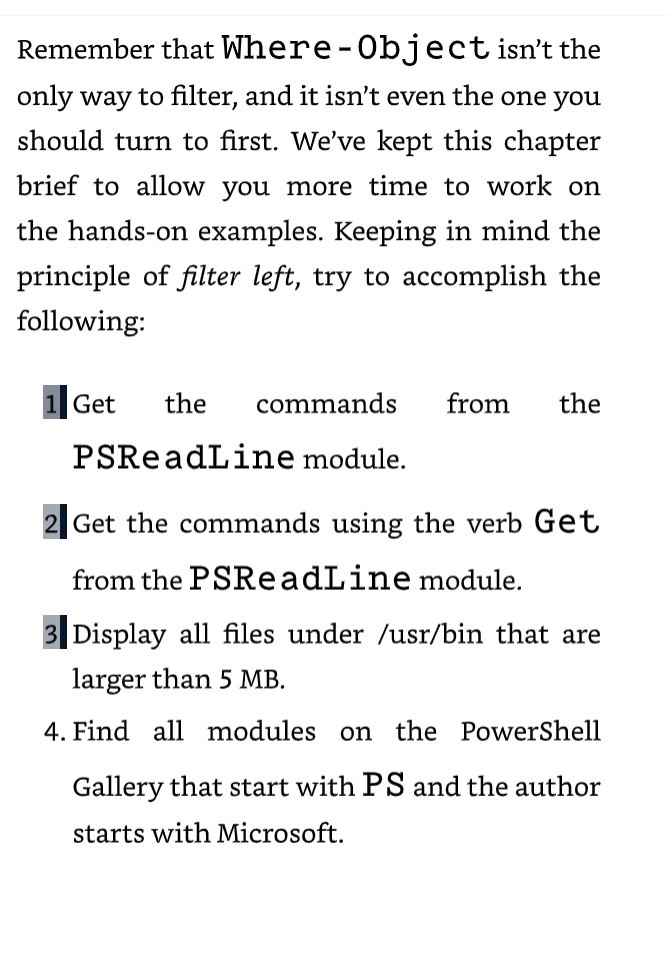
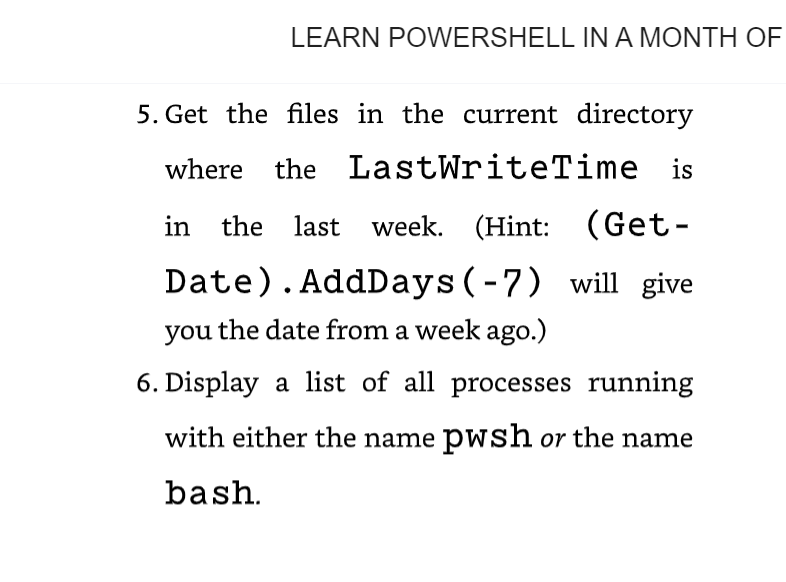
Remember that Where - Obj ect isn't the only way to filter, and it isn't even the one you should turn to first. We've kept this chapter brief to allow you more time to work on the hands-on examples. Keeping in mind the principle of filter left, try to accomplish the following: 1.Get the commands from the PSReadLine module. 2. Get the commands using the verb Get from the PSReadLine module. 3|Display all files under /usr/bin that are larger than 5MB. 4. Find all modules on the PowerShell Gallery that start with PS and the author starts with Microsoft. 5. Get the files in the current directory where the LastWriteTime is in the last week. (Hint: (GetDate). AddDays ( -7 ) will give you the date from a week ago.) 6. Display a list of all processes running with either the name pwsh or the name bash
Step by Step Solution
There are 3 Steps involved in it

Get step-by-step solutions from verified subject matter experts
 Study Help