







Question: Practice with the Cascade. In this exercise, you will create two (2) web pages that link to the same external syle sheet. After modifying the
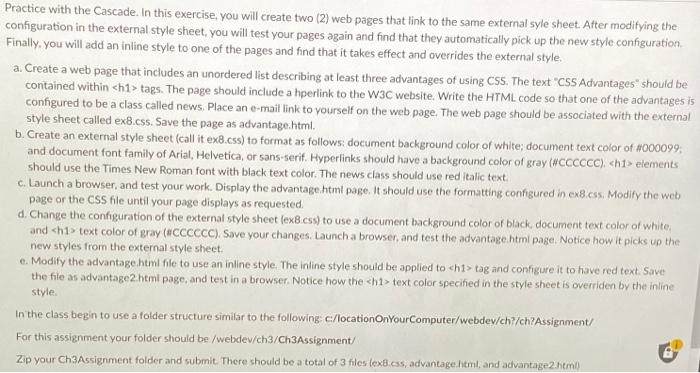
Practice with the Cascade. In this exercise, you will create two (2) web pages that link to the same external syle sheet. After modifying the configuration in the external style sheet, you will test your pages again and find that they automatically pick up the new style configuration Finally, you will add an inline style to one of the pages and find that it takes effect and overrides the external style. a. Create a web page that includes an unordered list describing at least three advantages of using CSS. The text "css Advantages" should be contained within
tags. The page should include a hperlink to the W3C website. Write the HTML code so that one of the advantages is configured to be a class called news. Place an e-mail link to yourself on the web page. The web page should be associated with the external style sheet called ex8.css. Save the page as advantage.html b. Create an external style sheet (call it ex8.css) to format as follows: document background color of white; document text color of #000099; and document font family of Arial, Helvetica, or sans-serif. Hyperlinks should have a background color of gray (#CCCCCC) elements should use the Times New Roman font with black text color. The news class should use red Italic text. c. Launch a browser, and test your work. Display the advantage.html page. It should use the formatting configured in ex8.css. Modify the web page or the CSS file until your page displays as requested. d. Change the configuration of the external style sheet (ex8.css) to use a document background color of black document text color of white, and text color of gray (#CCCCCC). Save your changes. Launch a browser, and test the advantage html page, Notice how it picks up the new styles from the external style sheet. c. Modify the advantage.html file to use an inline style. The Inline style should be applied to tag and configure it to have red text. Save the file as advantage2 html page, and test in a browser. Notice how the text color specified in the style sheet is overriden by the inline style In the class begin to use a folder structure similar to the following c/locationOnyourComputer/webdev/ch?/ch?Assignment/ For this assignment your folder should be /webdev/ch3/Ch3Assignment/ Zip your Ch3Assignment folder and submit. There should be a total of 3 files (ex8.css, advantage.html, and advantage2.html)
text color of gray (#CCCCCC). Save your changes. Launch a browser, and test the advantage html page, Notice how it picks up the new styles from the external style sheet. c. Modify the advantage.html file to use an inline style. The Inline style should be applied to tag and configure it to have red text. Save the file as advantage2 html page, and test in a browser. Notice how the text color specified in the style sheet is overriden by the inline style In the class begin to use a folder structure similar to the following c/locationOnyourComputer/webdev/ch?/ch?Assignment/ For this assignment your folder should be /webdev/ch3/Ch3Assignment/ Zip your Ch3Assignment folder and submit. There should be a total of 3 files (ex8.css, advantage.html, and advantage2.html)
text color specified in the style sheet is overriden by the inline style In the class begin to use a folder structure similar to the following c/locationOnyourComputer/webdev/ch?/ch?Assignment/ For this assignment your folder should be /webdev/ch3/Ch3Assignment/ Zip your Ch3Assignment folder and submit. There should be a total of 3 files (ex8.css, advantage.html, and advantage2.html)
Step by Step Solution
There are 3 Steps involved in it
1 Expert Approved Answer
Step: 1 Unlock

Question Has Been Solved by an Expert!
Get step-by-step solutions from verified subject matter experts
Step: 2 Unlock
Step: 3 Unlock
 Study Help