







Question: Preview File Edit View Go Tools Window Help CSI 2300 F18 Hwk3.pdf (page 1 of 3) Q Search CSI 2300 - FALL 2018- HWK 3
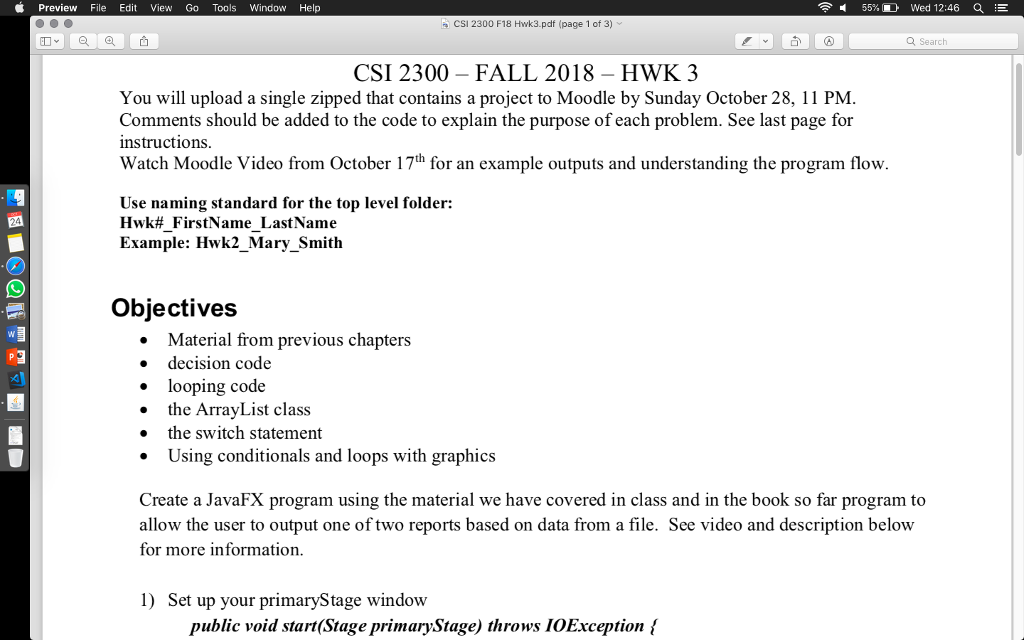
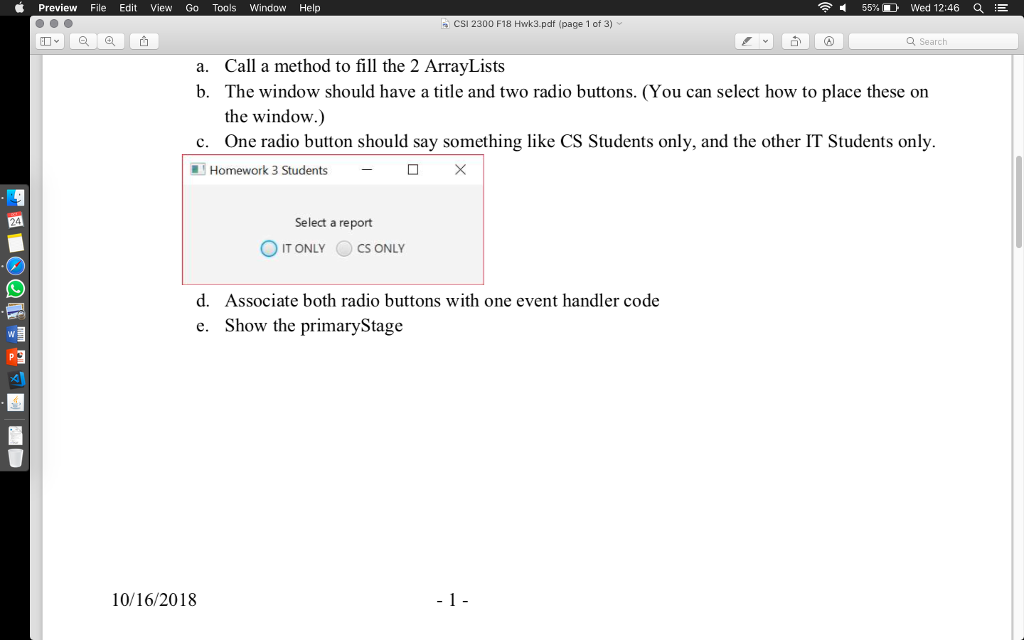
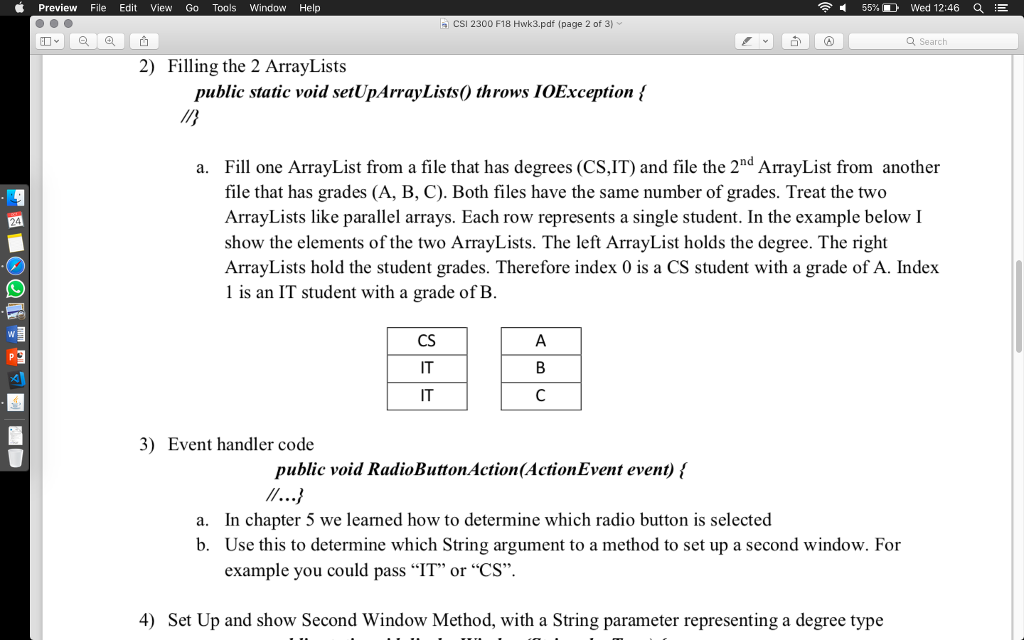
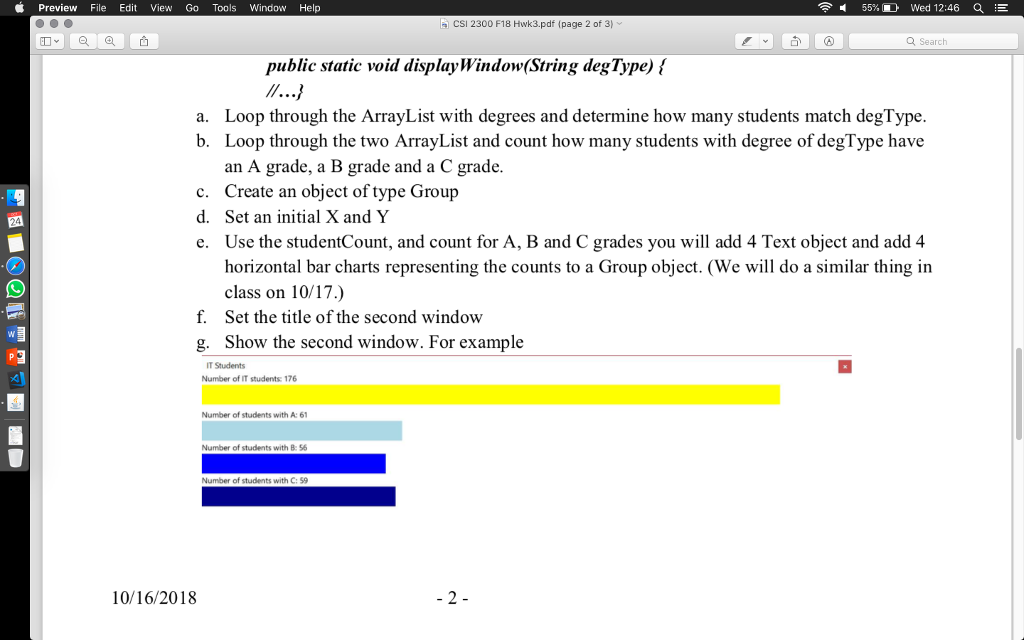
Preview File Edit View Go Tools Window Help CSI 2300 F18 Hwk3.pdf (page 1 of 3) Q Search CSI 2300 - FALL 2018- HWK 3 You will upload a single zipped that contains a project to Moodle by Sunday October 28, 11 PM Comments should be added to the code to explain the purpose of each problem. See last page for nstructions Watch Moodle Video from October 17th for an example outputs and understanding the program flow Use naming standard for the top level folder: Hwk# FirstName LastName Example: Hwk2 Mary Smith Objectives . Material from previous chapters decision code * looping code o the ArrayList class e the switch statement . Using conditionals and loops with graphics Create a JavaFX program using the material we have covered in class and in the book so far program to allow the user to output one of two reports based on data from a file. See video and description below for more information 1) Set up your primaryStage window public void start(Stage primaryStage) throws IOExceptionl Preview File Edit View Go Tools Window Help CSI 2300 F18 Hwk3.pdf (page 1 of 3) Q Search CSI 2300 - FALL 2018- HWK 3 You will upload a single zipped that contains a project to Moodle by Sunday October 28, 11 PM Comments should be added to the code to explain the purpose of each problem. See last page for nstructions Watch Moodle Video from October 17th for an example outputs and understanding the program flow Use naming standard for the top level folder: Hwk# FirstName LastName Example: Hwk2 Mary Smith Objectives . Material from previous chapters decision code * looping code o the ArrayList class e the switch statement . Using conditionals and loops with graphics Create a JavaFX program using the material we have covered in class and in the book so far program to allow the user to output one of two reports based on data from a file. See video and description below for more information 1) Set up your primaryStage window public void start(Stage primaryStage) throws IOExceptionl
Step by Step Solution
There are 3 Steps involved in it

Get step-by-step solutions from verified subject matter experts
 Study Help