







Question: Problem 1 (50 points): Simple JavaFX app 1. Create a JavaFX project in Eclipse with a name like ex1 or exercise1. 2. Use the default
Problem 1 (50 points): Simple JavaFX app 1. Create a JavaFX project in Eclipse with a name like ex1 or exercise1.
2. Use the default package "application." If you want, you may refactor it.
3. Use the default JavaFX class (a source file) named Main.java. Again, you may change the name of the source file (class file, eventually) by refactoring.
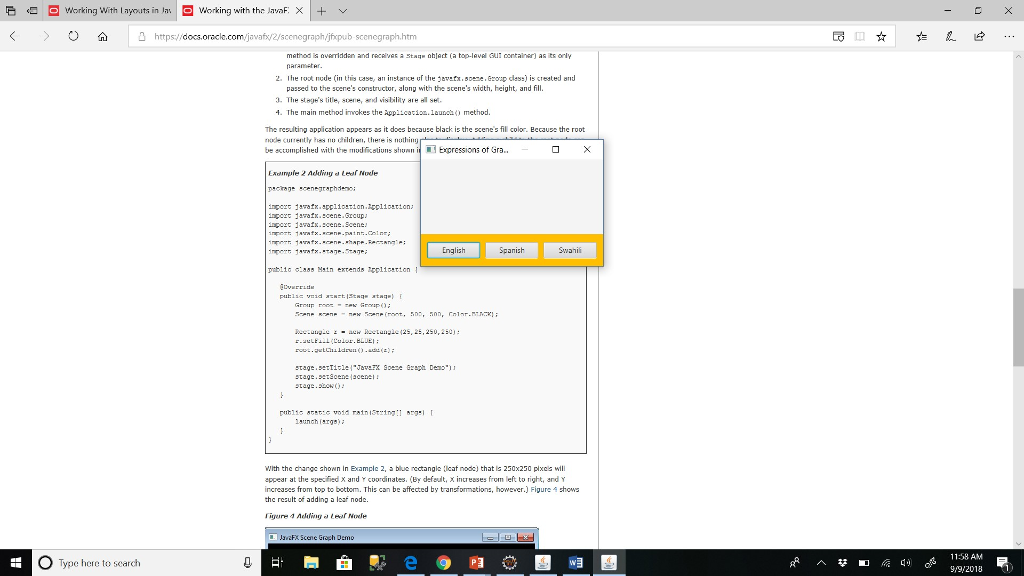
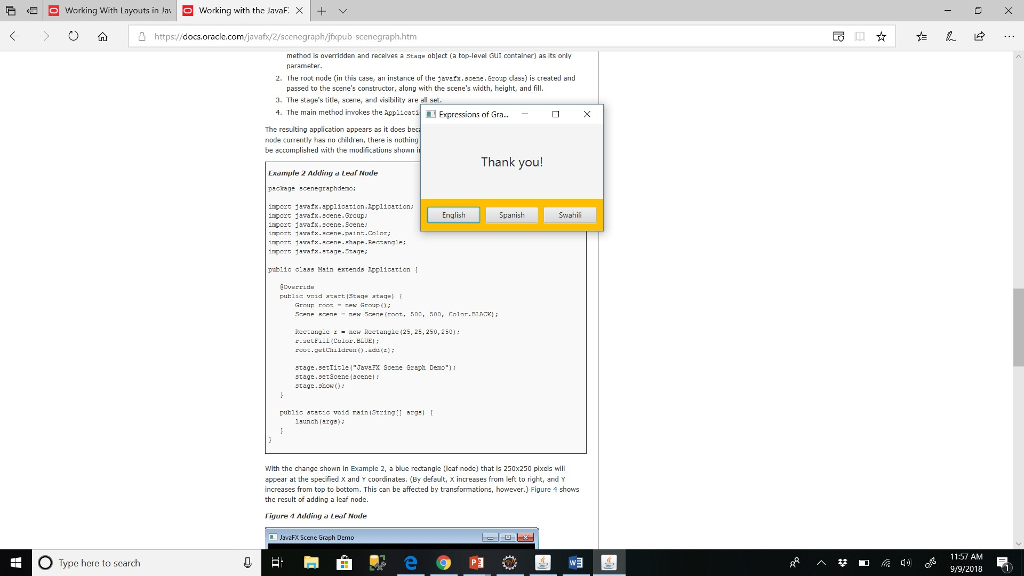
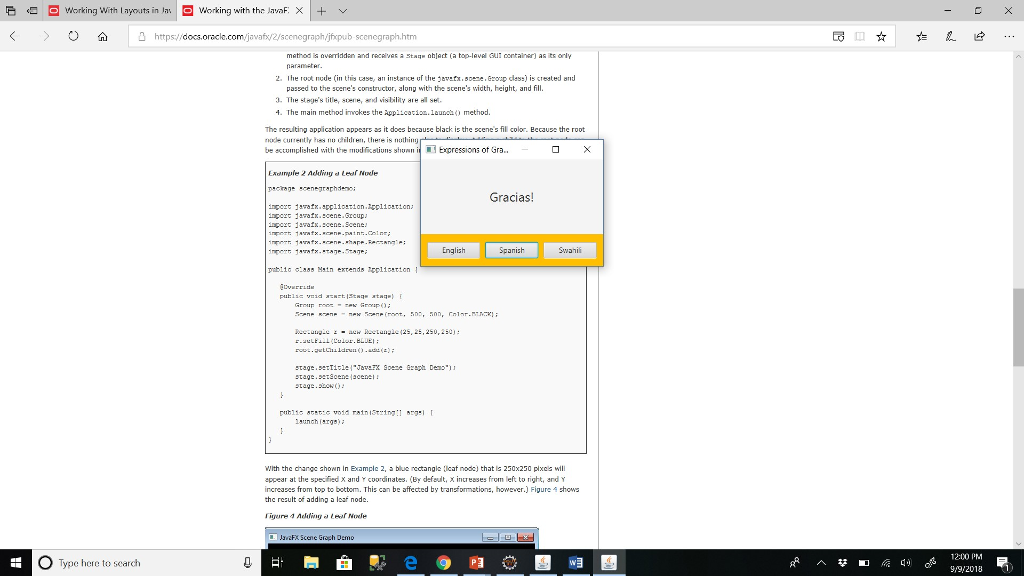
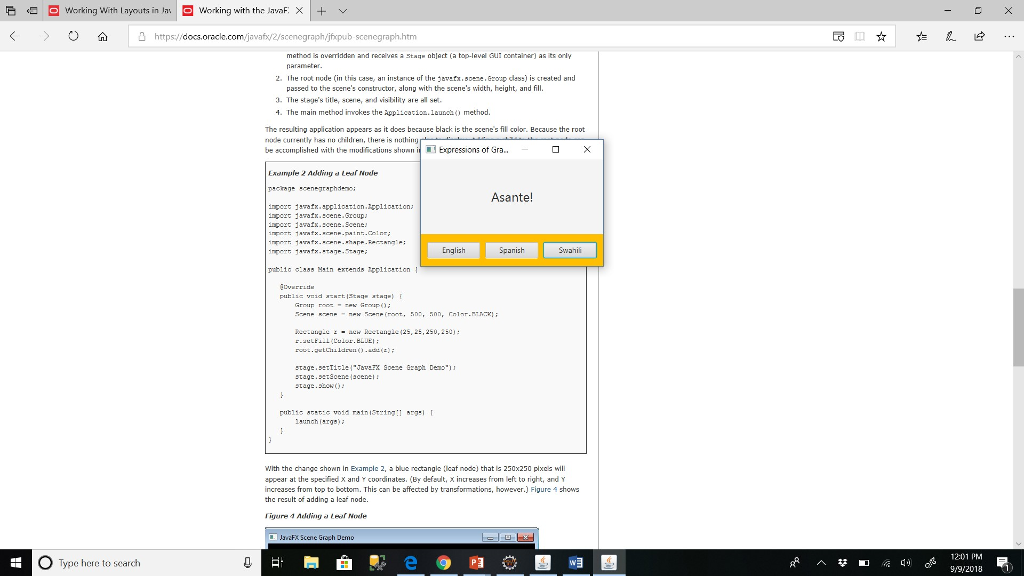
4. Download the runnable JAR file named Gratitude.jar to your computer and double click to run it. Click a button to see the expression of gratitude in a different language block.
5. Create a similar app by writing code in the Main.java file.
6. Export your project to a JAR file (not a runnable JAR file).
7. Upload the JAR file on Canvas.
Read this page to learn how to create a window with the BorderPane layout class. You can find event handling examples in the posted sample code. Review the following APIs and features of JavaFX to solve this problem: Stage, Scene, BorderPane, HBox, Button, Label, event handling and anonymous class, and setting styles using setStyle(styles) method of BorderPane.
E working with layouts in las working with the JavaF. X + v https://docs.oracle jfxpub scenograph.htm passed to the scere's constructor, along with the scene's width, height, and fill. 3. The stoge's title, sone, I vislility yre el sei. 4. The main method inokes the Appiicario.launmethod. The resulting appication appers as it does because black is the scenes fil color. Becuse the root nodecu're.itly hes nu 'hild'", there is "uthin' e eccumplished with the modficstions shuan ixpressions ot Gra.. ngert javafx.spC110!tion.1CC 110etion.: ngoxc 1arain.cene.cup ngoc 1ara.cens.Scene English Spanish tag.tcenacenei tag.bo) With the changc shonn in Examplc 2, a bluc rectangle cat nodc) that s 250x250 plxcs will appear at the specified X nd coordinates.(by default, x increases from left to right, and Y increases from top to bottom. This can be affected by transformations, however.) Figure shows hc result of adding a loaf node. ane Groch Demo O Type here to search Wa 1158 AM 99/2018
Step by Step Solution
There are 3 Steps involved in it

Get step-by-step solutions from verified subject matter experts
 Study Help