







Question: Procedure. 1. Open your web browser and type: hitins //phel colorado motion 2. Click INTRO 3. Set the angle of inclination to 259, 45, 650,
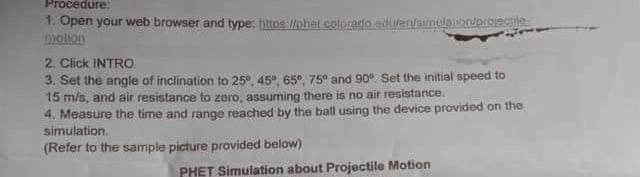
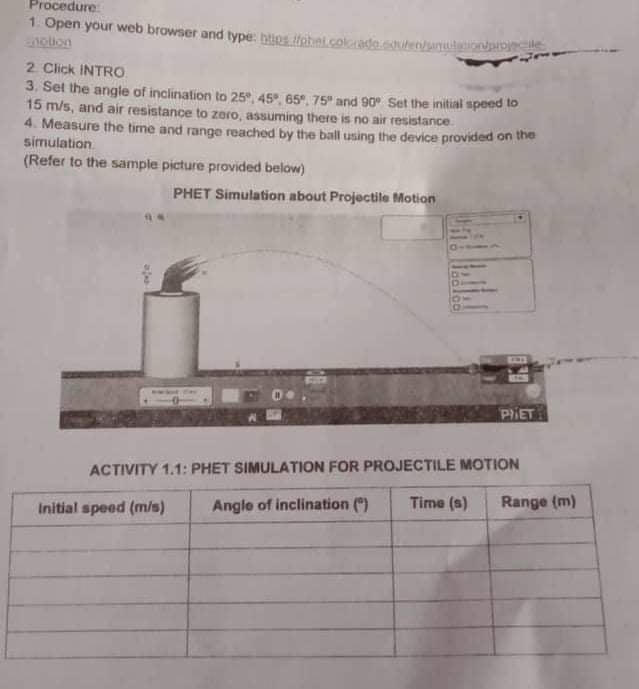
Procedure. 1. Open your web browser and type: hitins //phel colorado motion 2. Click INTRO 3. Set the angle of inclination to 259, 45", 650, 75" and 90% Set the initial speed to 15 m/s, and air resistance to zero, assuming there is no air resistance. 4. Measure the time and range reached by the ball using the device provided on the simulation. (Refer to the sample picture provided below) PHET Simulation about Projectile MotionProcedure: 1 Open your web browser and type: http: //phelcolonade souren/willationpipizelle notion 2 Click INTRO 3, Set the angle of inclination to 259, 459, 65", 75" and 90' Set the initial speed to 15 m/s, and air resistance to zero, assuming there is no air resistance. 4. Measure the time and range reached by the ball using the device provided on the simulation (Refer to the sample picture provided below) PHET Simulation about Projectile Motion PIET ACTIVITY 1.1: PHET SIMULATION FOR PROJECTILE MOTION Time (s) Range (m) Initial speed (m/s) Angle of Inclination (")
Step by Step Solution
There are 3 Steps involved in it

Get step-by-step solutions from verified subject matter experts
 Study Help