







Question: Program Design Create a new BlueJ project called ConeCalculator and inside that create a class called ConeCalculator. Your class will contain two static methods: processCones
Program Design
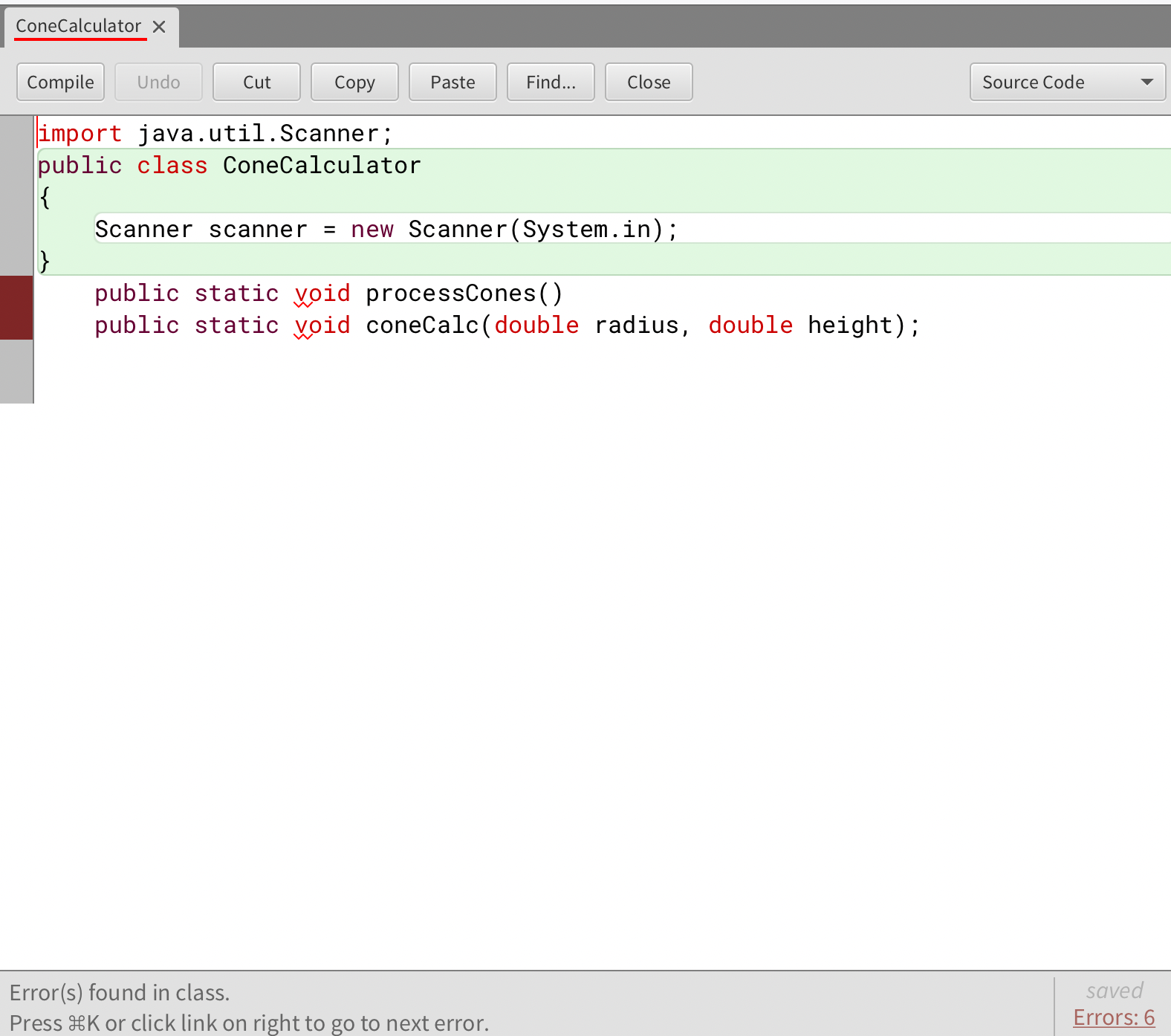
Create a new BlueJ project called ConeCalculator and inside that create a class called ConeCalculator. Your class will contain two static methods: processCones and coneCalc.
The processCones method should accept no parameters and return no value. Think of this as the main driver of the program. This method should print the welcome message, read and process as many cones as the user would like, then print the final message.
The coneCalc method should accept the radius and height of one cone as parameters. It should calculate the three values for the code and print the results using printf statements This method returns no value.
Use the formulas below to calculate the values needed. However, use meaningful variables names in your program, not the abbreviated symbols shown in the formulas.
For a cone with radius r and height h the slant height s is the length along the edge from the tip of the cone to the base:
Developing the Program
As with almost all programs: develop it in stages. Don't try to get the whole thing written before compiling and testing it For example, you could:
Get the infrastructure of the program set up including both methods. Print the welcome and final messages. Compile and test.
Write the contents of the coneCalc method to compute and print the values for one cone. Call it once from the processCones method with hard coded parameters. Compile and test.
Set up the Scanner object for reading input. Read some sample input values and print them back out temporarily. Compile and test.
Set up the loop in processCones that repeats until the user says they have no more cones to process. Compile and test.
Read the input values for a cone and pass them to coneCalc. Compile and test.
Check to see if the input values are invalid and print the error message if so Make sure you do NOT process invalid input. Compile and test.
Test the program with multiple other input values, verifying the output with hand calculations.
Documentation
You need to add javadoc comments to your program, specifically above the class and above each method. The class comment must include a general description of the project, as well as an @author tag with your name and an @version tag with the date. Each method comment should include a short description of what the method does as well as @param tags for each parameter accepted by the method.
Step by Step Solution
There are 3 Steps involved in it
1 Expert Approved Answer
Step: 1 Unlock

Question Has Been Solved by an Expert!
Get step-by-step solutions from verified subject matter experts
Step: 2 Unlock
Step: 3 Unlock
 Study Help