



Question: What isn't clear? Set Up Create a new BlueJ project called Project2 and inside that create a class called RandomSquares that extends the JavaFX Application
 What isn't clear?
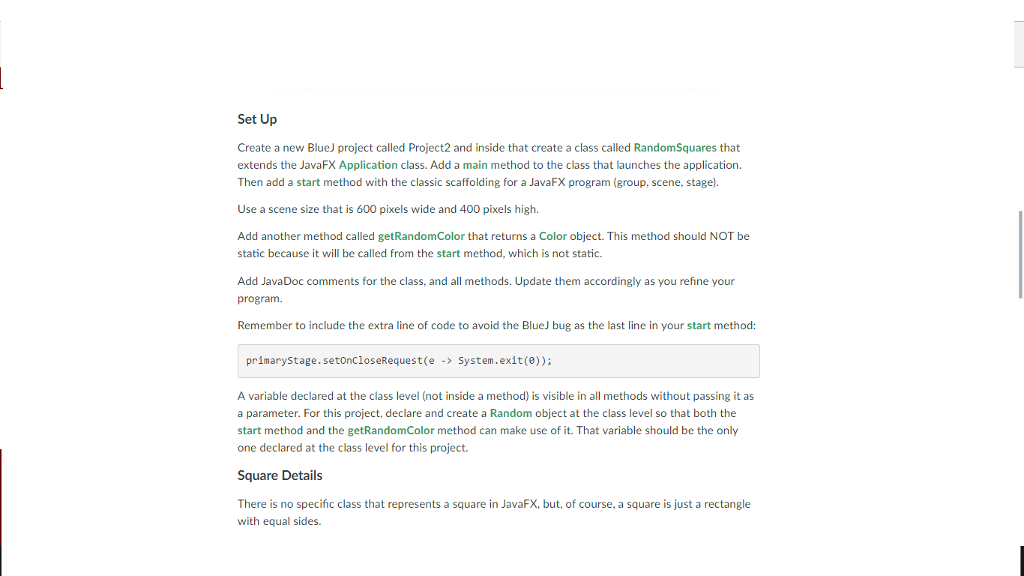
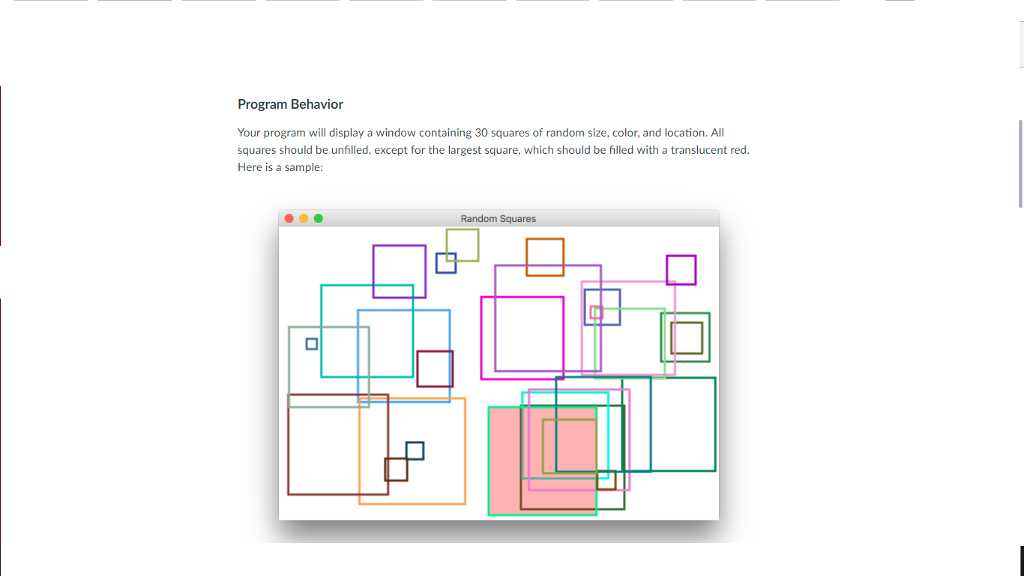
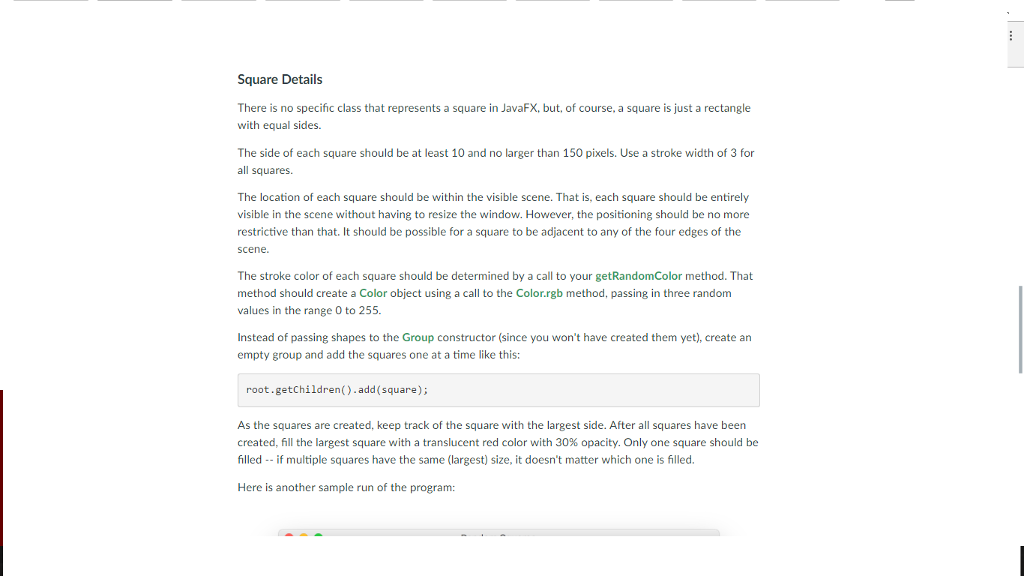
Set Up Create a new BlueJ project called Project2 and inside that create a class called RandomSquares that extends the JavaFX Application class. Add a main method to the class that launches the application. Then add a start method with the classic scaffolding for a JavaFX program (group, scene, stage Use a scene size that is 600 pixels wide and 400 pixels high. Add another method called getRandomColor that returns a Color object. This method should NOT be static because it will be called from the start method, which is not static. Add JavaDoc comments for the class, and all methods. Update them accordingly as you refine your program. Remember to include the extra line of code to avoid the BlueJ bug as the last line in your start method: primary stage. setoncloseRequest(e System exit A variable declared at the class level (not inside a method is visible in all methods without passing it as a parameter. For this project, declare and create a Random object at the class level so that both the start method and the getRandomColor method can make use of it. That variable should be the only one declared at the class level for this project. Square Details There is no specific class that represents a square in JavaFX, but, of course, a square is just a rectangle with equal sides. Set Up Create a new BlueJ project called Project2 and inside that create a class called RandomSquares that extends the JavaFX Application class. Add a main method to the class that launches the application. Then add a start method with the classic scaffolding for a JavaFX program (group, scene, stage Use a scene size that is 600 pixels wide and 400 pixels high. Add another method called getRandomColor that returns a Color object. This method should NOT be static because it will be called from the start method, which is not static. Add JavaDoc comments for the class, and all methods. Update them accordingly as you refine your program. Remember to include the extra line of code to avoid the BlueJ bug as the last line in your start method: primary stage. setoncloseRequest(e System exit A variable declared at the class level (not inside a method is visible in all methods without passing it as a parameter. For this project, declare and create a Random object at the class level so that both the start method and the getRandomColor method can make use of it. That variable should be the only one declared at the class level for this project. Square Details There is no specific class that represents a square in JavaFX, but, of course, a square is just a rectangle with equal sides
Step by Step Solution
There are 3 Steps involved in it

Get step-by-step solutions from verified subject matter experts