







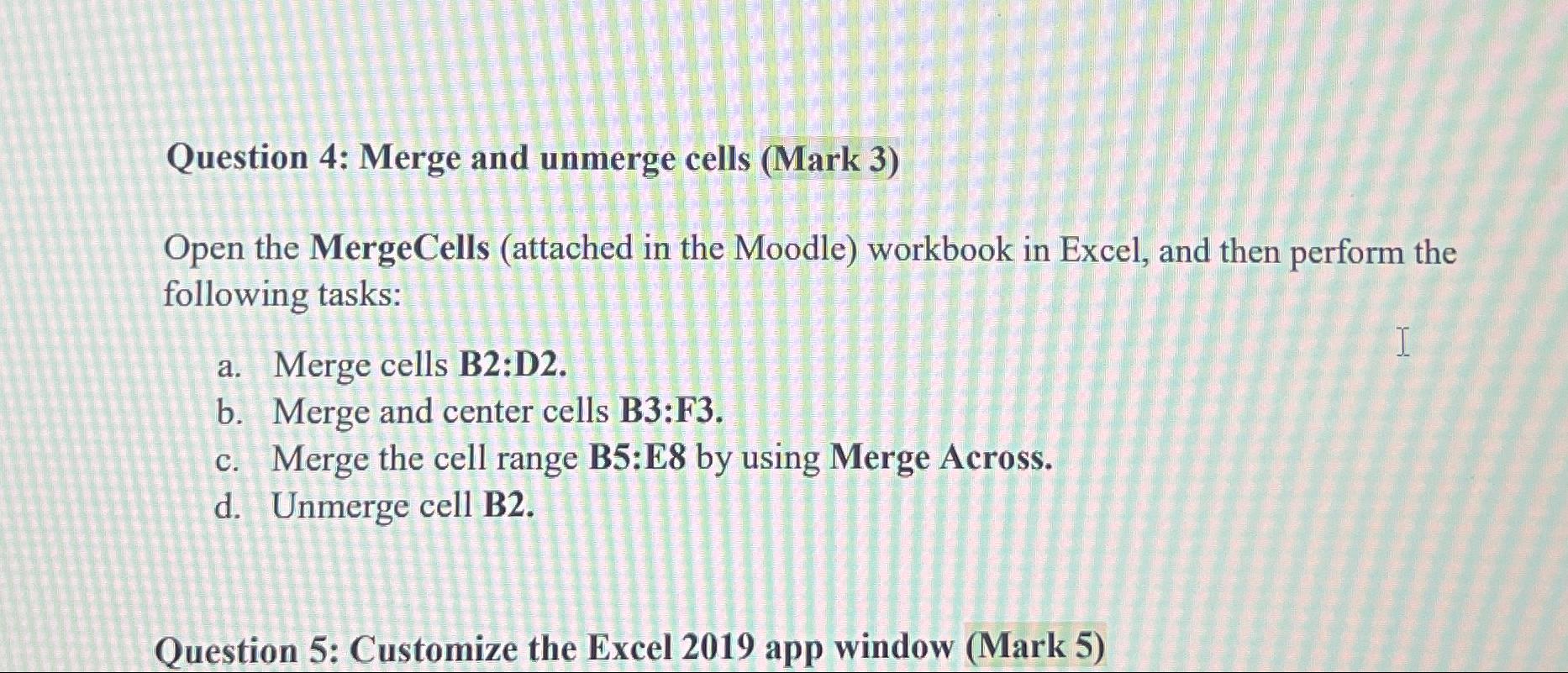
Question: Question 4 : Merge and unmerge cells ( Mark 3 ) Open the MergeCells ( attached in the Moodle ) workbook in Excel, and then
Question : Merge and unmerge cells Mark
Open the MergeCells attached in the Moodle workbook in Excel, and then perform the following tasks:
a Merge cells B:D
b Merge and center cells B:F
c Merge the cell range B:E by using Merge Across.
d Unmerge cell B
Question : Customize the Excel app window Mark
Step by Step Solution
There are 3 Steps involved in it
1 Expert Approved Answer
Step: 1 Unlock

Question Has Been Solved by an Expert!
Get step-by-step solutions from verified subject matter experts
Step: 2 Unlock
Step: 3 Unlock
 Study Help