







Question: RB Systems Files * d 2 9 8 ef 5 2 9 e 4 e . . . ~ = Course Modules: SD . .
RB Systems Files defee ~ Course Modules: SD
Installation Guide.pdf
li Linux Installation Guide.pdf MB
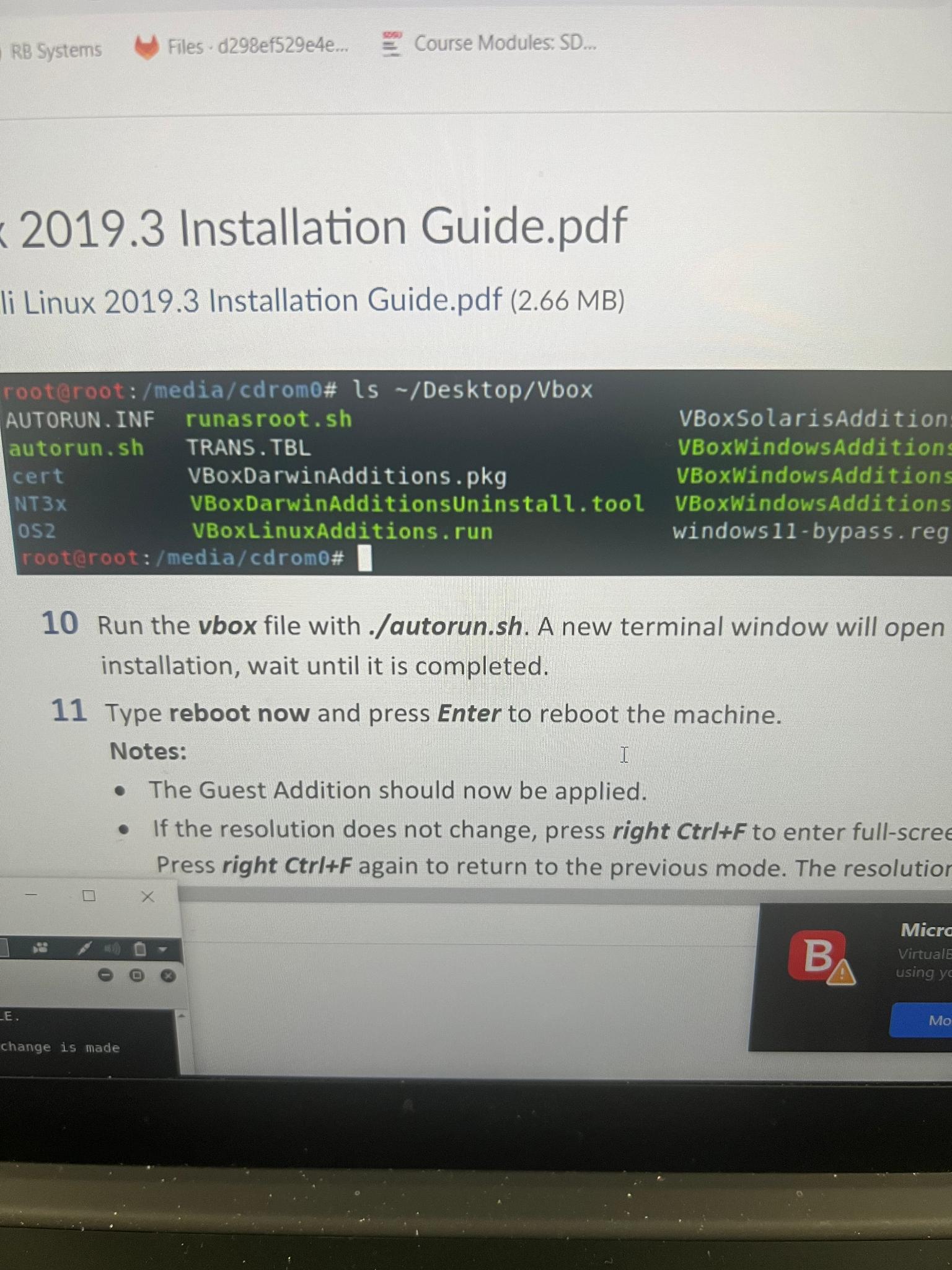
tablerooteroot:mediacdrom# ls DesktopVboxAUTORUN INF,runasroot.shVBoxSolarisAdditionautorunshTRANS.TBLVBoxWindowsAdditionscertVBoxDarwinAdditions.pkgVBoxWindowsAdditionsNTxVBoxDarwinAdditionsUninstall.tool,VBoxWindowSAdditionsosVBoxLinuxAdditions.run,windowsbypass.regrooteroot:mediacdrom#
Run the vbox file with autorunsh A new terminal window will open installation, wait until it is completed.
Type reboot now and press Enter to reboot the machine.
Notes:
The Guest Addition should now be applied.
If the resolution does not change, press right to enter fullscre Press right CtrlIF again to return to the previous mode. The resolutio
E
change is made
Step by Step Solution
There are 3 Steps involved in it
1 Expert Approved Answer
Step: 1 Unlock

Question Has Been Solved by an Expert!
Get step-by-step solutions from verified subject matter experts
Step: 2 Unlock
Step: 3 Unlock
 Study Help