







Question: Required Information Lab Note: The tools presented in this lab periodically change. Updated instructions, if applicable, can be found in the eBook and lab walkthrough
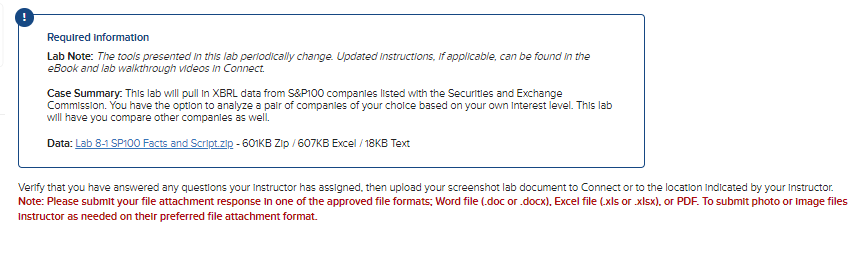
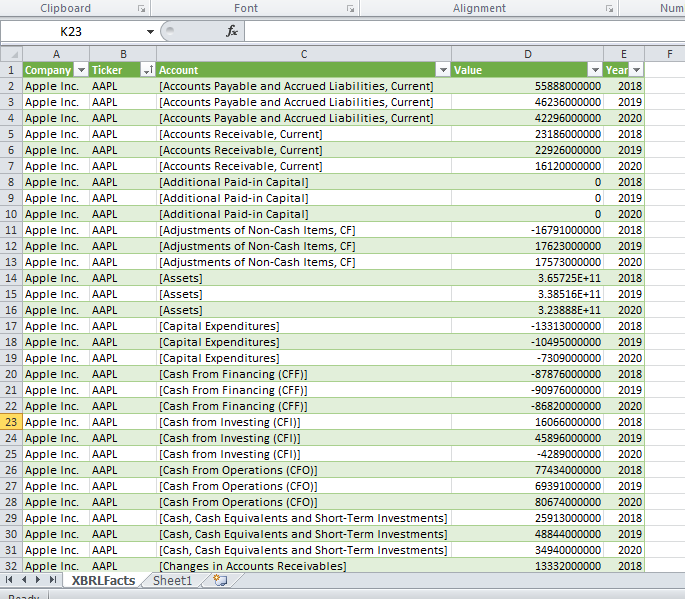
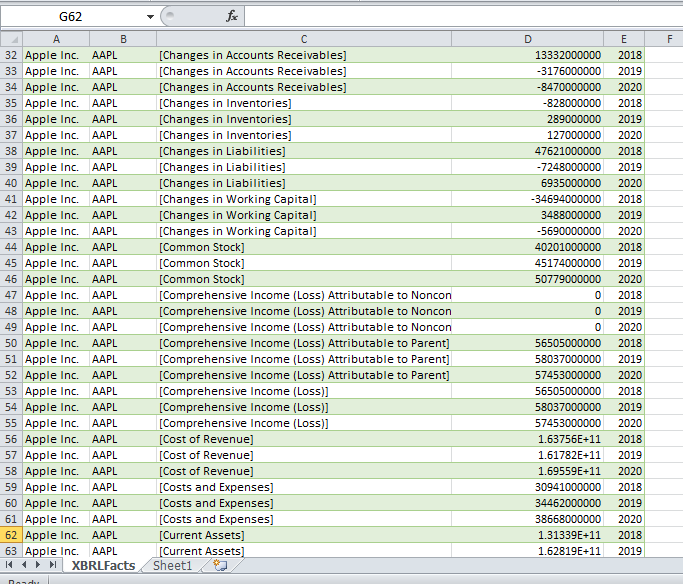
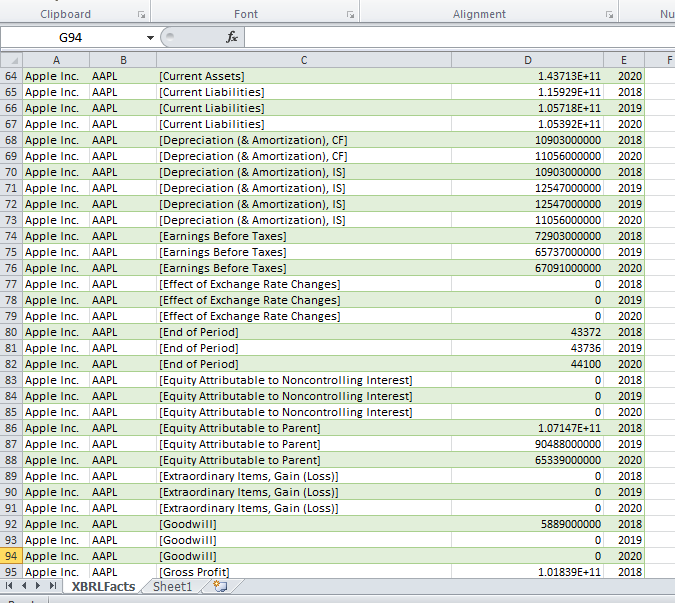
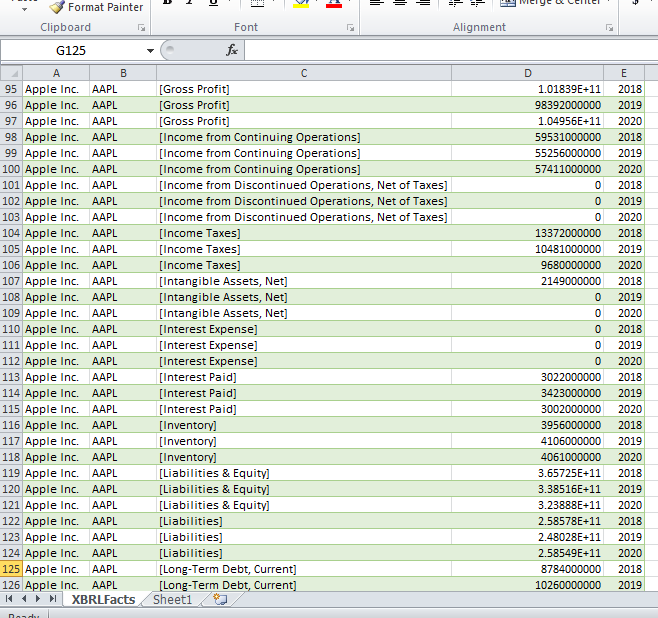
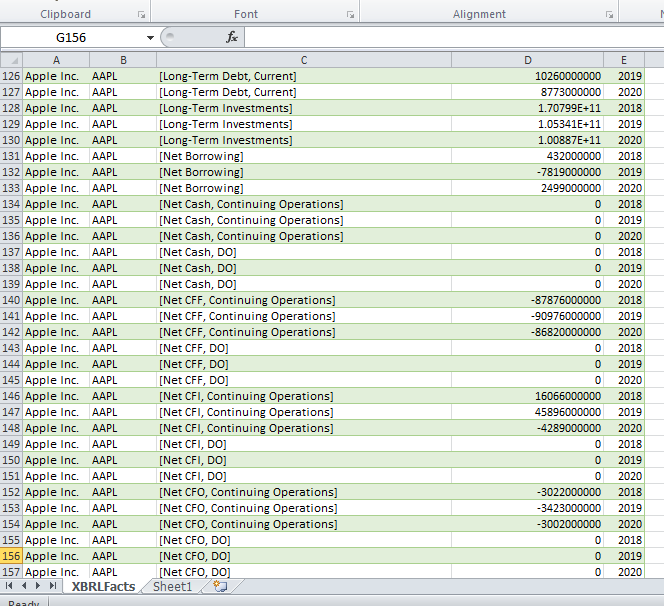
Required Information Lab Note: The tools presented in this lab periodically change. Updated instructions, if applicable, can be found in the eBook and lab walkthrough videos in Connect. Case Summary. This lab will pull In XBRL data from S\&P100 companles listed with the Securitles and Exchange Commission. You have the optlon to analyze a pair of companies of your choice based on your own Interest level. This lab will have you compare other companles as well. Data: Lab 8-1 SP100 Facts and Script.zlp - 601KB ZIp / 607KB Excel / 18KB Text Verify that you have answered any questions your Instructor has assigned, then upload your screenshot lab document to Connect or to the location indicated by your instructor. Note: Please submit your file attachment response in one of the approved file formats; Word file (.doc or .docx), Excel file (.xls or .xisx), or PDF. To submit photo or image files Instructor as needed on their preferred file attachment format. Required Information Lab Note: The tools presented in this lab periodically change. Updated instructions, if applicable, can be found in the eBook and lab walkthrough videos in Connect. Case Summary. This lab will pull In XBRL data from S\&P100 companles listed with the Securitles and Exchange Commission. You have the optlon to analyze a pair of companies of your choice based on your own Interest level. This lab will have you compare other companles as well. Data: Lab 8-1 SP100 Facts and Script.zlp - 601KB ZIp / 607KB Excel / 18KB Text Verify that you have answered any questions your Instructor has assigned, then upload your screenshot lab document to Connect or to the location indicated by your instructor. Note: Please submit your file attachment response in one of the approved file formats; Word file (.doc or .docx), Excel file (.xls or .xisx), or PDF. To submit photo or image files Instructor as needed on their preferred file attachment format
Step by Step Solution
There are 3 Steps involved in it

Get step-by-step solutions from verified subject matter experts
 Study Help