







Question: SQL. PHpmyAdmin I Joins again! 1. Write the SQL Statement to display the guestNo, dateArrive, dateDepart, propertyNo, city, and state for all Bookings. 2. Paste
SQL.
PHpmyAdmin
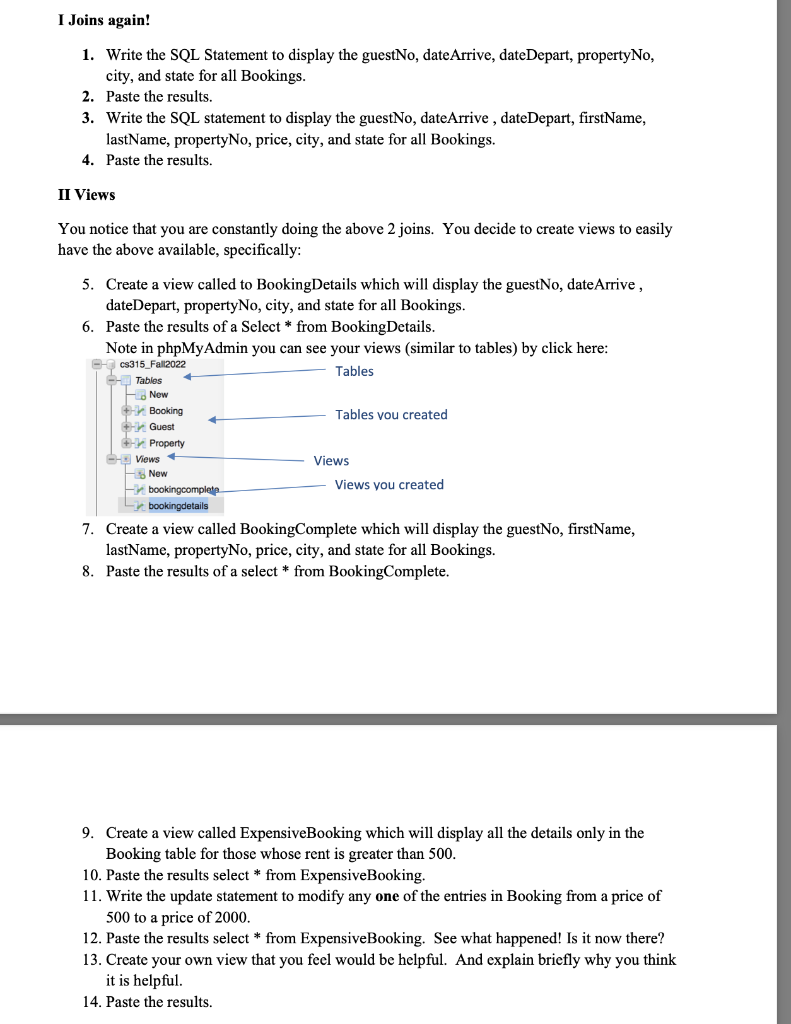
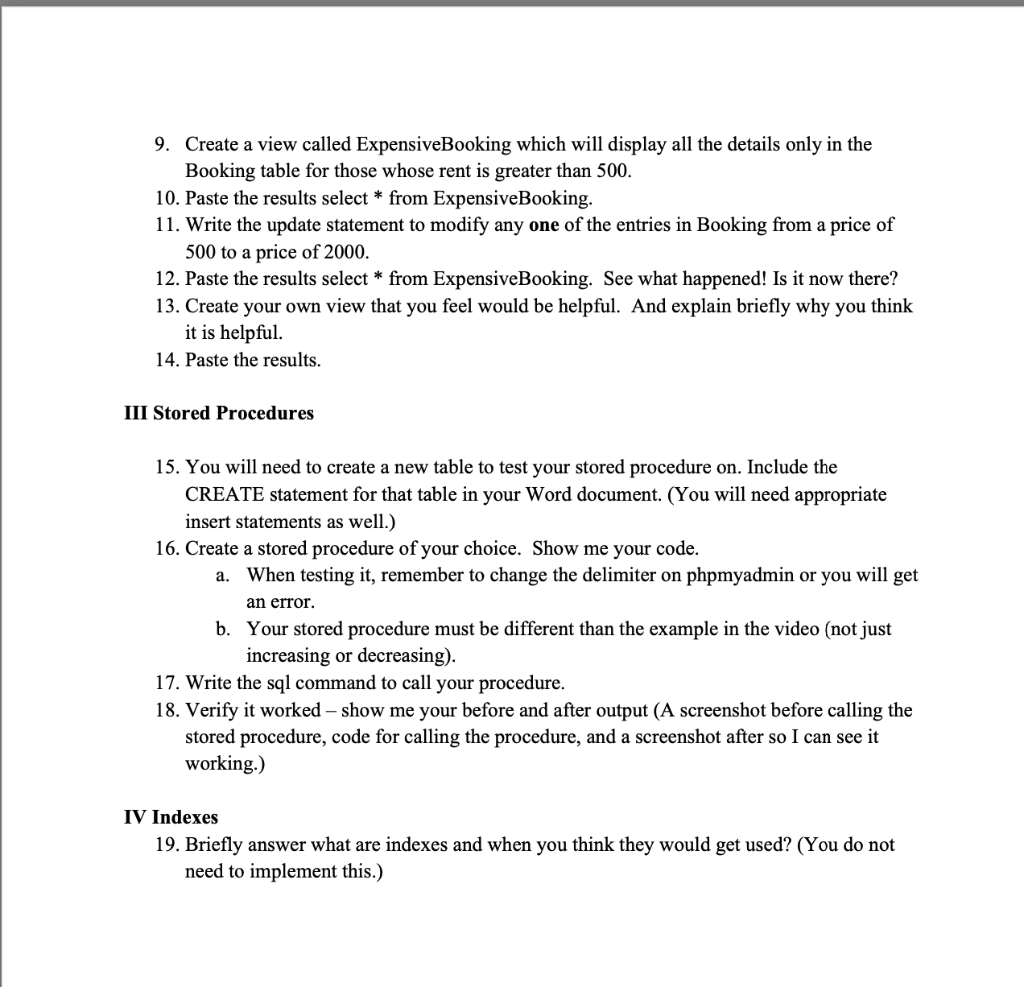
I Joins again! 1. Write the SQL Statement to display the guestNo, dateArrive, dateDepart, propertyNo, city, and state for all Bookings. 2. Paste the results. 3. Write the SQL statement to display the guestNo, dateArrive, dateDepart, firstName, lastName, propertyNo, price, city, and state for all Bookings. 4. Paste the results. II Views You notice that you are constantly doing the above 2 joins. You decide to create views to easily have the above available, specifically: 5. Create a view called to BookingDetails which will display the guestNo, date Arrive , dateDepart, propertyNo, city, and state for all Bookings. 6. Paste the results of a Select * from BookingDetails. Note in phpMyAdmin you can see your views (similar to tables) by click here: 7. Create a view called BookingComplete which will display the guestNo, firstName, lastName, propertyNo, price, city, and state for all Bookings. 8. Paste the results of a select from BookingComplete. 9. Create a view called ExpensiveBooking which will display all the details only in the Booking table for those whose rent is greater than 500 . 10. Paste the results select * from ExpensiveBooking. 11. Write the update statement to modify any one of the entries in Booking from a price of 500 to a price of 2000. 12. Paste the results select * from ExpensiveBooking. See what happened! Is it now there? 13. Create your own view that you feel would be helpful. And explain briefly why you think it is helpful. 14. Paste the results. 9. Create a view called ExpensiveBooking which will display all the details only in the Booking table for those whose rent is greater than 500 . 10. Paste the results select * from ExpensiveBooking. 11. Write the update statement to modify any one of the entries in Booking from a price of 500 to a price of 2000 . 12. Paste the results select * from ExpensiveBooking. See what happened! Is it now there? 13. Create your own view that you feel would be helpful. And explain briefly why you think it is helpful. 14. Paste the results. III Stored Procedures 15. You will need to create a new table to test your stored procedure on. Include the CREATE statement for that table in your Word document. (You will need appropriate insert statements as well.) 16. Create a stored procedure of your choice. Show me your code. a. When testing it, remember to change the delimiter on phpmyadmin or you will get an error. b. Your stored procedure must be different than the example in the video (not just increasing or decreasing). 17. Write the sql command to call your procedure. 18. Verify it worked - show me your before and after output (A screenshot before calling the stored procedure, code for calling the procedure, and a screenshot after so I can see it working.) IV Indexes 19. Briefly answer what are indexes and when you think they would get used? (You do not need to implement this.)
Step by Step Solution
There are 3 Steps involved in it

Get step-by-step solutions from verified subject matter experts
 Study Help