







Question: Steps for d Excel 3 6 5 / 2 0 2 1 Module 5 : SAM Project la number of continuing education courses offered. Provide
Steps for
d Excel
Module : SAM Project la
number of continuing education courses offered.
Provide this information for Justin as follows:
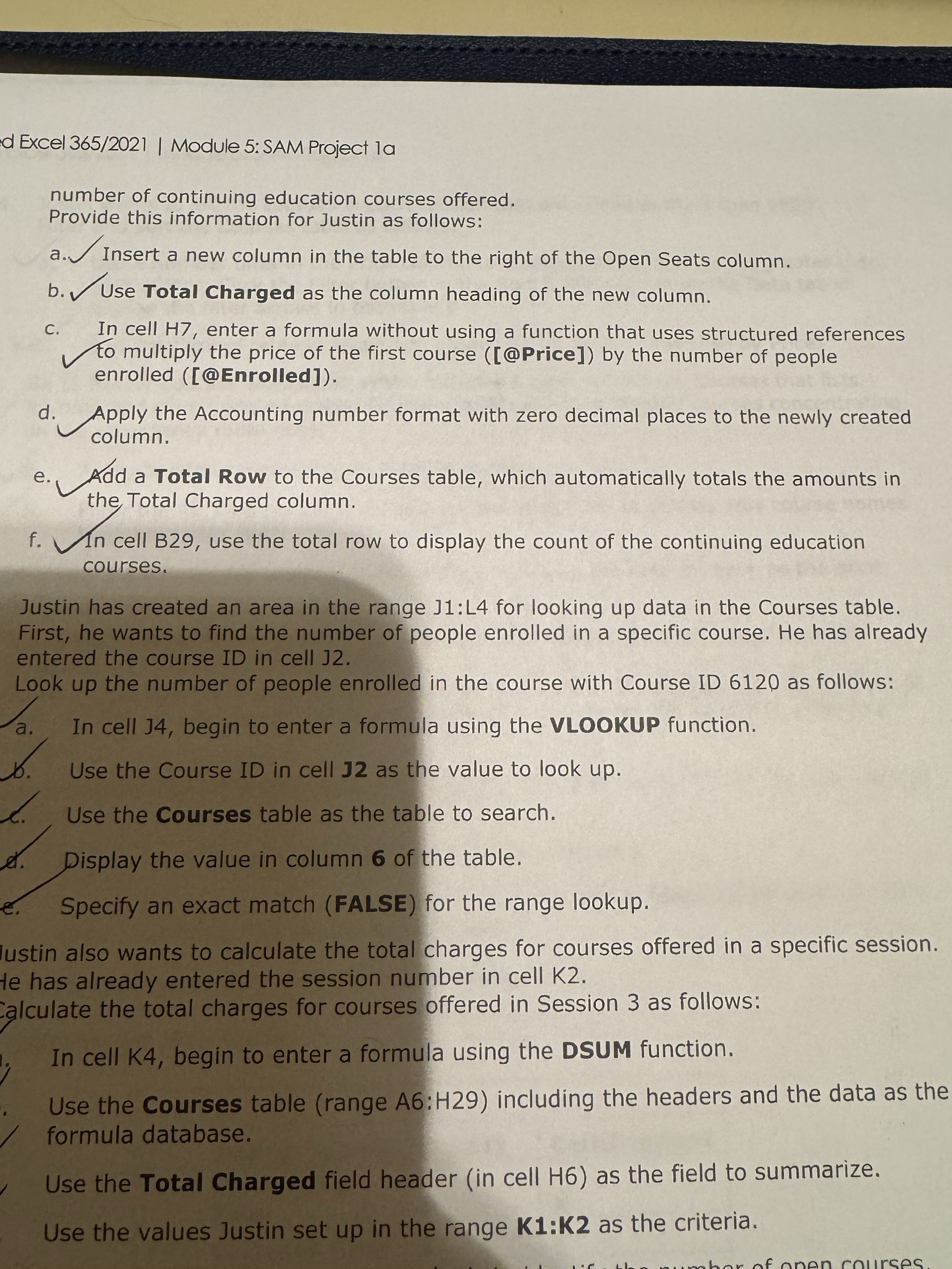
a Insert a new column in the table to the right of the Open Seats column.
b Use Total Charged as the column heading of the new column.
c In cell H enter a formula without using a function that uses structured references to multiply the price of the first course @Price by the number of people enrolled @Enrolled
d Apply the Accounting number format with zero decimal places to the newly created column.
e Add a Total Row to the Courses table, which automatically totals the amounts in the Total Charged column.
f In cell B use the total row to display the count of the continuing education courses.
Justin has created an area in the range J:L for looking up data in the Courses table. First, he wants to find the number of people enrolled in a specific course. He has already entered the course ID in cell J
Look up the number of people enrolled in the course with Course ID as follows:
a In cell J begin to enter a formula using the VLOOKUP function.
Use the Course ID in cell as the value to look up
e Use the Courses table as the table to search.
d Display the value in column of the table.
e Specify an exact match FALSE for the range lookup.
lustin also wants to calculate the total charges for courses offered in a specific session.
te has already entered the session number in cell K
alculate the total charges for courses offered in Session as follows:
In cell K begin to enter a formula using the DSUM function.
Use the Courses table range A:H including the headers and the data as the formula database.
Use the Total Charged field header in cell H as the field to summarize.
Use the values Justin set up in the range : as the criteria.
Step by Step Solution
There are 3 Steps involved in it
1 Expert Approved Answer
Step: 1 Unlock

Question Has Been Solved by an Expert!
Get step-by-step solutions from verified subject matter experts
Step: 2 Unlock
Step: 3 Unlock
 Study Help