







Question: Task 1: Use the expression trees to build a calculator. The user should enter the expression in infix notation. The calculator should support the following:
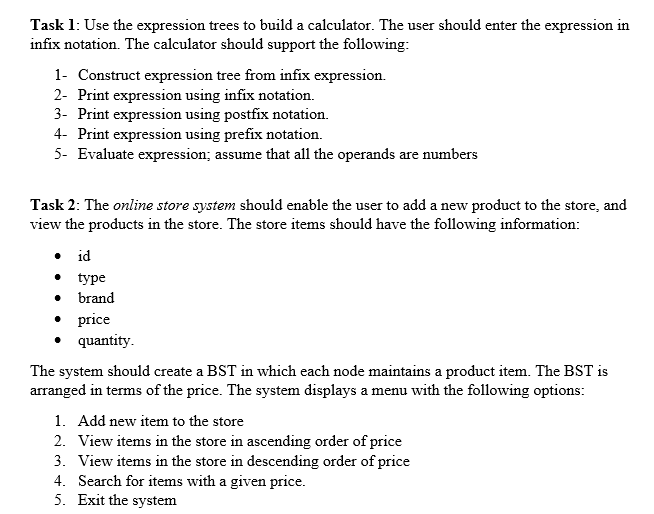
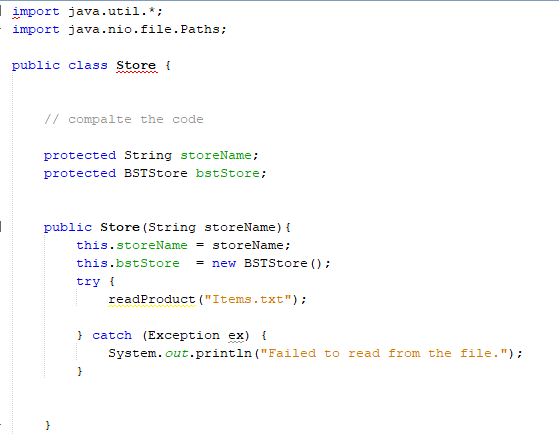
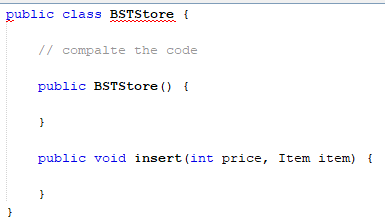
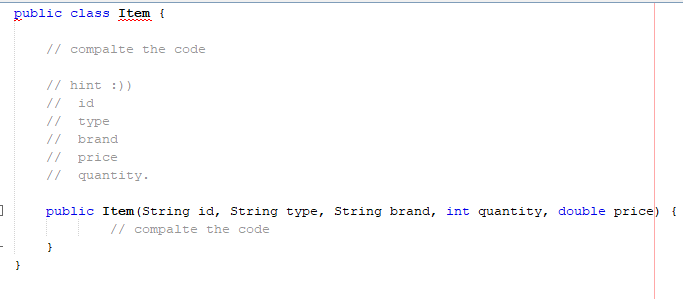
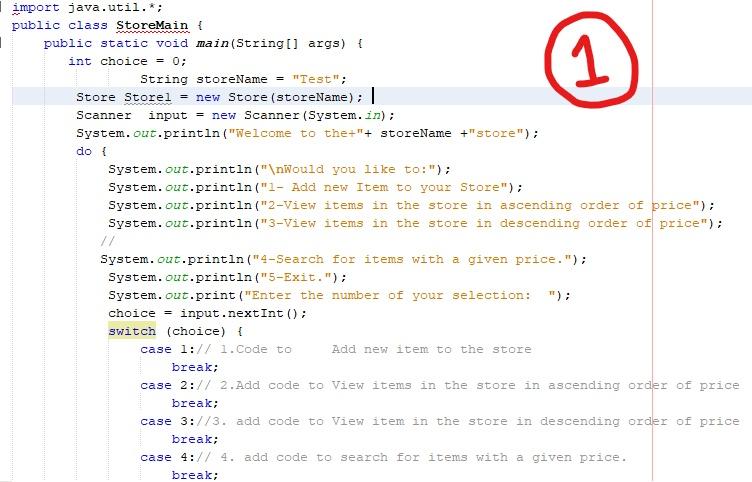
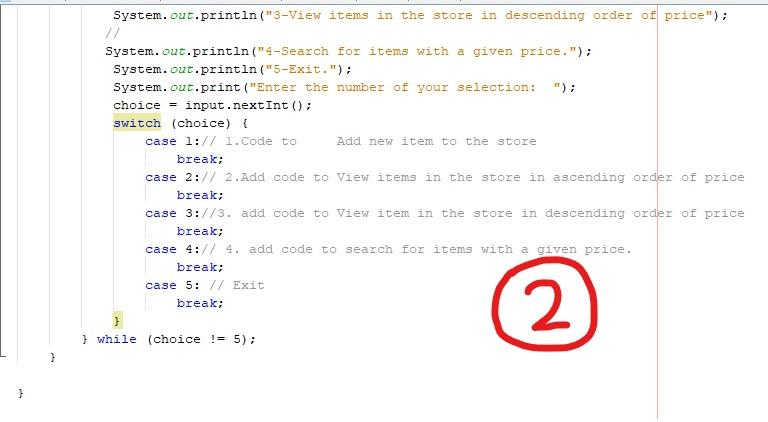
Task 1: Use the expression trees to build a calculator. The user should enter the expression in infix notation. The calculator should support the following: 1- Construct expression tree from infix expression. 2- Print expression using infix notation. 3- Print expression using postfix notation. 4- Print expression using prefix notation. 5- Evaluate expression, assume that all the operands are numbers Task 2: The online store system should enable the user to add a new product to the store, and view the products in the store. The store items should have the following information: id type brand price quantity. The system should create a BST in which each node maintains a product item. The BST is arranged in terms of the price. The system displays a menu with the following options: 1. Add new item to the store 2. View items in the store in ascending order of price 3. View items in the store in descending order of price 4. Search for items with a given price. 5. Exit the system import java.util.*; import java.nio.file. Paths; public class Store { // compalte the code protected String storeName; protected BSTStore bstStore; public Store (String storeName) { this.storeName = storeName; this.bst Store = new BSTStore (); try { readProduct ("Items.txt"); } catch (Exception ex) { System.out.println("Failed to read from the file."); } public class BSTStore { // compalte the code public BSTStore () { } public void insert(int price, Item item) { } } public class Item { // compalte the code // hint :)) // id type brand price quantity. ] public Item (String id, String type, String brand, int quantity, double price) { // compalte the code } } 1 1 import java.util.*; public class StoreMain { public static void main(String[] args) { int choice = 0; String storeName = "test"; Store Storel = new Store (storeName); | Scanner input = new Scanner (System.in); System.out.println("Welcome to the "+ storeName + "store"); do System.out.println(" Would you like to:"); System.out.println("l- Add new Item to your Store"); System.out.println("2-View items in the store in ascending order of price"); System.out.println("3-View items in the store in descending order of price"); // System.out.println("4-Search for items with a given price."); System.out.println("5-Exit."); System.out.print("Enter the number of your selection:"); choice = input.nextInt (); switch (choice) { case 1:// 1. Code to Add new item to the store break; case 2:// 2. Add code to view items in the store in ascending order of price break; case 3://3. add code to view item in the store in descending order of price break; case 4:// 4. add code to search for items with a given price. break; System.out.println("3-View items in the store in descending order of price"); System.out.println("4-Search for items with a given price."); System.out.println("5-Exit."); System.out.print("Enter the number of your selection: choice = input.nextInt(); switch (choice) { case 1://1. Code to Add new item to the store break; case 2:// 2. Add code to view items in the store in ascending order of price break; case 3://3. add code to view item in the store in descending order of price ceak; case 4:// 4. add code to search for items with a given price. break; case 5: // Exit break; 2 } while (choice != 5)
Step by Step Solution
There are 3 Steps involved in it

Get step-by-step solutions from verified subject matter experts
 Study Help